¾ 7-1-21 ¾
Caller-ID Table
(2) To delete the current information (Cont'd)
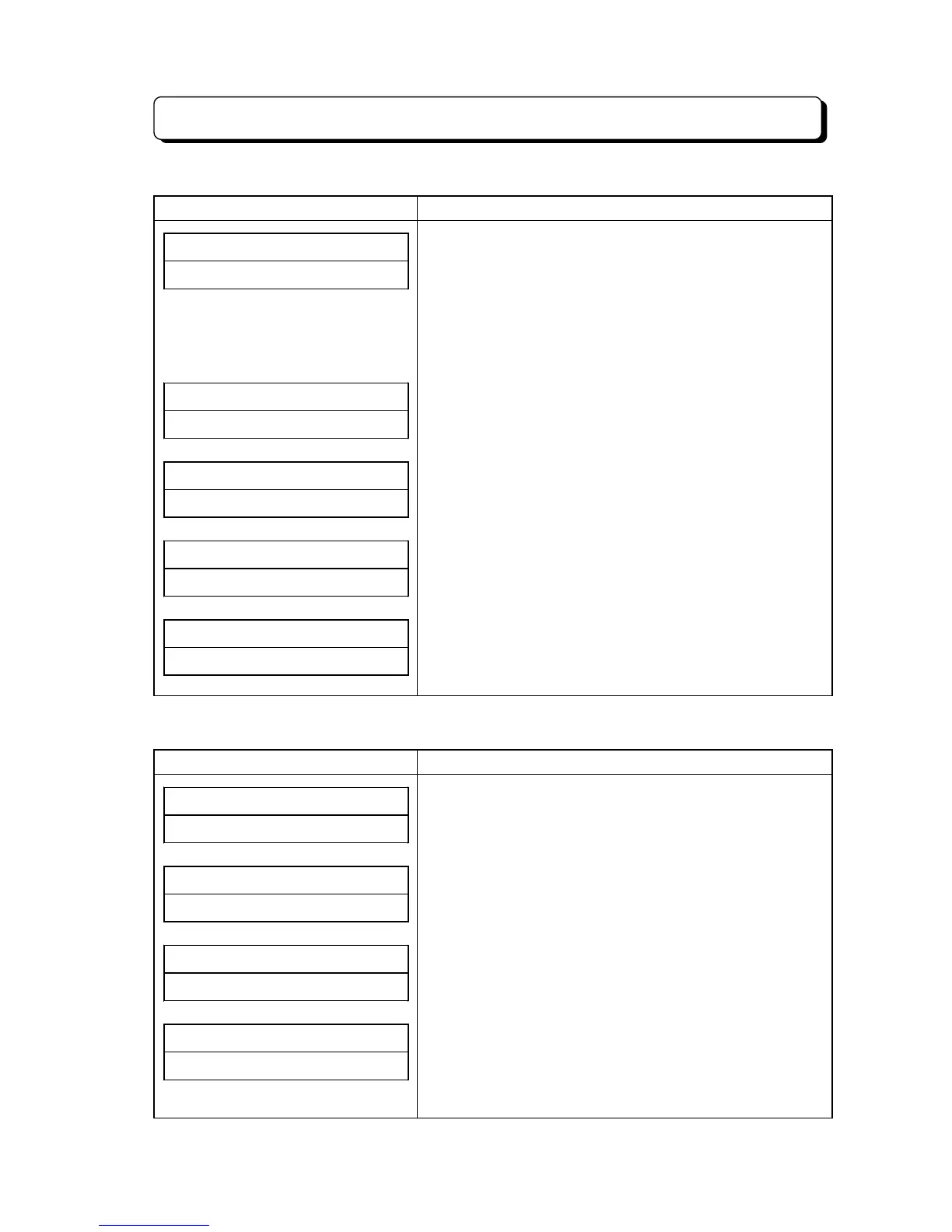
Display Indication Operation and Information
BIN# NO.001######
######0448111111
4. Press
*
key.
(displayed current information)
* If wrong Bin number is entered, the display shall return to
input mode for Bin number.
* If a Telephone Number is stored in Table, it shall be
displayed in lower column.
* If a Telephone Number is not stored in Table, the lower
column shall be displayed as "INPUT TEL NO.".
##SUN# 25# 12:00PM
10##############
* If KTS is not allowed to edit (#61-C) or other KTS is
storing information in same time, Error Tone shall be
heard and return to the idle condition.
BIN# NO.001######
5. Press OPAC key.
(deleted current information)
* Lower column shall be blanked.
BIN# NO.#########
6. Press
*
key. (delete completed)
* This is as same condition as at step 2.
Next information can be entered, if necessary.
##SUN# 25# 12:00PM
10##############
7. Press CLEAR key. (operation finished)
(3) To make the outgoing call by using Bin Number
Display Indication Operation and Information
##SUN# 25# 12:00PM
10##############
(Caller-ID information has already stored to the table.)
BIN# NO.#########
1. Press OPAC key. (On-Hook condition)
2. Dial 91.
BIN# NO.001######
3. Dial 001. (up to 100)
BIN# NO.001######
######0448111111
4. Press Line key or Loop key.
(current information is displayed)
* Send the dial automatically according to displayed Bin No.
area.
* If wrong Bin Number is entered, step-4 shall be canceled.



 To Next Page