¾
3-1-9
¾
Installation of 3DHEXU
2. Adjust the audio level with VR3 on the 3DHEXU unit for Doorphone Box 1 or VR4 for Doorphone
Box 2.
Note:
The relay contacts RL1 and RL2 can be used as Door Unlock device control. The device
must be connected to these contacts. (See Program No.56)
This section provides information on the installation of external devices to the external zone.
A zone can receive Trunk Audible and Paging. Speaker can be used to broadcast these signals at the
zone. External page zone can be used to provide Meet-Me Paging. External zone has normally open
contact. A relay for zone is energized when Paging amplifier is in use, including Trunk audible.
Specifications:
Ÿ Output Impedance: 600 ohms
Ÿ Output Level: Nominal 250 mV (-10 dBm)
Ÿ Maximum Output: 400 mV RMS
Ÿ Relay Contact: 1.25 amps for 24 V DC resistive loads
1. Connect wires from the connector on the 3DHEXU unit labeled SPK to an amplifier for External
zone. The amplifier input must match the specifications above. Attach the speaker to your
amplifier.
2. Connect wires from the connector on the 3DHEXU unit labeled CTR to the device for External
Zone.
3. Adjust the volume level of External Zone with VR1 on the 3DHEXU unit.
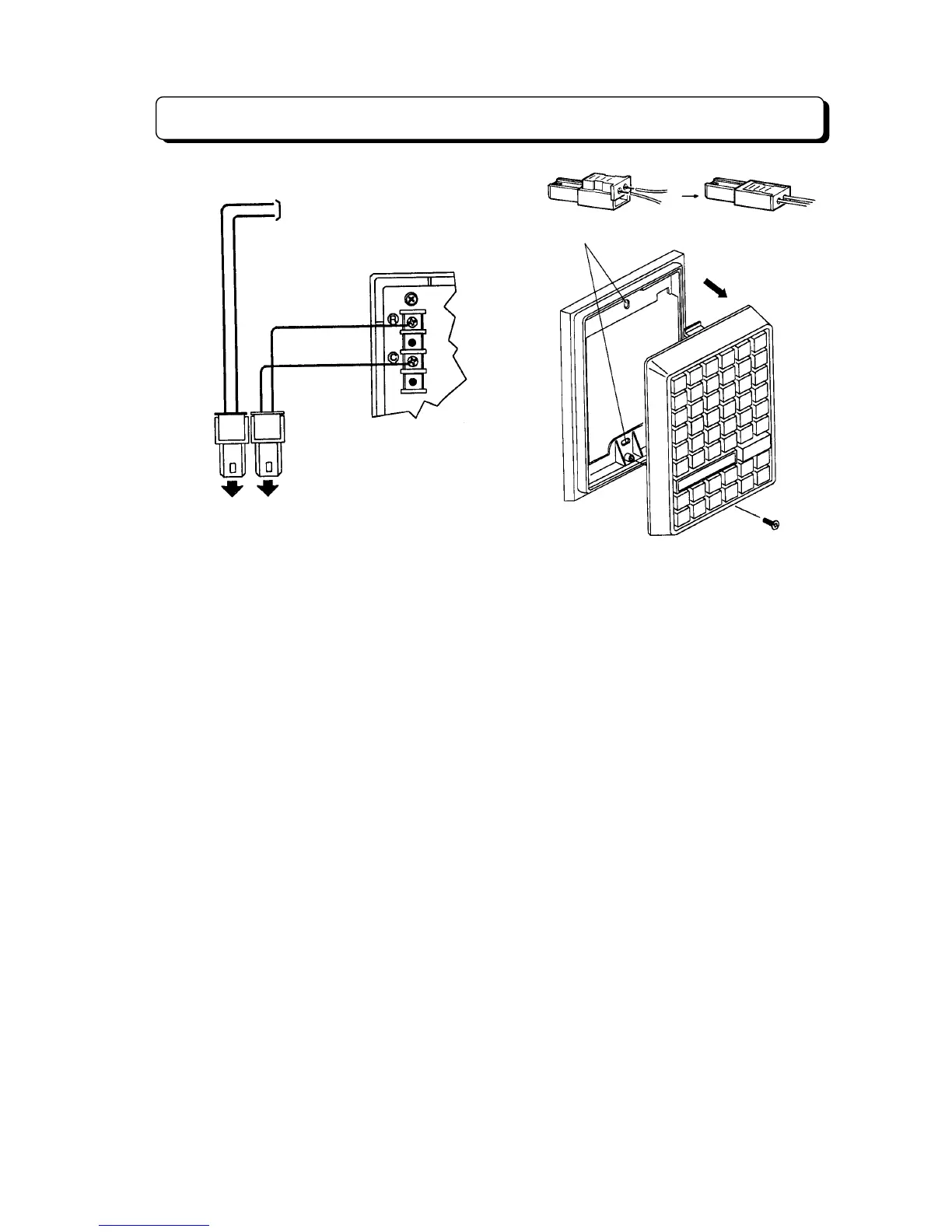
Holes for screws
Rear view left side
To doorphone box 1
DH1 DH2



 To Next Page