3
Basic copy operations
3-28 CS193/CS173/CS163
3.4.7 To select a Binding Position setting
1 Position the original to be copied.
– For details on positioning the original, refer to "Feeding the original" on page 3-8.
– When loading an original with a binding margin, position the top of the original toward the back of
the machine.
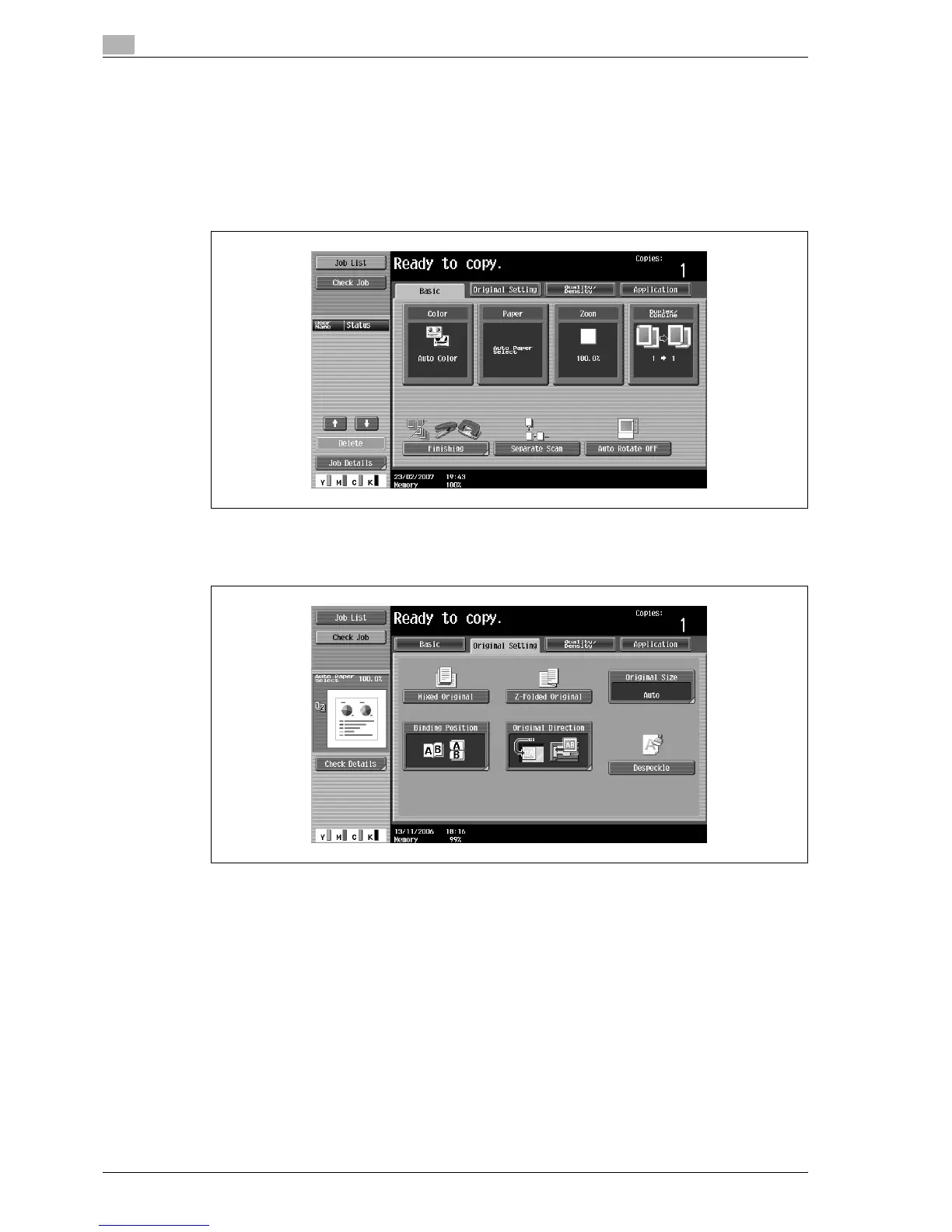
2 In the Basic screen, touch [Original Setting].
The Original Setting screen appears.
3 Touch [Binding Position].
The Binding Position screen appears.



 To Next Page