4
Additional copy operations
4-28 CS193/CS173/CS163
4.7.6 Setting the "Enlarge Display Mode Confirmation" function
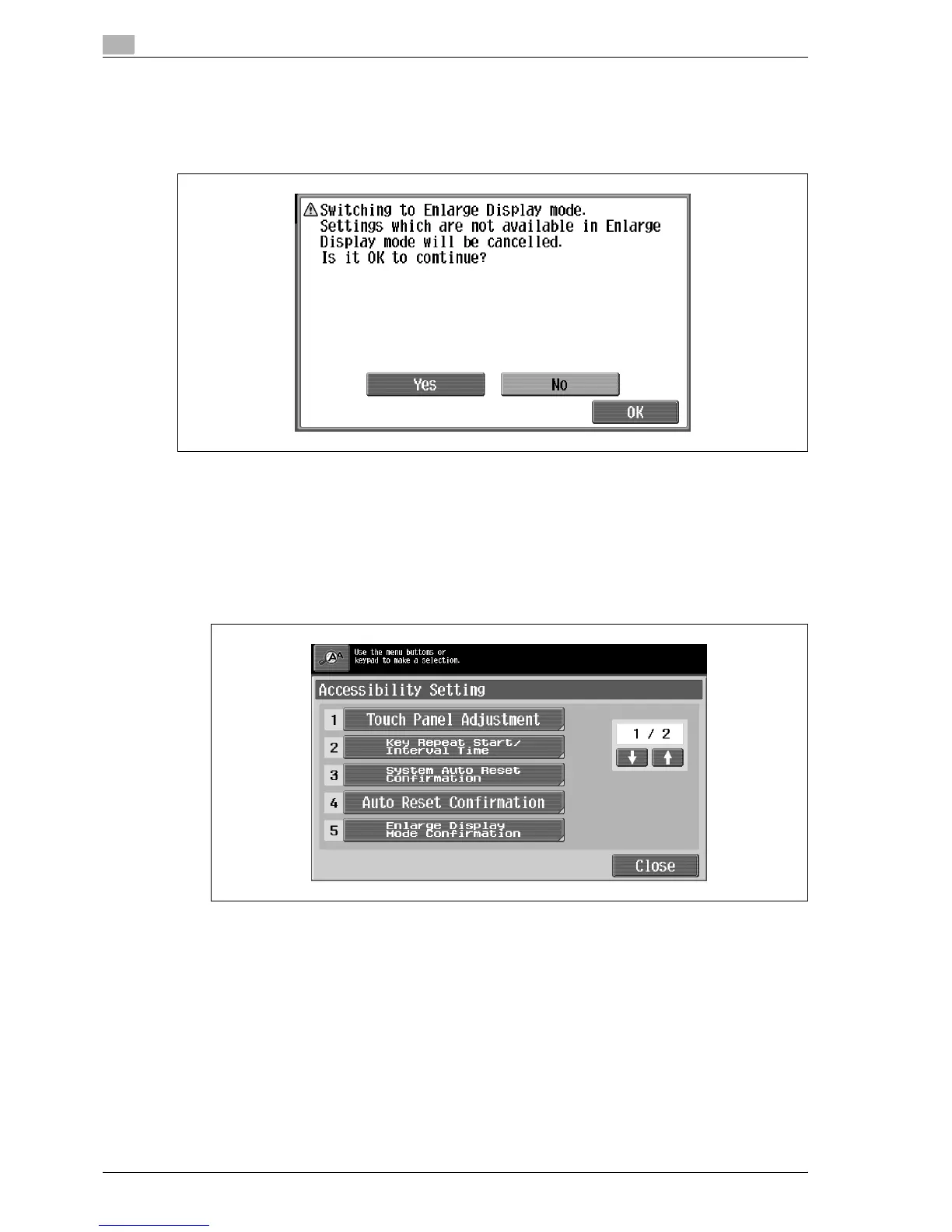
When the [Enlarge Display] key is pressed to change the display of the screen, a message can be displayed,
requesting confirmation to cancel the settings that cannot be specified in Enlarge Display mode.
As the factory default, "OFF" is selected.
Yes: The settings that cannot be displayed are cancelled, and the Enlarge Display mode is entered.
No: The Enlarge Display mode is not entered.
1 Display the Accessibility Setting screen.
– For details on displaying the Accessibility Setting screen, refer to "Displaying the Accessibility
Setting screen" on page 4-21.
2 Touch [Enlarge Display Mode Confirmation] or press the [5] key in the keypad.
The Enlarge Display Mode Confirmation screen appears



 To Next Page