4
Additional copy operations
4-14 CS193/CS173/CS163
4.5 Copying with programmed copy settings (Mode Memory)
Programmed copy settings can be recalled to be used again for copying.
1 Position the original to be copied.
– For details on positioning the original, refer to "Feeding the original" on page 3-8.
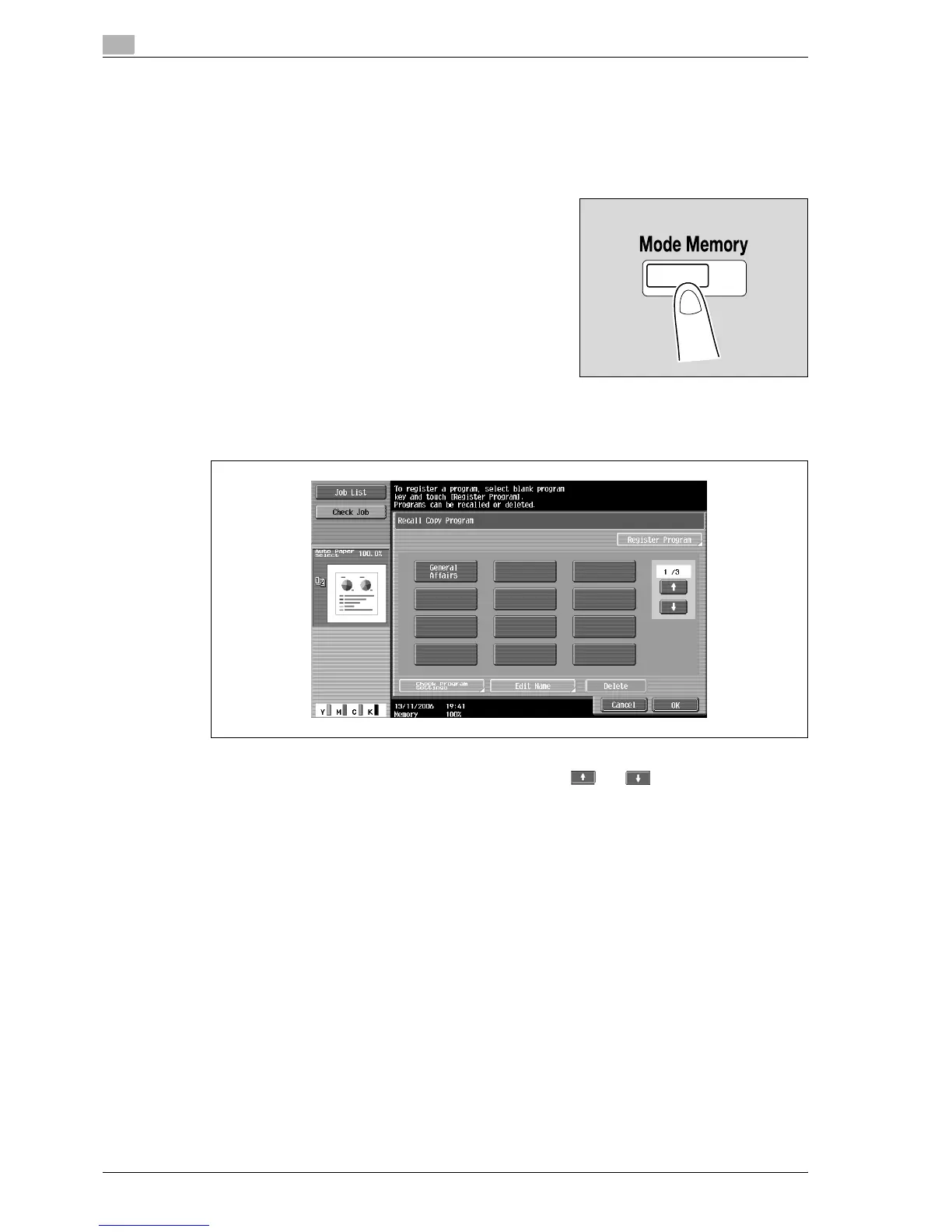
2 Press the [Mode Memory] key.
The Recall Copy Program screen appears.
3 Touch the button for the copy program registered with the copy settings to be recalled.
– If the copy settings in the selected copy program are not to be checked, continue with step 8.
– If the copy program to be recalled is not displayed, touch and until the desired copy
program is displayed.



 To Next Page