CS193/CS173/CS163 12-47
Utility mode
12
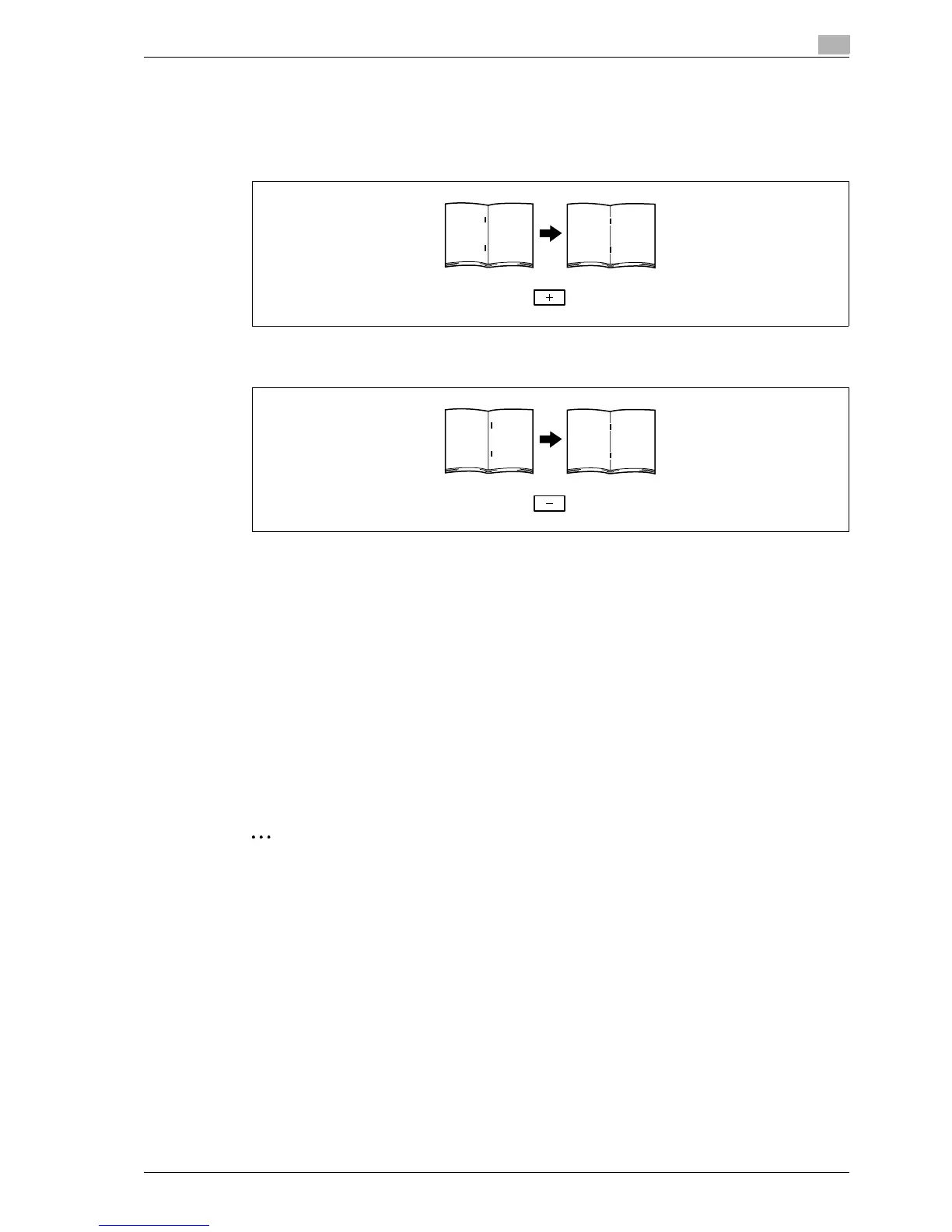
7 Compare the width of the left pages of the copy sample with the width of the right pages to check for
the center of the paper.
– If the staple position is too far to the left of the center of the paper, touch [+] to increase the
adjustment (between 1 and 10).
– Each time [+] or [-] is touched, the value is increased or decreased by one increment.
– If the staple position is too far to the right of the center of the paper, touch [-] to reduce the
adjustment (between -1 and -10).
8 Touch [OK].
– To cancel the setting and select the default, press the [Reset] key.
The stapling position is adjusted.
If the stapling position was at the center of the paper in step 7, this completes the procedure.
9 Use the "Center Staple & Fold" setting to print another sample copy.
10 Check the print result.
– Check that the stapling position is adjusted to the center of the paper.
– If more adjustment is necessary, repeat steps 6 through 9.
12.8.2 Half-Fold Position
The folding position when printing with the "Half-Fold" setting can be adjusted for each paper size and for
each paper type.
2
Note
[Half-Fold Position] does not appear if optional finisher and saddle stitcher are not installed.
If the angle of the center folding position must be adjusted, contact your service representative.
!
Detail
For details on the "Center Staple & Fold" setting, refer to "Binding copies at the center ("Center Staple
& Fold" setting)" on page 3-79.
0 Before making any adjustments, use the "Half-Fold" setting to print a single sample copy. Perform the
adjustment while checking the sample that was created.
1 Display the Administrator Settings screen.
– For details on displaying the Administrator Settings screen, refer to "Displaying the Administrator
Settings screen" on page 12-37.



 To Next Page