CS193/CS173/CS163 7-19
Copy paper/originals
7
7.2.7 Printing double-sided copies manually
The "2nd Side" setting is used to print double-sided copies on paper that cannot be fed through the
automatic duplex unit.
The paper to be used for printing the second side can be loaded into the bypass tray.
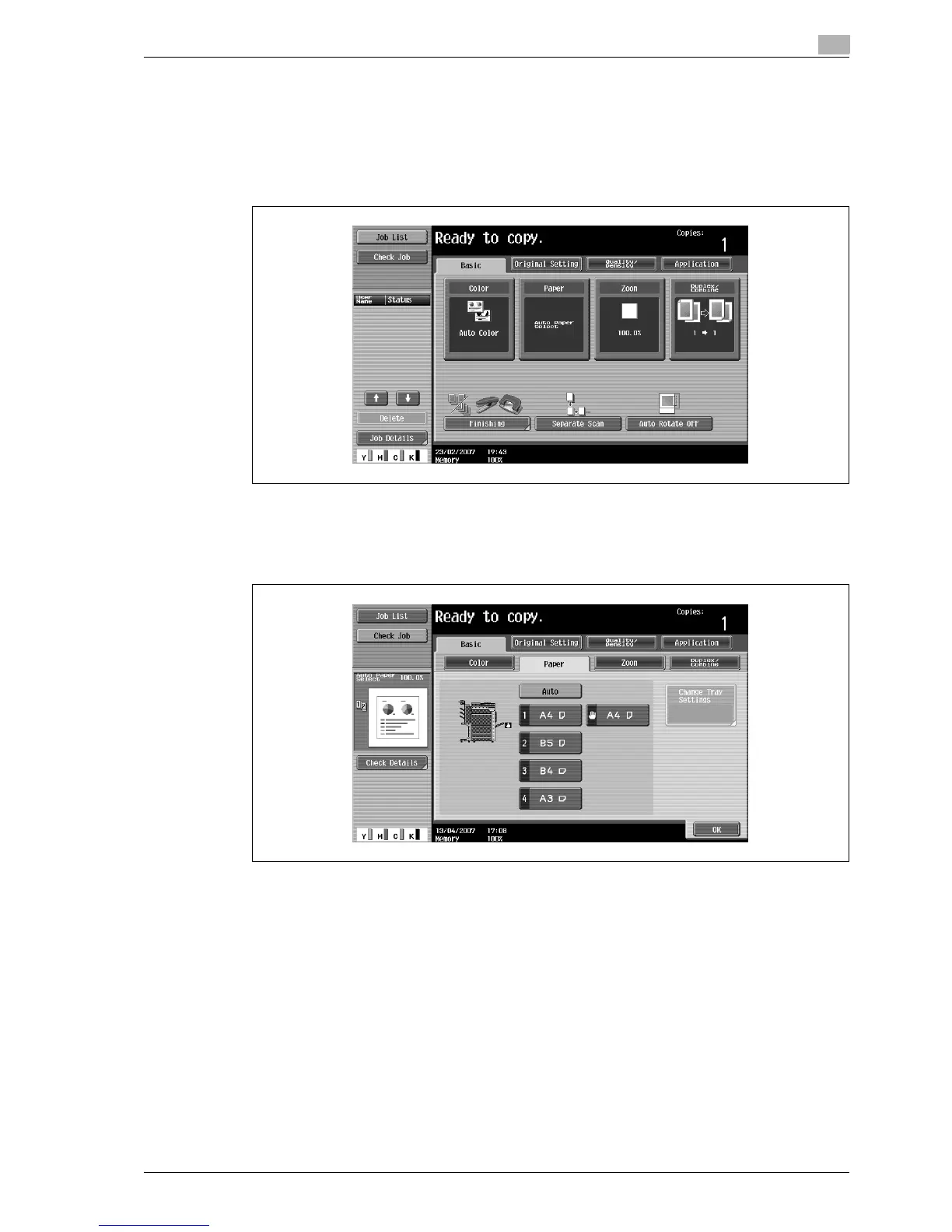
1 In the Basic screen, touch [Paper].
The Paper screen appears.
2 Touch the button for the bypass tray.
– A paper tray set to "2nd Side" is not selected when the "Auto" Paper setting is selected.
3 Touch [Change Tray Settings].



 To Next Page