CS193/CS173/CS163 8-43
Application functions
8
8.9 Copying in a mirror image ("Mirror Image" function)
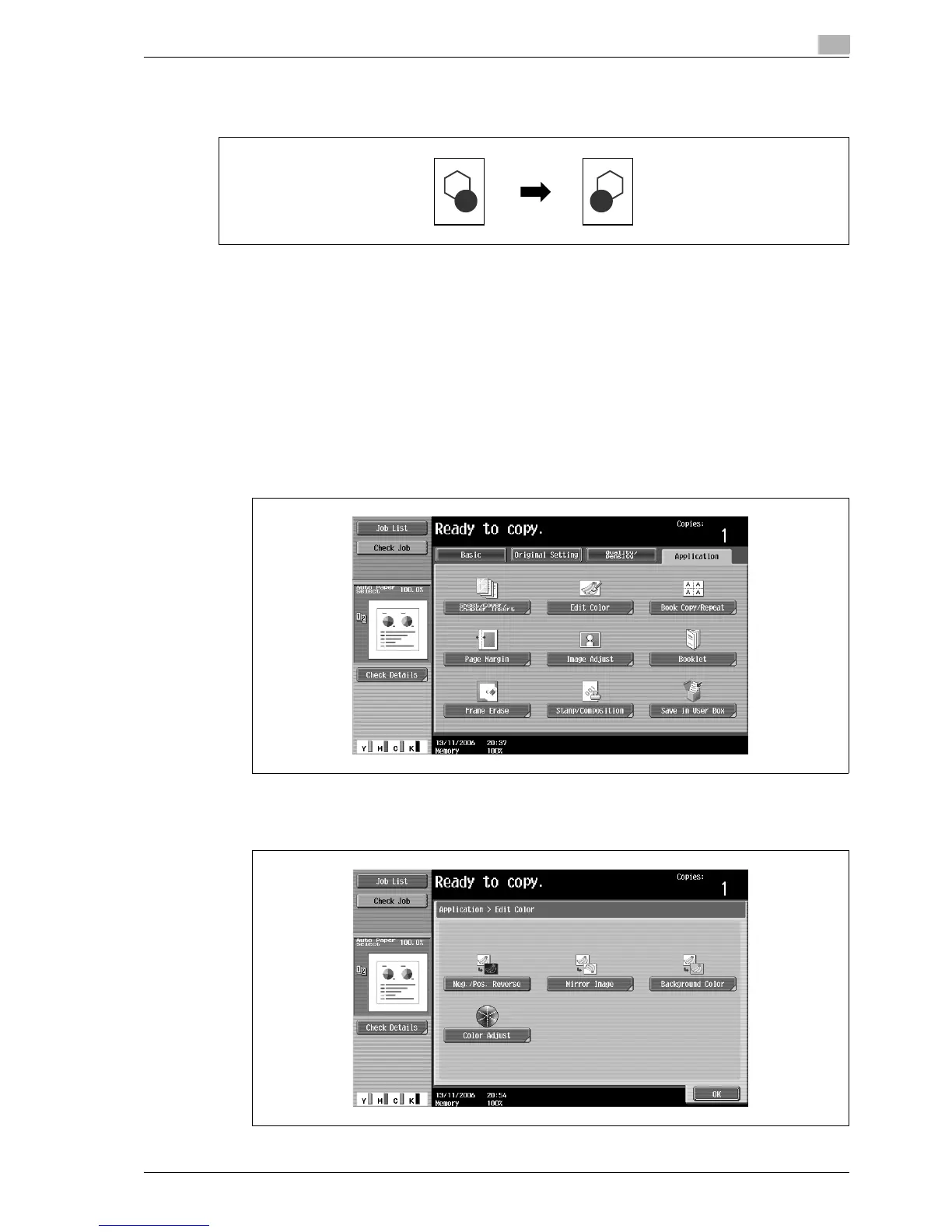
A copy can be printed in the mirror image of the original.
!
Detail
The mirror image is created by flipping the image along an axis that passes through the original length.
For details on which dimension is considered the original length, refer to "Descriptions of originals and
paper" on page 1-11.
1 Position the original to be copied.
– For details on positioning the original, refer to "Feeding the original" on page 3-8.
2 Touch [Application], and then touch [Edit Color].
– To cancel changes to the settings for all Application functions, press the [Reset] key. All changes to
the settings are canceled.
The Edit Color screen appears.
3 Touch [Mirror Image].



 To Next Page