2
Before making copies
2-24 CS193/CS173/CS163
2.3.2 Scanning during warm-up
1 Press the [Power] (auxiliary power) key.
– For details on turning on the machine, refer to "Turning off the machine" on page 2-25.
The indicator on the [Start] key lights up in orange.
After the warm-up message is displayed, the Basic screen appears. The indicator on the [Start] key
lights up in blue.
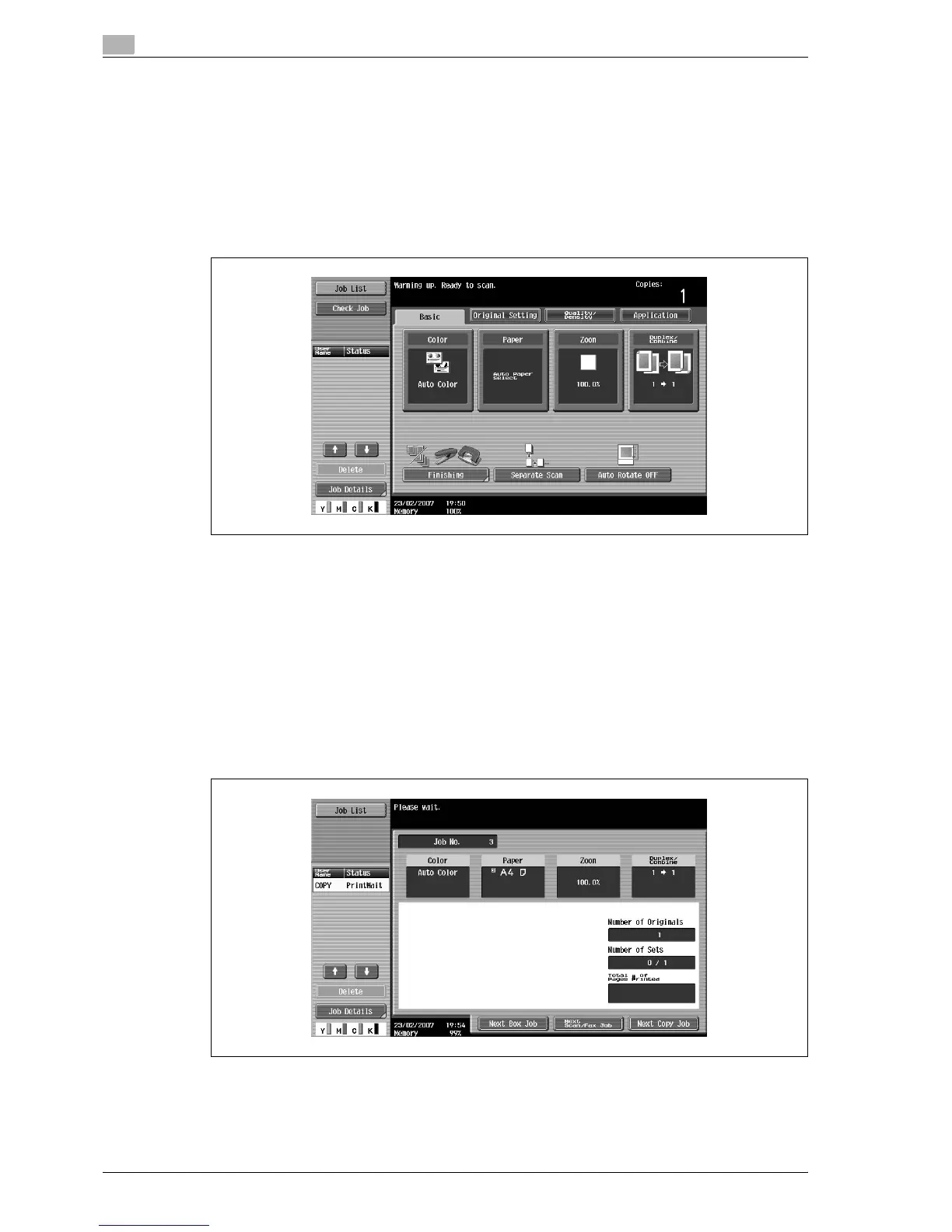
2 Check that the message "Warming up. Ready to scan." appears on the touch panel.
3 Position the original to be copied.
– For details on positioning the original, refer to "Feeding the original" on page 3-8.
4 Specify any other desired copy settings.
5 Using the keypad, specify the desired number of copies.
– For details on specifying the number of copies, refer to "General copy operation" on page 3-3.
6 Press the [Start] key.
The original is scanned, and the job is added to the list of queued jobs.
– If the "Copy Operating Screen" parameter in Utility mode was set to "Yes", touch [Next Copy Job]
to display the Basic screen.



 To Next Page