12
Utility mode
12-10 CS193/CS173/CS163
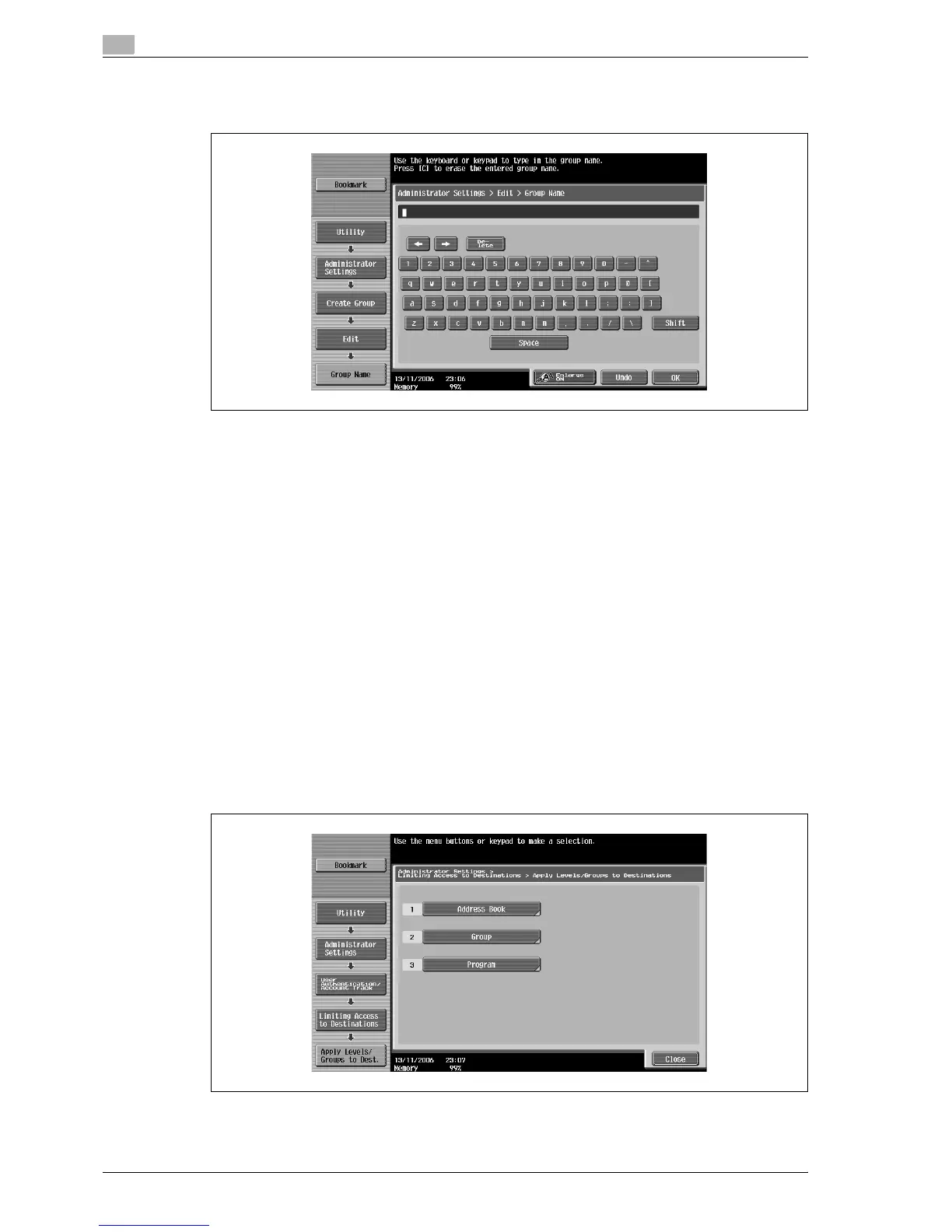
7 Type in the group name (up to 64 characters), and then touch [OK].
The group name is specified.
8 Select the desired access permission level.
The access permission level for the group is specified.
9 Touch [OK].
Specifying a destination level
1 Display the Administrator Settings screen.
– For details on displaying the Administrator Settings screen, refer to "Displaying the Administrator
Settings screen" on page 12-37.
2 Touch [4 User Authentication/Account Track].
The User Authentication/Account Track screen appears.
3 Touch [7 Limiting Access to Destinations].
The Limiting Access to Destinations screen appears.
4 Touch [2 Apply Levels/Groups to Destinations].
The Apply Levels/Groups to Destinations screen appears.
5 Touch the button for the desired destination.



 To Next Page