CS193/CS173/CS163 4-19
Additional copy operations
4
4.6.2 Displaying main Help screens
As an example, the following procedures describe the Help screens that are displayed for copy operations
by using "Function".
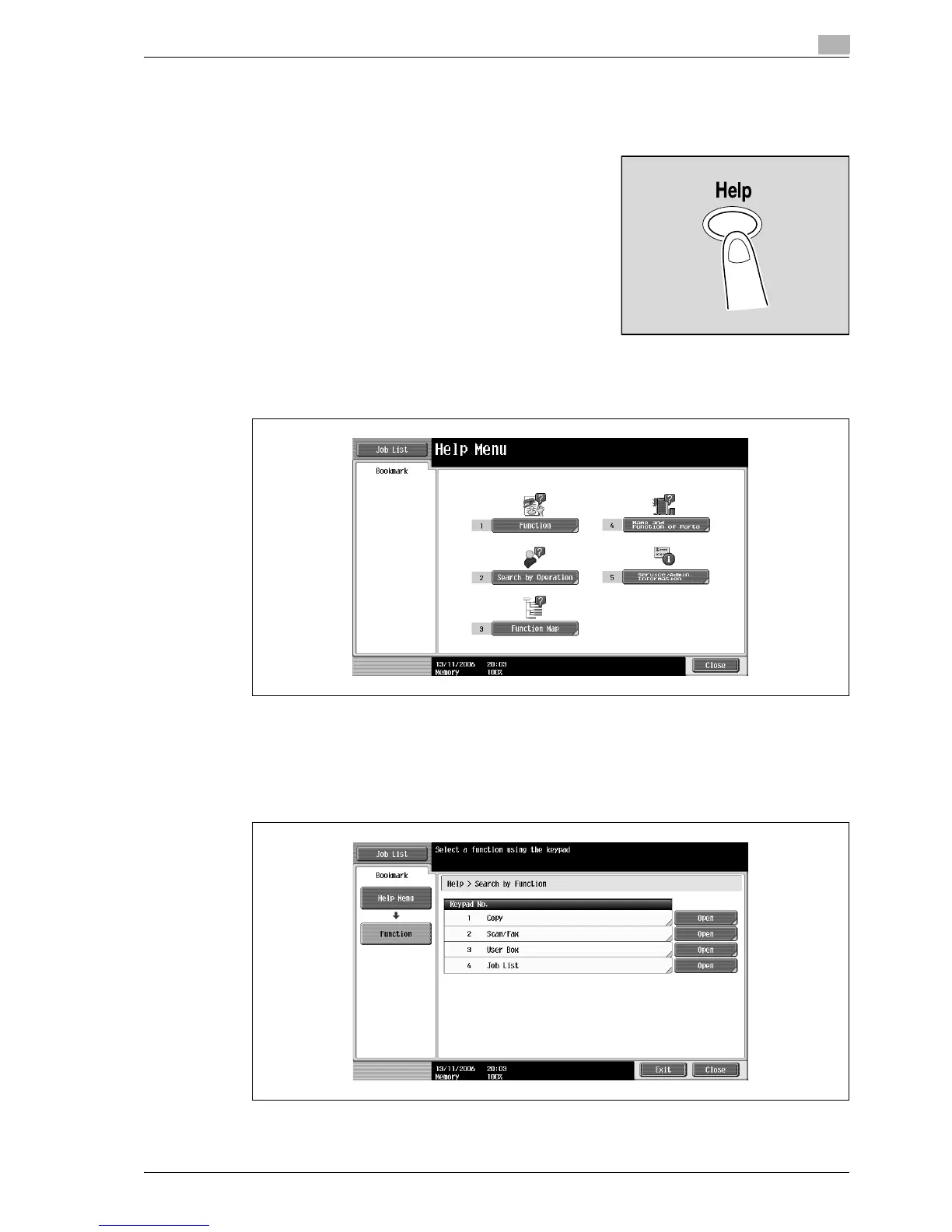
1 With the Basic screen displayed, press the [Help] key.
The Help Menu screen appears.
2 Touch [Function] or press the [1] key in the keypad.
The Help screen for "Function" appears.
?
Is there more information about the buttons of the Help screens?
% Refer to "Overview of Help screens" on page 4-16.
3 Touch [Copy] or [Open], or press the [1] key in the keypad.
The Copy Help screen appears.



 To Next Page