CS193/CS173/CS163 4-13
Additional copy operations
4
4.4.1 Deleting a copy program
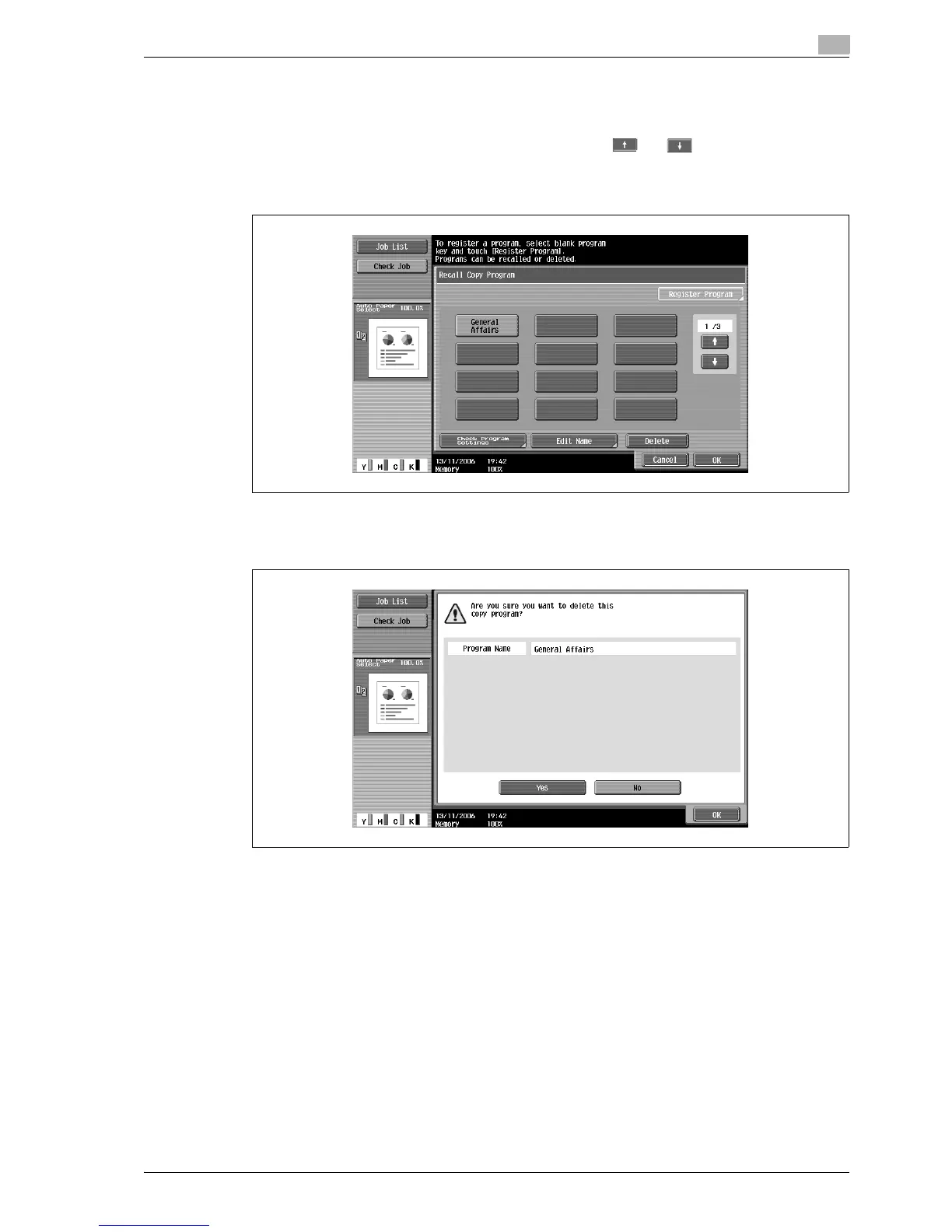
1 In the Recall Copy Program screen, touch the button for the copy program to be deleted.
– If the copy program to be recalled is not displayed, touch and until the desired copy
program is displayed.
2 Touch [Delete].
A message appears, requesting confirmation to delete the copy program.
3 Touch [Yes], and then touch [OK].
The Recall Copy Program screen appears again. The copy settings registered in the copy program are
erased.



 To Next Page