CS193/CS173/CS163 12-59
Utility mode
12
12.12 Authentication Method
Specify user authentication and account track settings in order to control the use of this machine.
User authentication settings are specified to manage individuals, and account track settings are specified to
manage groups and multiple users.
By specifying both user authentication and account track settings, the number of prints made by each
account can be managed for each individual user.
2
Note
A total of 1,000 users and accounts can be registered on this machine.
If an authentication mode is set, the authentication screen is displayed while this machine is in standby.
In order to use this machine when user authentication or account track settings are specified, the user
name and password must be entered. For details, refer to "Controlling each user’s use of this machine
(User Authentication)" on page 2-31.
User authentication and account track can be specified without synchronizing.
12.12.1 User authentication and account track
User authentication and account track can be used to specify the following settings.
- User Authentication
– Limits on the available functions (copy operations, scanning operations, fax operations, printing,
document storing operations, transmitted document printing and saving document to the external
memory)
– Counters for printing/scanning by each user
– Limits on using color or black printing and on the number of copies that can be set
– Management of group user boxes and personal user boxes for each owner
– Management of the level and the group with permissions to access destinations by each owner
– Delete jobs of other users
- Account Track
– Counters for printing/scanning from each account
– Limits on using color or black printing and on the number of copies that can be set
– Operates the group box
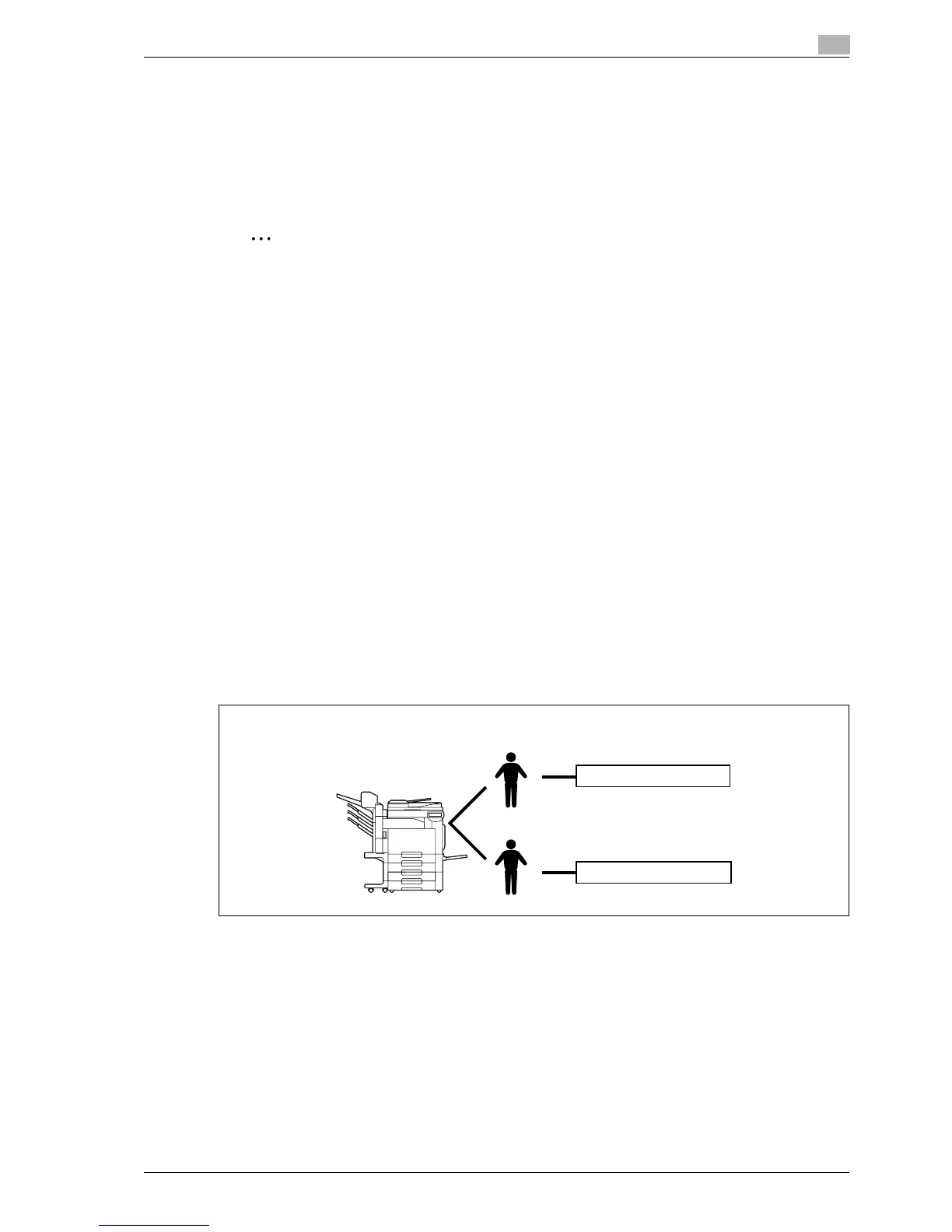
12.12.2 When user authentication and account track are synchronized
This setup is used when the machine is used by multiple departments and the use by each employee is
managed by each department. With this setup, statistics can be maintained on each employee (each user)
and on each department (each account).
To manage the use of this machine in this way, specify the following authentication settings.
User 1
User 2
Account
Group A
Group B



 To Next Page