12
Utility mode
12-60 CS193/CS173/CS163
2
Note
For details on external server authentication, refer to the User manual
–
Network Administrator.
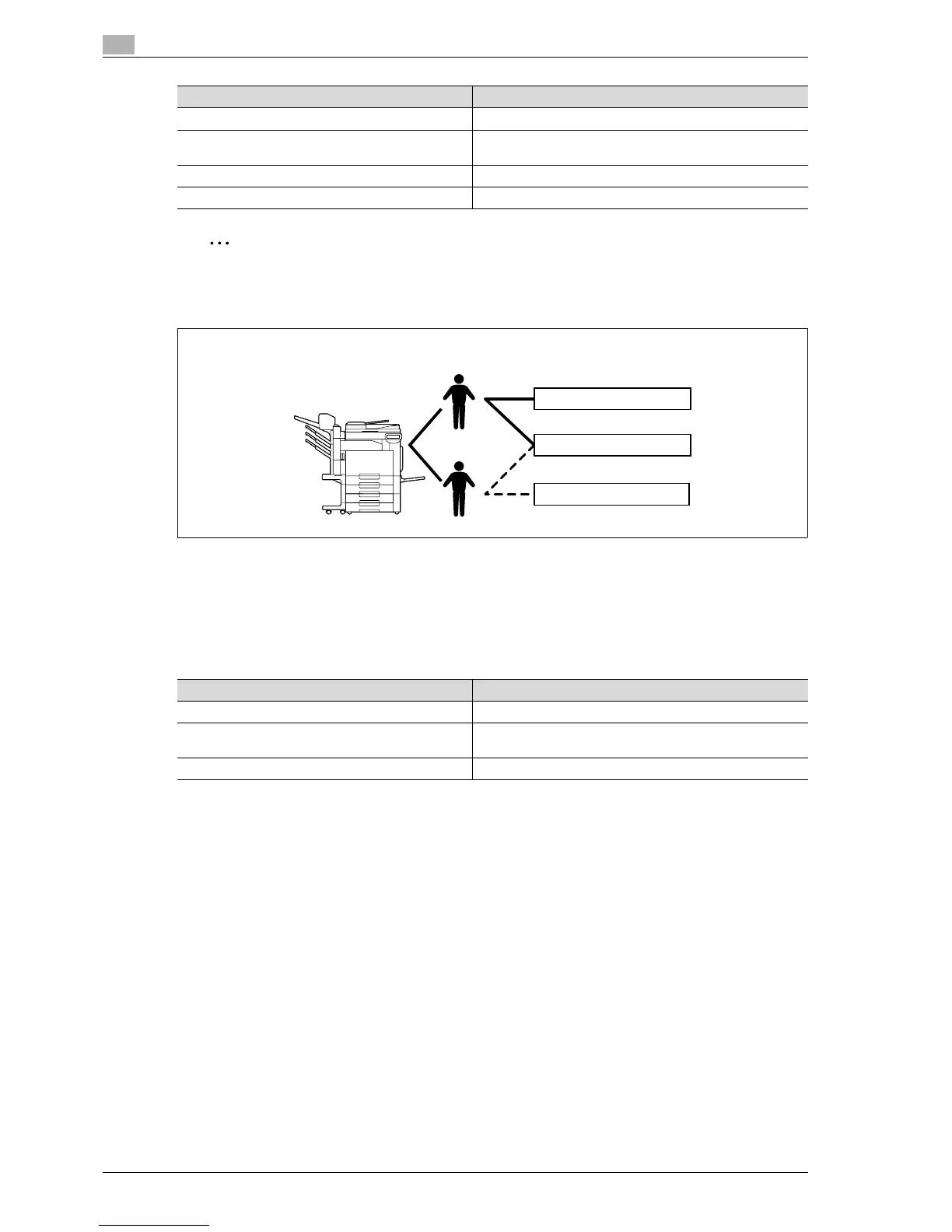
12.12.3 When user authentication and account track are used separately
This setup is used when the machine is used by multiple employees with each employee performing multiple
duties, which are to be totaled separately. With this setup, statistics can be maintained for each employee
(each user) and on each duty of the employee (each account). In addition, totals can be maintained on each
employee (each user) and each duty (each account) even if the same duty is performed by two different
employees.
To manage the use of this machine in this way, specify the following authentication settings.
Parameter on Authentication Method screen Settings
User Authentication Select "ON (External Server)" or "ON (MFP)".
Account Track Select "ON", and then specify the account name and pass-
word.
Synchronize User Authentication & Account Track Select "Synchronize".
Account Name (on User Registration screen) Select an account name if "ON (MFP)" was selected.
User 1
User 2
Account
Group A
Group B
Group C
Parameter on Authentication Method screen Settings
User Authentication Select "ON (External Server)" or "ON (MFP)".
Account Track Select "ON", and then specify the account name and pass-
word.
Synchronize User Authentication & Account Track Select "Do Not Synchronize".



 To Next Page