2
Before making copies
2-42 CS193/CS173/CS163
When "Card Authentication + Password" has been specified
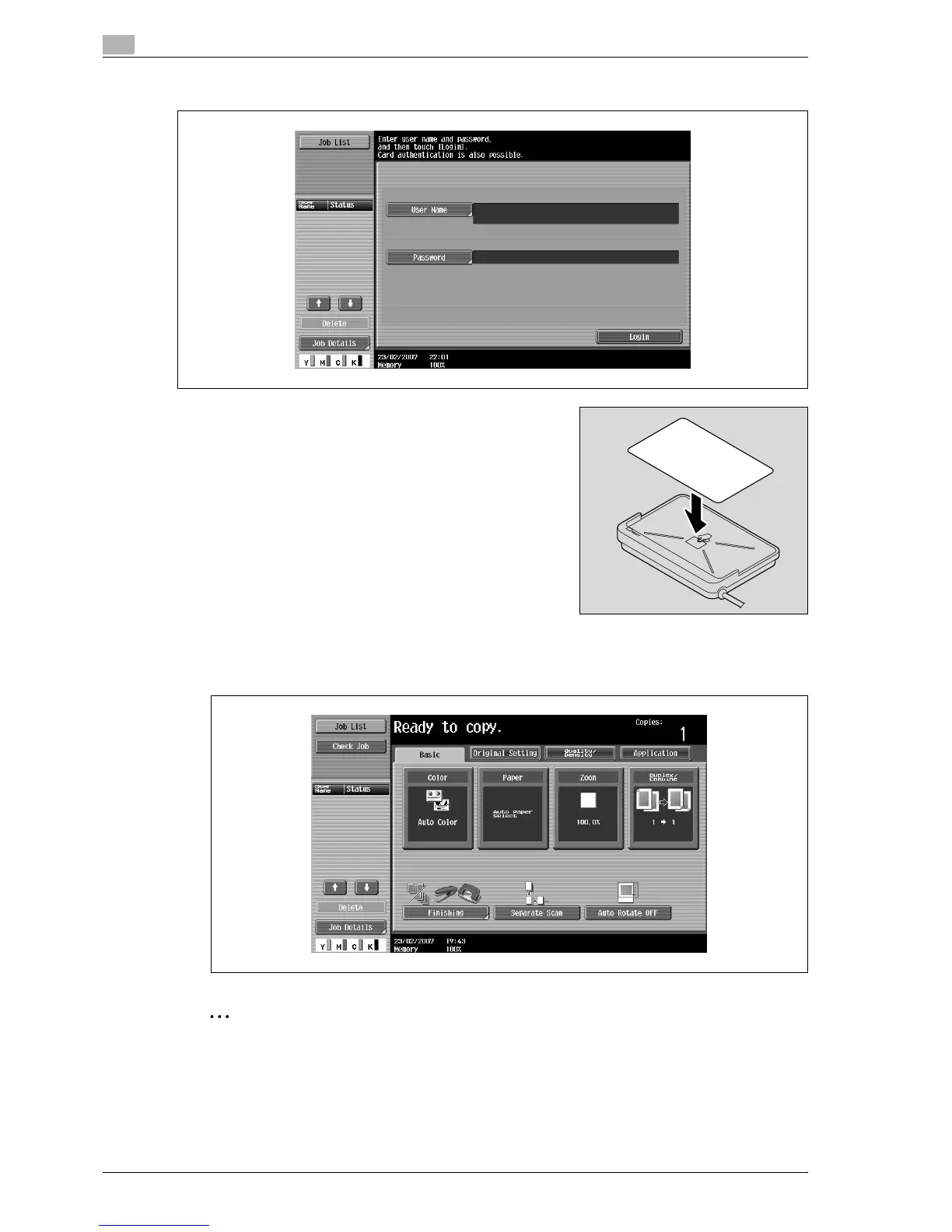
1 Place the IC card horizontally on the card scanning area of the
authentication unit (IC card type).
2 Type in the password and then touch [Login] or press the [Access] key.
The Basic screen appears.
2
Note
If the authentication unit (IC card type) cannot be used, it is possible to use this machine by entering a
user name and password.



 To Next Page