9
Replacing toner cartridges and staple cartridges and emptying punch scrap box
9-22 CS193/CS173/CS163
9.5 Emptying the punch scrap box
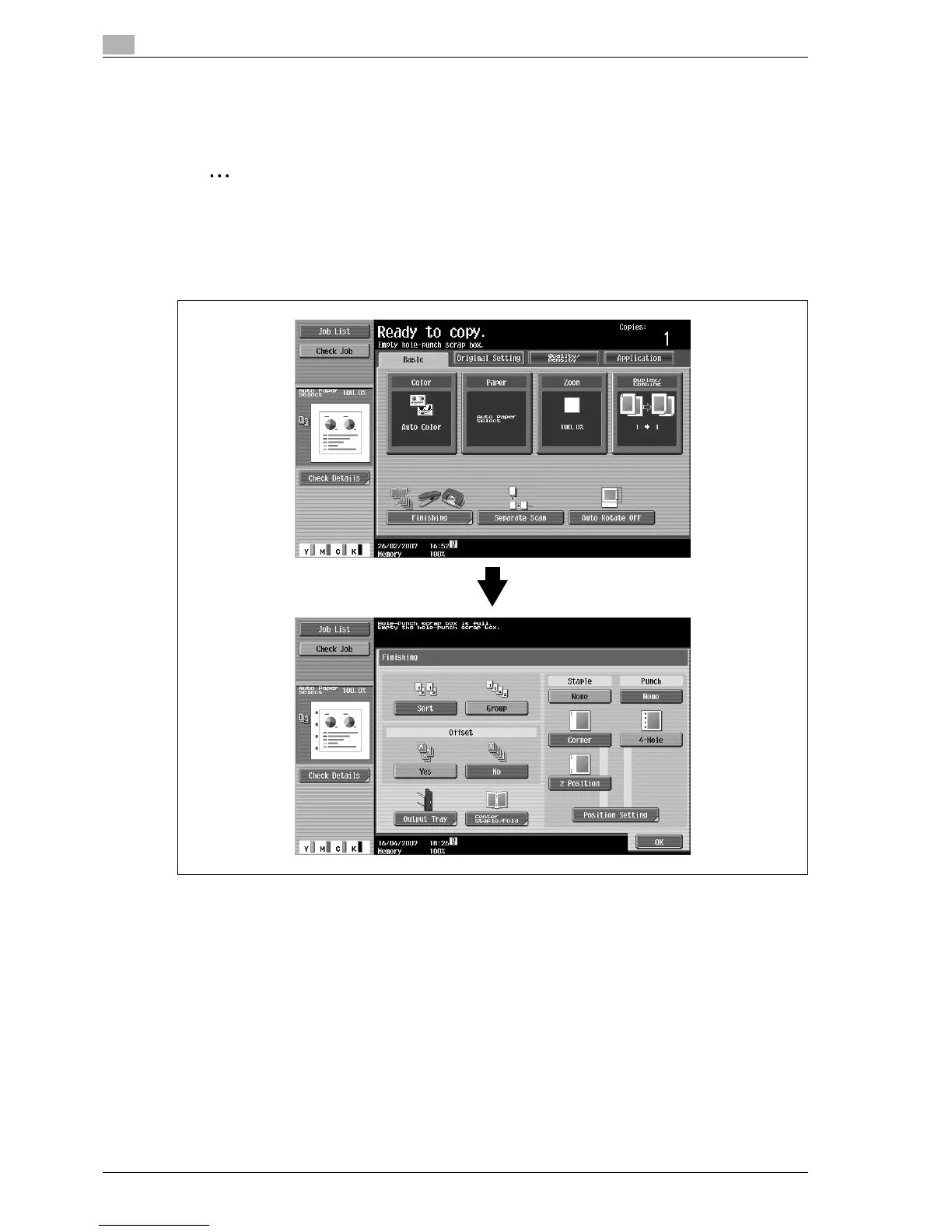
If the punch scrap box in the punch kit installed on the finisher becomes full, the message shown below
appears (if the box can be emptied by the user).
2
Note
The setting for emptying the punch scrap box should be specified by the service representative. For
details, contact the service representative.
The default setting is "Service". If a message appears, immediately contact the service representative.
Screen when a Punch setting is selected



 To Next Page