CS193/CS173/CS163 12-73
Utility mode
12
12.14 Account Track Setting
12.14.1 Account Track Registration
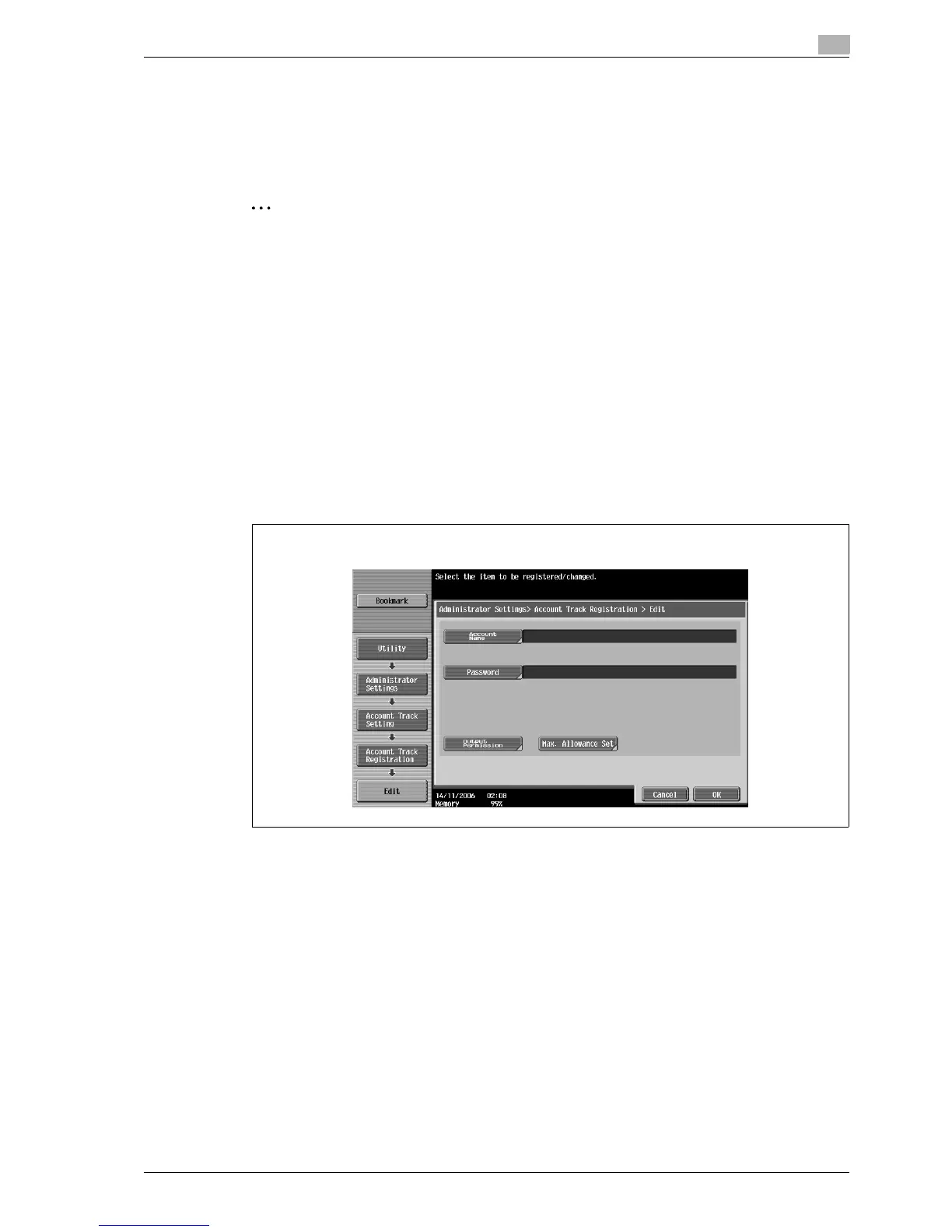
The password, printing permissions, and number of prints allowed can be specified for each account using
this machine.
2
Note
A total of 1,000 users and accounts can be registered on this machine.
1 Display the Administrator Settings screen.
– For details on displaying the Administrator Settings screen, refer to "Displaying the Administrator
Settings screen" on page 12-37.
2 Touch [4 User Authentication/Account Track].
The User Authentication/Account Track screen appears.
3 Touch [3 Account Track Settings].
The Account Track Setting screen appears.
4 Touch [1 Account Track Registration].
5 Touch the button for the desired account, and then touch [OK].
The Edit screen for the account appears.
If "Account Name & Password" was selected:



 To Next Page