CS193/CS173/CS163 5-13
Troubleshooting
5
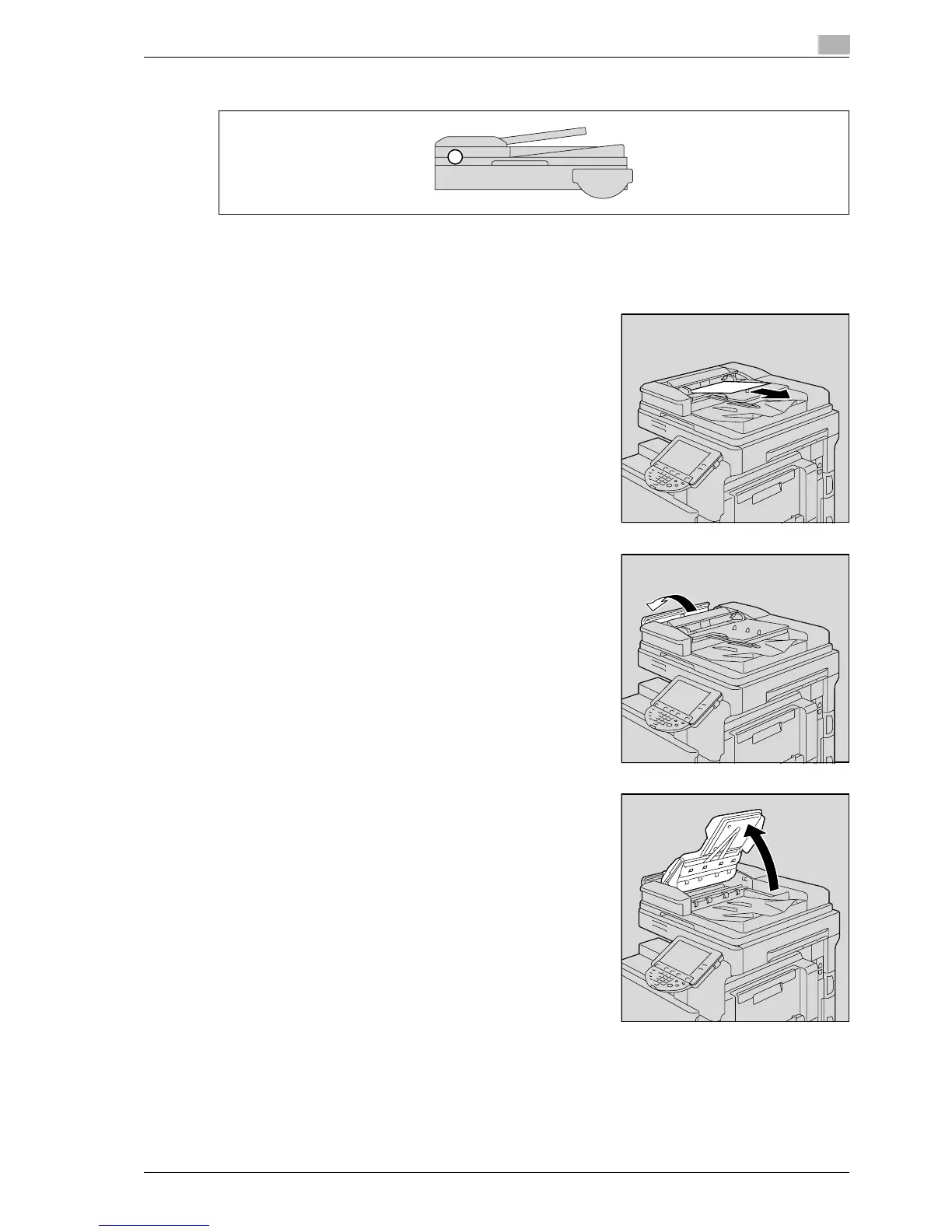
5.2.5 Clearing a paper misfeed in the ADF (scanning section)
!
Detail
For details on the positions of paper misfeeds, refer to "Paper misfeed indications" on page 5-6.
1 Remove all original pages remaining in the original feed tray.
2 Open the left-side cover.
3 Raise the original feed tray as far as possible.



 To Next Page