3
Basic copy operations
3-38 CS193/CS173/CS163
3.6.1 Automatically selecting the paper size ("Auto" Paper setting)
The size of the loaded original is detected, and copies are produced using paper of the same size.
If the "Full Size" Zoom setting was specified, paper of the same size as the original is selected.
If the zoom ratio was increased or decreased, a paper size that corresponds to the specified zoom ratio is
automatically selected.
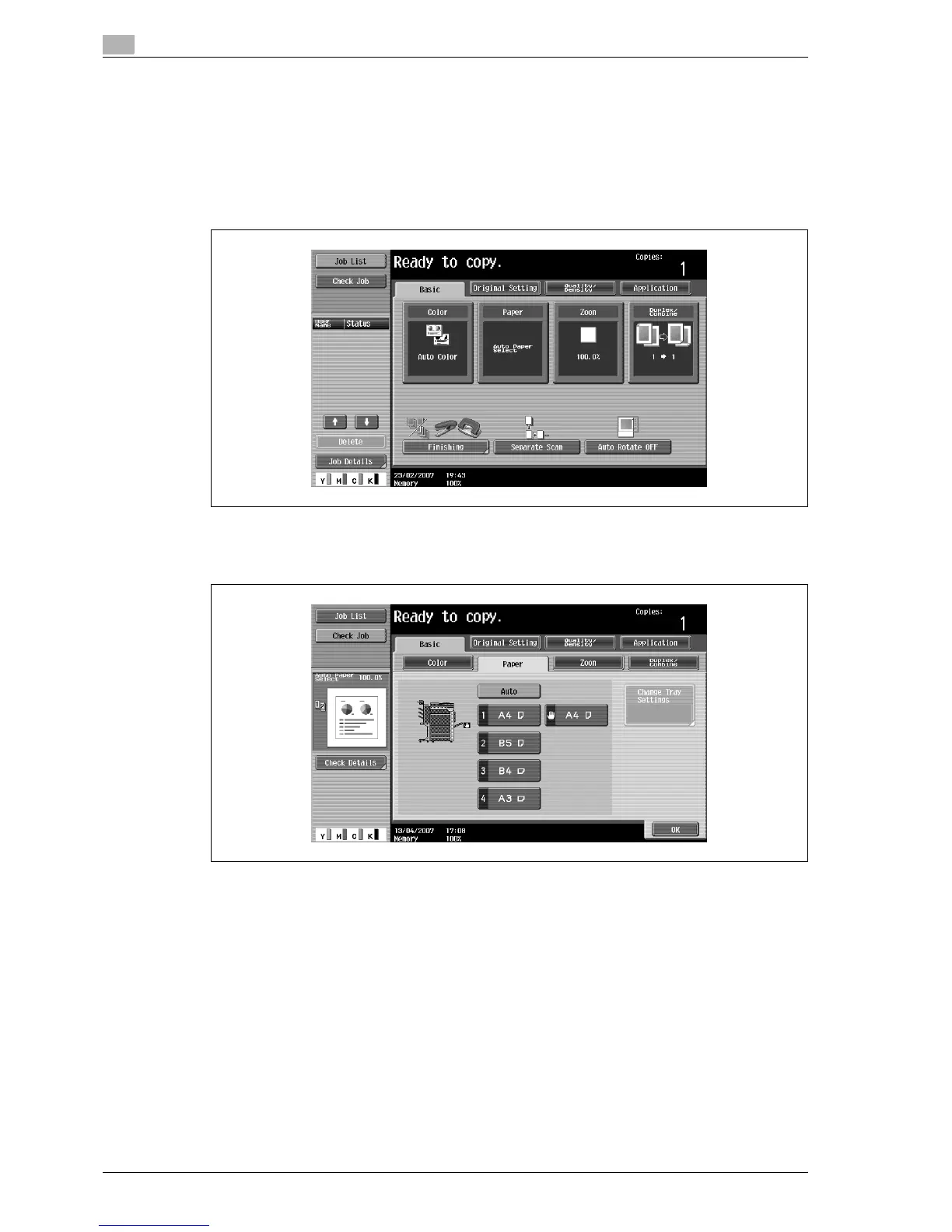
1 In the Basic screen, touch [Paper].
The Paper screen appears.
2 Touch [Auto].
3 Touch [OK].
The Basic screen appears again.



 To Next Page