8
Application functions
8-106 CS193/CS173/CS163
8.20.7 Saving a scanned image as a registered overlay ("Overlay" function)
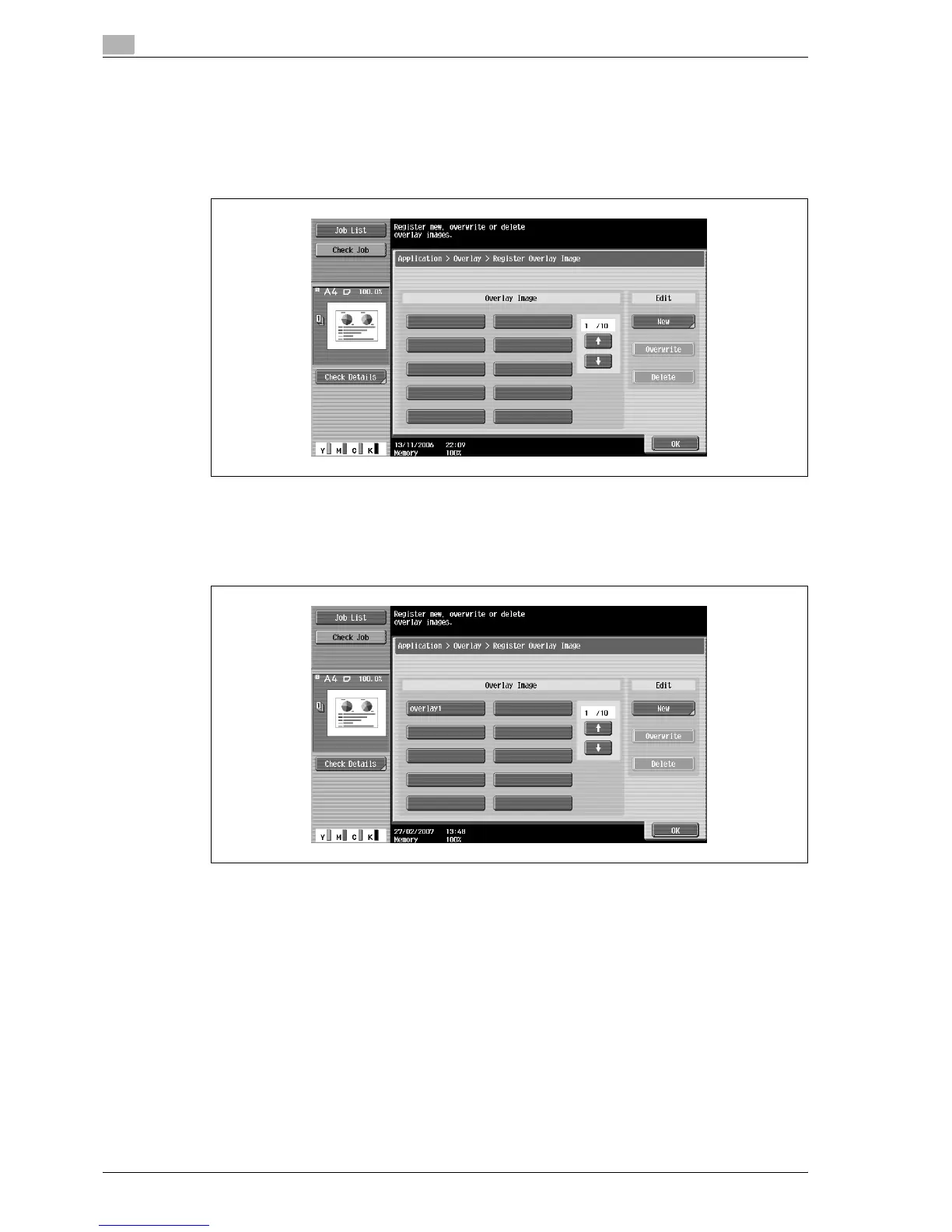
1 In the Overlay screen, touch [Register Overlay Image] under "Overlay".
The Register Overlay Image screen appears.
2 Touch [New].
– To overwrite the registered overlay with the new image, select a registered overlay, and then touch
[Overwrite].
– To delete a registered overlay, select a registered overlay, and then touch [Delete].
– After touching the button for the registered overlay, the date that the overlay was registered
appears.
The Image Name Registration screen appears.



 To Next Page