12
Utility mode
12-40 CS193/CS173/CS163
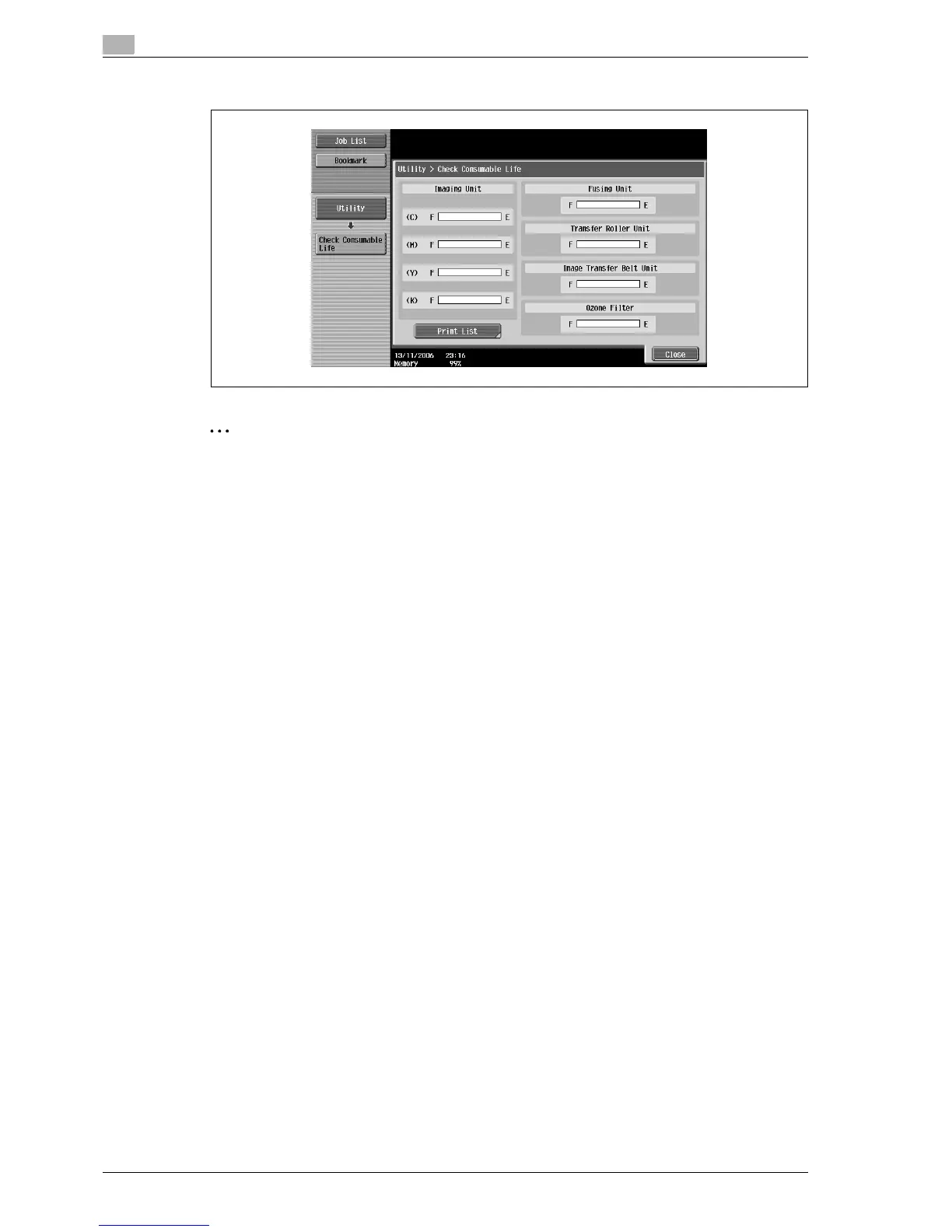
The Check Consumable Life screen appears.
2
Note
To print the list of usage levels, touch [Print List], and then touch [Start] or press the [Start] key.
To finish specifying settings in the Utility mode, press the [Utility/Counter] key. Otherwise, exit the Utility
mode by touching [Close] in each screen until the screen for the Copy, Fax/Scan or Box mode appears.
12.6 Overview of weekly timer settings
Various weekly timer settings in the Weekly Timer Setting screen can be combined. A general procedure is
described below.
0 If the weekly timer has been set, leave the machine plugged into the electrical outlet even if the machine
has been turned off.
0 Press the [Utility/Counter] key, touch [Administrator Settings], then [System Settings], then [Weekly
Timer Setting], and correctly specify the necessary settings.
1 Set "Weekly Timer ON/OFF Settings" to "ON".
2 Specify times for "Time Settings".
3 Specify dates for "Date Settings".
4 Specify the desired settings for "Select Time for Power Save" and "Password for Non-Business Hours".
The weekly timer is set.



 To Next Page