CS193/CS173/CS163 8-111
Application functions
8
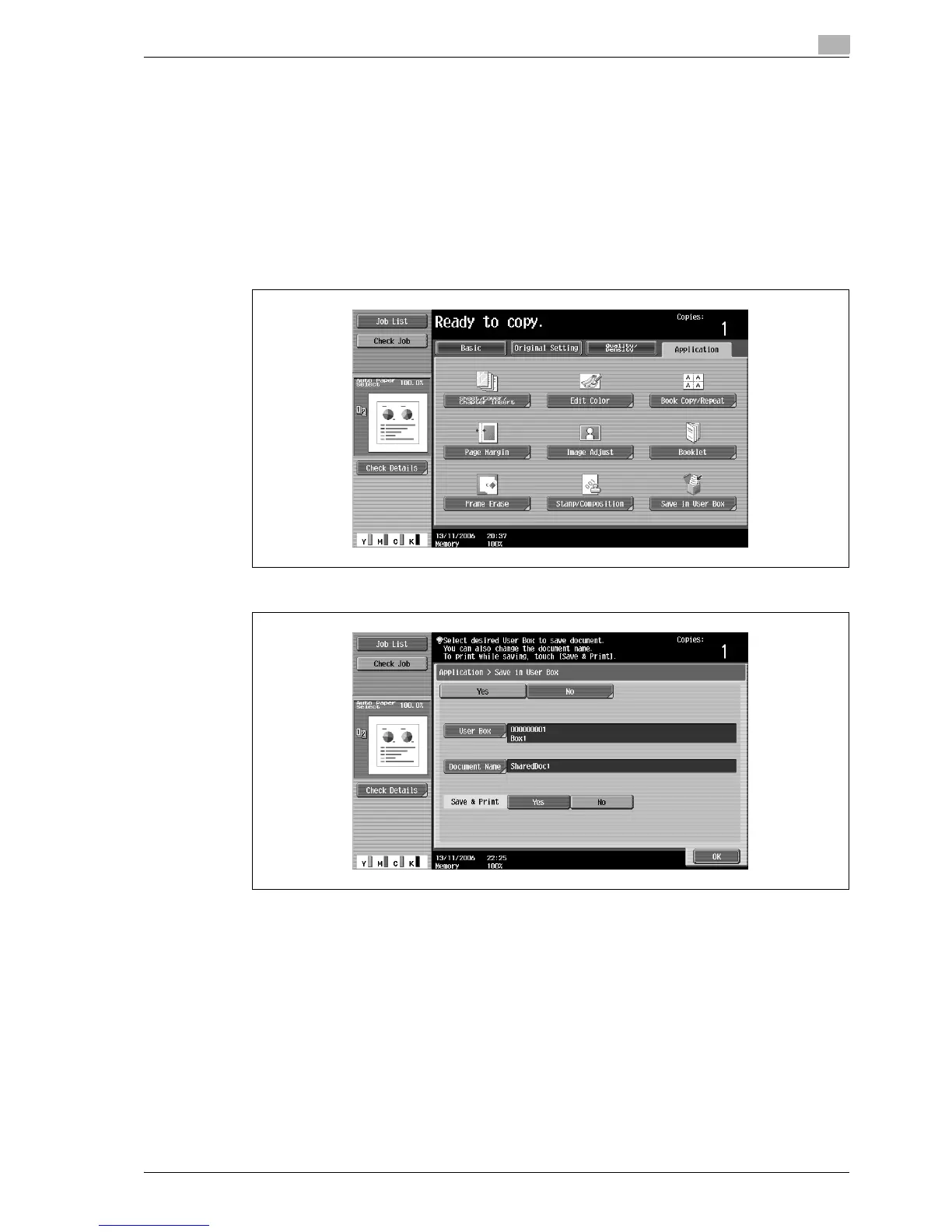
8.21 Saving the scanned original in a user box ("Save in User Box" function)
A scanned original can be saved in a user box. Documents saved in user boxes can be printed when
necessary.
!
Detail
For details on the user box settings, refer to the User manual – Box Operations.
1 Position the original to be copied.
2 Touch [Application], and then touch [Save in User Box].
3 Touch [User Box].
A screen for selecting a user box appears.



 To Next Page