CS193/CS173/CS163 8-49
Application functions
8
8.11.1 To adjust the Color Adjust parameters
As an example, the procedure for adjusting the Brightness parameter is described below.
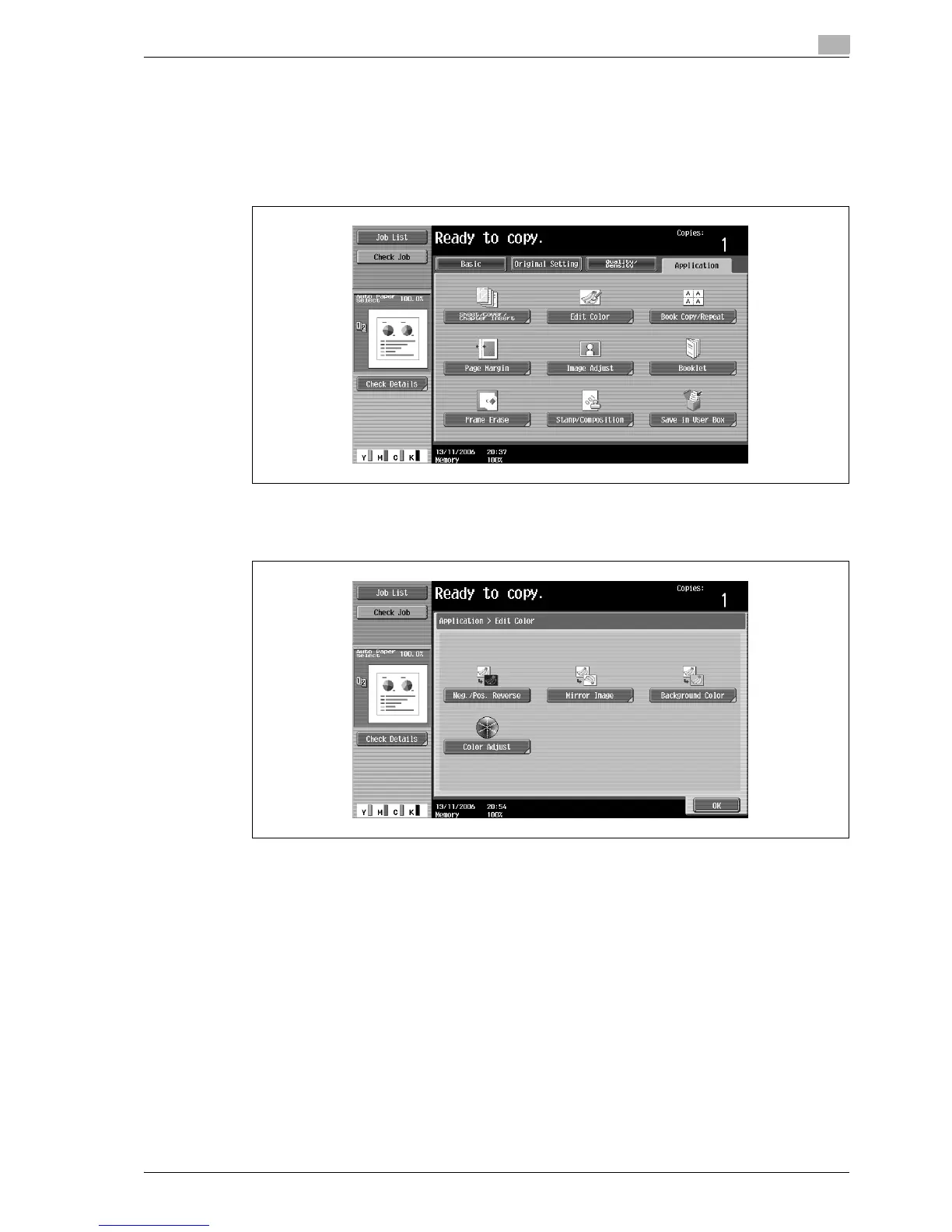
1 Touch [Application], and then touch [Edit Color].
– To cancel changes to the settings for all Application functions, press the [Reset] key. All changes to
the settings are canceled.
The Edit Color screen appears.
2 Touch [Color Adjust].
The Color Adjustment screen appears.



 To Next Page