CS193/CS173/CS163 4-3
Additional copy operations
4
4 Additional copy operations
4.1 Checking the Copy Settings (Check Job)
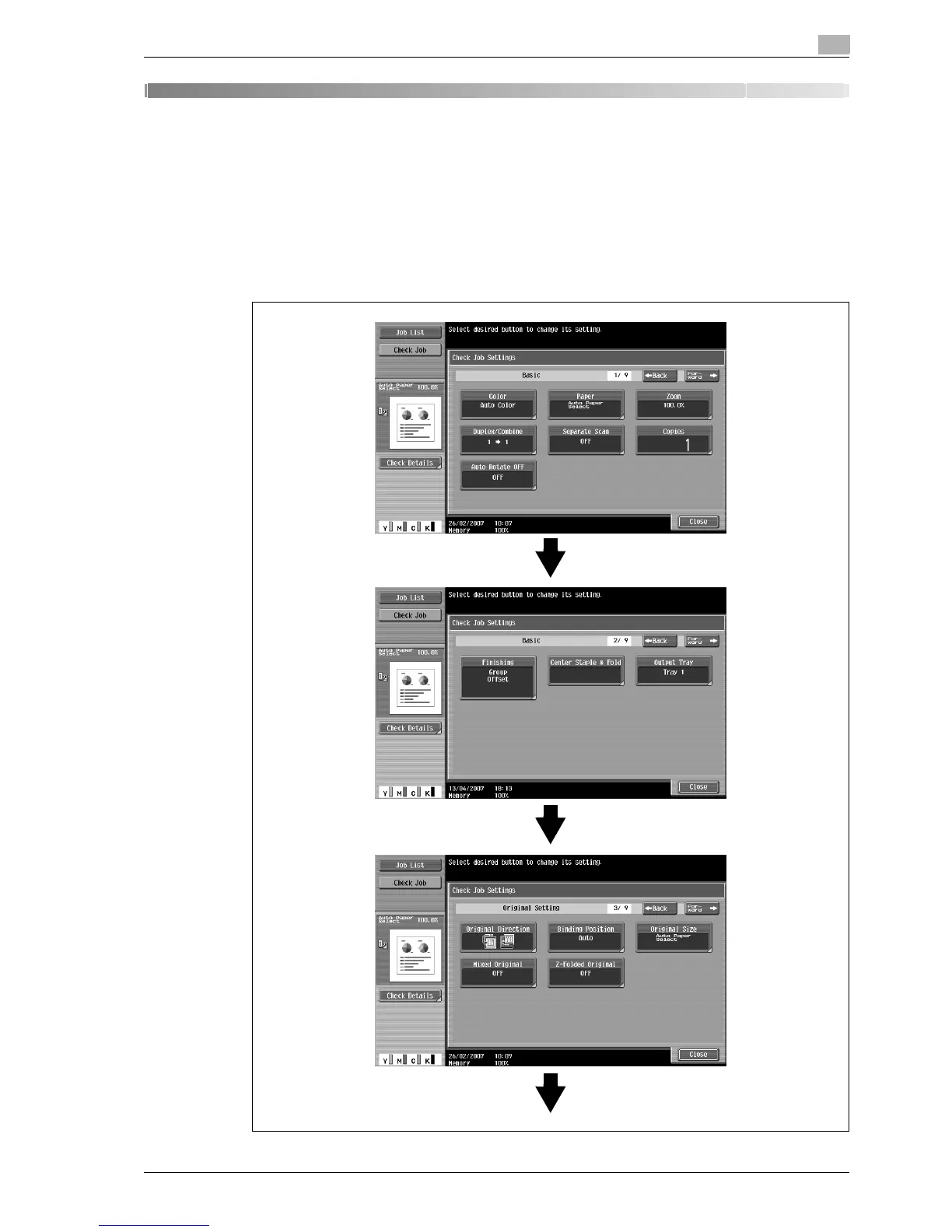
From the Check Job Details screens, the current copy settings can be checked and changed if desired.
4.1.1 To check the settings
1 Touch [Check Job] in the left panel, and then touch [Check Details].
The Check Job Settings screen appears.



 To Next Page