2
Before making copies
2-38 CS193/CS173/CS163
2.3.12 Controlling use of this machine with authentication unit (biometric type)
A authentication unit (biometric type) can be used with this machine to perform authentication. The
authentication unit (biometric type) authenticates the user by scanning the vein patterns in the finger.
2
Note
1-to-many authentication: Authentication is performed simply by positioning the finger.
1-to-1 authentication: Authentication is performed by typing in the user name and positioning the finger.
!
Detail
To use biometric authentication, register the vein patterns in the finger in advance.
For details on specifying authentication settings for the authentication unit (biometric type) and on
registering finger vein patterns, refer to the user manual provided with the authentication unit (biometric
type).
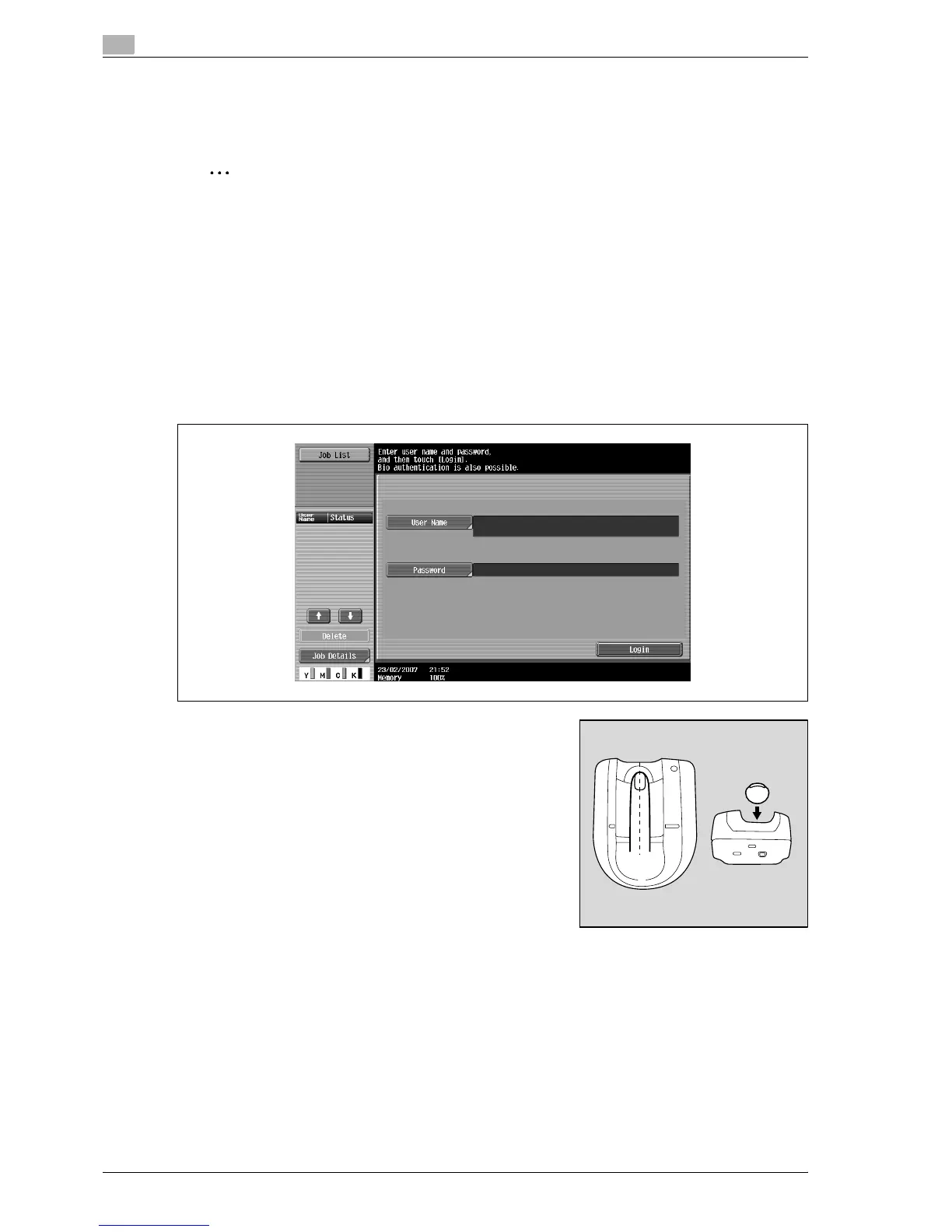
When "1-to-many authentication" has been specified
% Place your finger on the authentication unit (biometric type).



 To Next Page