CS193/CS173/CS163 7-17
Copy paper/originals
7
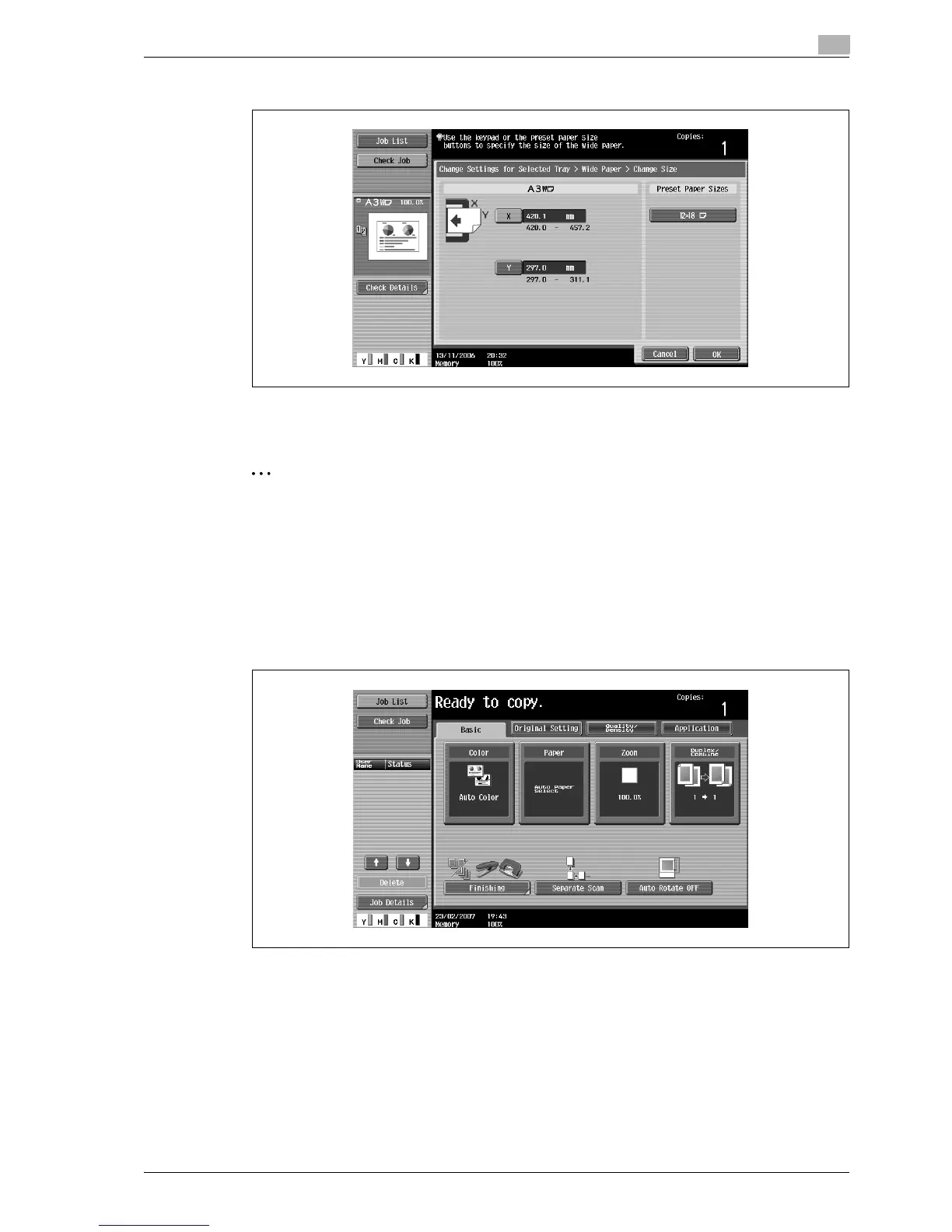
To cancel changes to the settings, touch [Cancel].
8 Touch [OK], and then touch [OK] in the next two screens that appear.
The Basic screen appears again.
2
Note
The selected size button is programmed with the entered paper size, so that the paper size is available
to be selected again without being typed in. In addition, the size can be changed.
7.2.6 Specifying a setting for special paper
If paper other than plain paper, such as OHP transparencies or special paper, is loaded in a paper tray, be
sure to change the paper type setting for that tray.
The following procedure describes how to specify the setting for special paper loaded into tray 1.
1 In the Basic screen, touch [Paper].
The Paper screen appears.



 To Next Page