CS193/CS173/CS163 8-41
Application functions
8
11 Using the keypad, type in the desired number of copies.
12 Touch [Start] or press the [Start] key.
– If [Cancel] is touched, a message appears, requesting confirmation to delete the data. To stop
printing, touch [Yes], and then touch [OK].
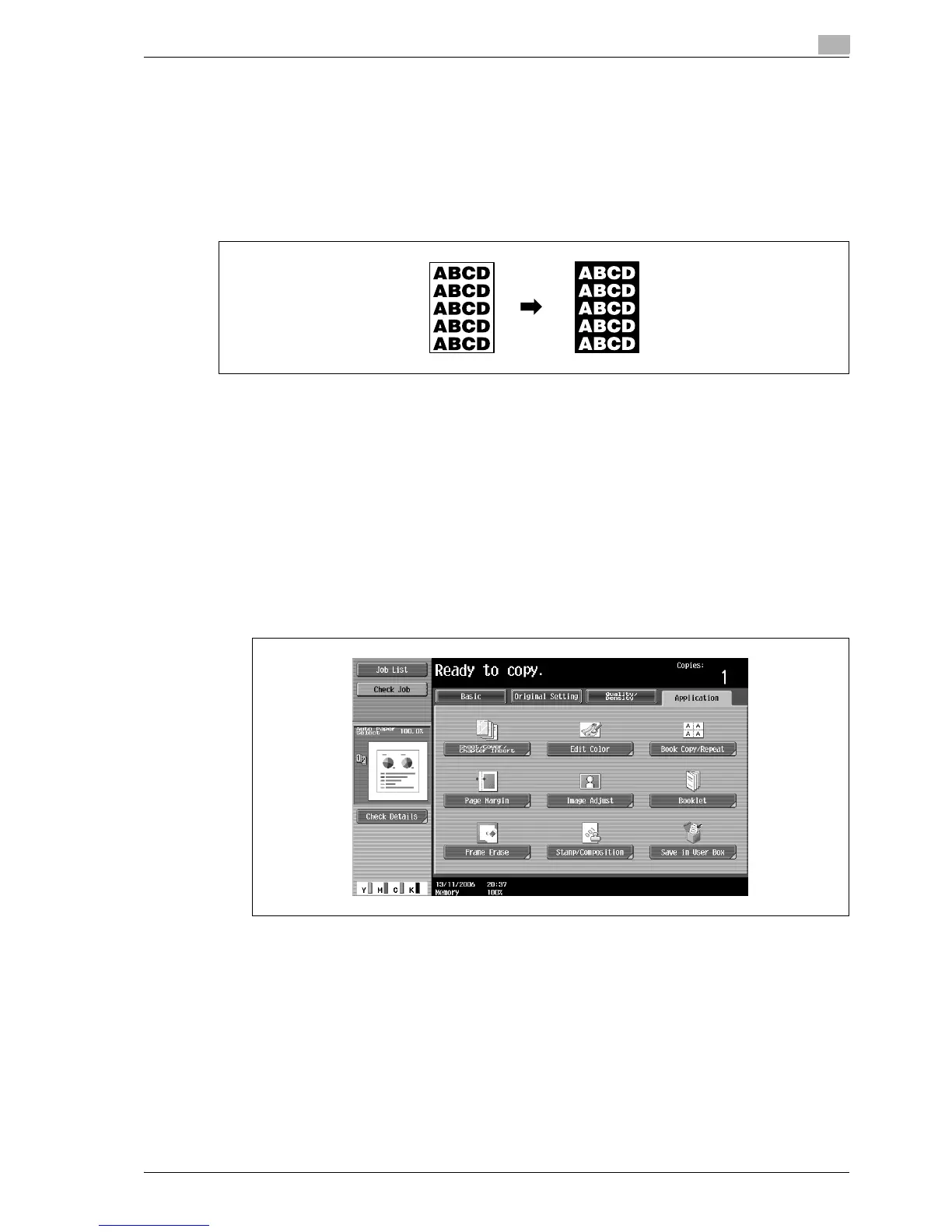
8.8 Copying with image colors inversed ("Neg./Pos. Reverse" function)
An original can be copied with the light and dark coloring or the colors (gradations) of the image inversed.
!
Detail
If a single color has been selected, the colors are inversed with the selected color.
If a background color has been selected, the colors, including the selected background color, are
inversed.
1 Position the original to be copied.
– For details on positioning the original, refer to "Feeding the original" on page 3-8.
2 Touch [Application], and then touch [Edit Color].
– To cancel changes to the settings for all Application functions, press the [Reset] key. All changes to
the settings are canceled.
The Edit Color screen appears.



 To Next Page