CS193/CS173/CS163 3-43
Basic copy operations
3
3.7.4 Slightly reducing the copy ("Minimal" setting)
An original image can be printed slightly smaller (93.0%) than the original size and centered in the copy.
0 The zoom ratio of the "Minimal" setting can be changed (between 90.0% and 99.9%). For details on
changing the zoom ratio for the "Minimal" setting or programming custom zoom ratios, refer to "Storing
the desired zoom ratio" on page 3-48.
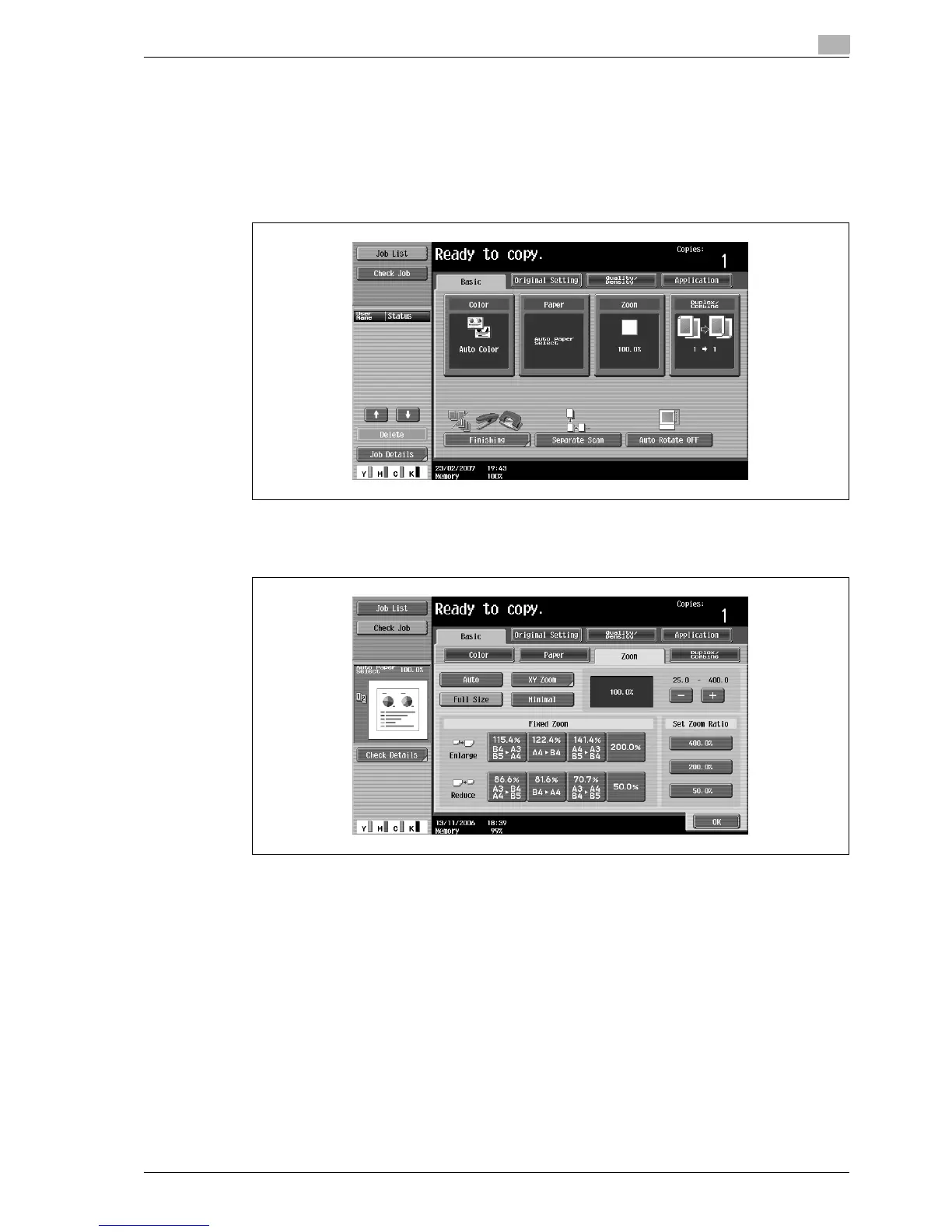
1 In the Basic screen, touch [Zoom].
The Zoom screen appears.
2 Touch [Minimal].
3 Touch [OK].
The Basic screen appears again.



 To Next Page