12
Utility mode
12-20 CS193/CS173/CS163
2
Note
[Auto Zoom (Platen)], [Auto Zoom (ADF)], [Specify Default Tray when APS Off], [Select Tray for Insert
Sheet] and [Automatic Image Rotation] appear only if the "Administrator Security Levels" parameter in
Administrator mode is set.
[Print Jobs During Copy Operation] appears only if the "Administrator Security Levels" parameter in
Administrator mode is set to "Level 2".
When the Enlarge Display mode is selected, the [Default Enlarge Display Setting] button appears to
allow specifying the default settings of the copy and fax/scan operations in the Enlarge Display mode.
!
Detail
For details on the "Administrator Security Level" parameter, refer to "Security Settings" on page 12-34.
For details on the default settings and the factory default settings, refer to page 2-23.
To change the default settings for Fax/Scan mode, press the [Fax/Scan] key, enter Utility mode, and
then select a setting for this parameter.
12.3.4 Scan/Fax Settings
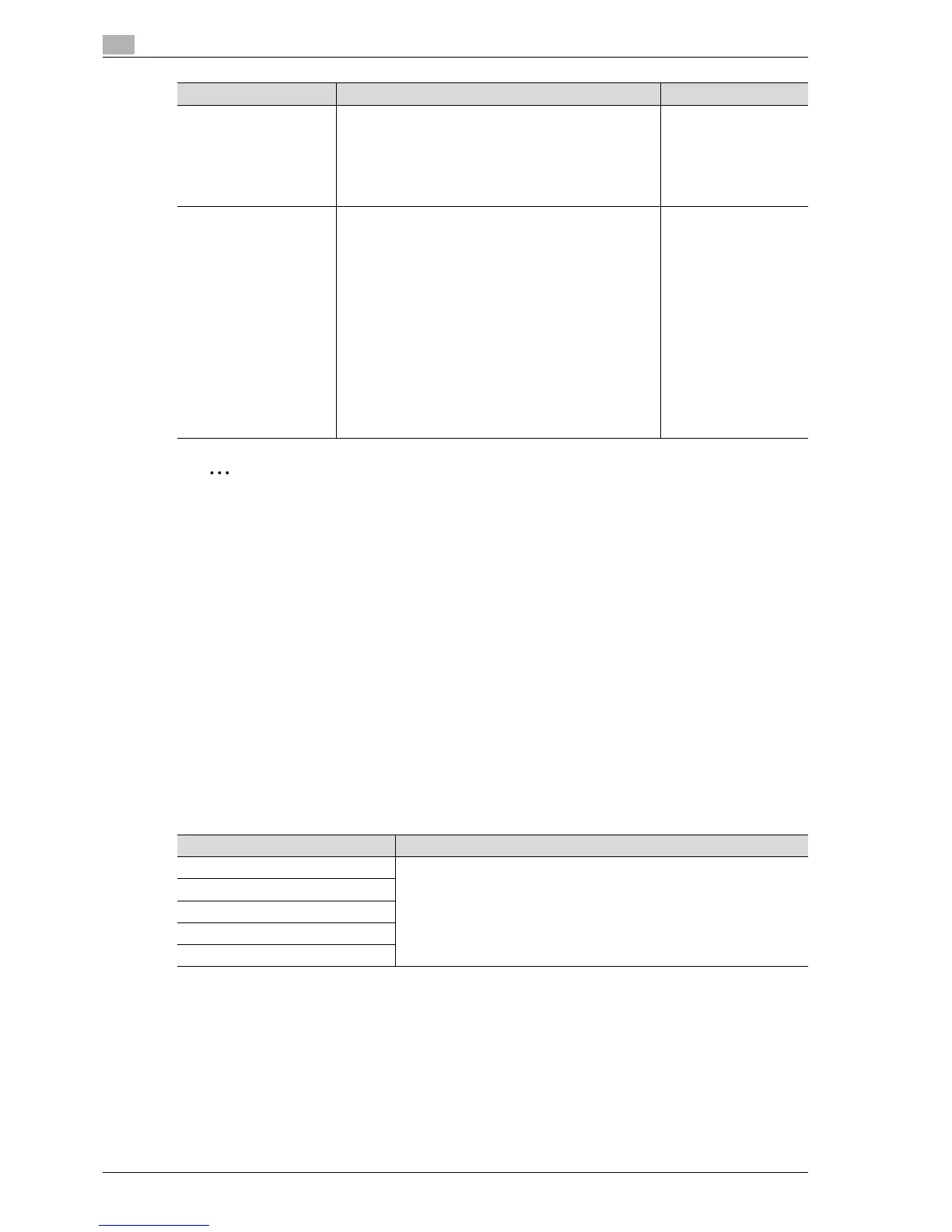
Print Jobs During Copy
Operation
Select whether or not print data or fax data can be accept-
ed for printing while a copy operation is being performed.
• Accept:
Print data and fax data can be accepted and printed.
• Receive Only:
Print data and fax data is printed after the copy opera-
tion is finished.
Accept
Automatic Image Rotation Select whether or not the image is automatically rotated
when the original and copy paper orientations are different.
• When Auto Paper / Auto Zoom / Reduce is set:
If the "Auto" Paper setting, "Auto" Zoom setting or a
Reduce setting is selected, the image is automatically
rotated to fit the orientation of the paper.
• When Auto Paper / Auto Zoom is set:
If the "Auto" Paper setting or "Auto" Zoom setting is
selected, the image is automatically rotated to fit the
orientation of the paper.
• When Auto Zoom / Reduce is set:
If the "Auto" Zoom setting or a Reduce setting is se-
lected, the image is automatically rotated to fit the ori-
entation of the paper.
• When Auto Zoom is set:
If the "Auto" Zoom setting is selected, the image is au-
tomatically rotated to fit the orientation of the paper.
When Auto Paper/Auto
Zoom is set
Parameter Description Default Setting
Parameter Description
JPEG Compression Level Specify settings for scanning. For details, refer to the User manual – Network
Scan/Fax/Network Fax Operations.
Black Compression Level
TWAIN Lock Time
Default Scan/Fax Settings
Compact PDF Compression Level



 To Next Page