CS193/CS173/CS163 11-11
Managing jobs
11
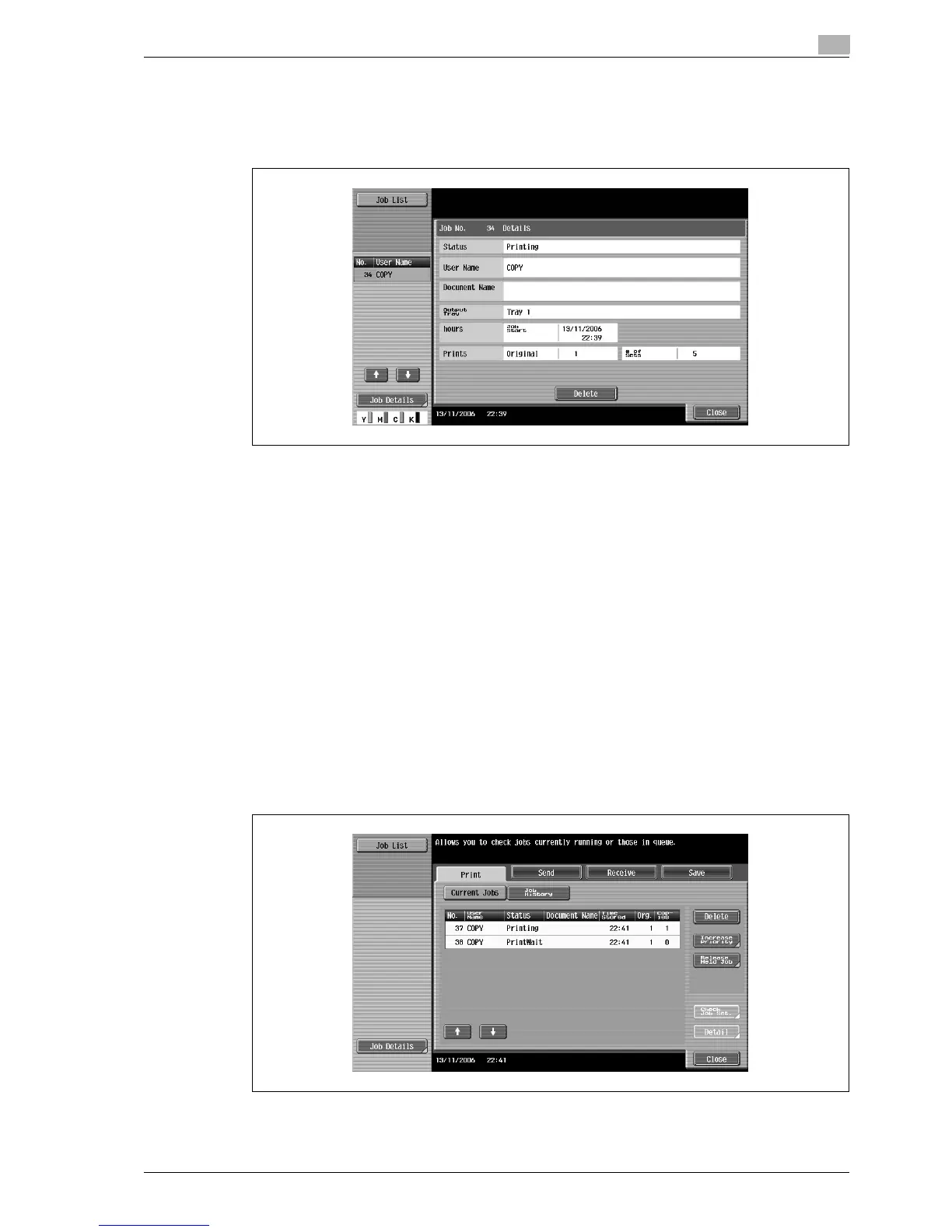
3 Select the job whose details are to be checked, and then touch [Detail].
– If an incorrect job was selected, select a different job or touch the button for the selected job again
to deselect it.
The Detail screen appears.
4 After the desired information has been checked, touch [Close] or press the [Reset] key.
– To return to the screen displayed before [Job Details] was touched, touch [Close].
– To return to the Basic screen, press the [Reset] key.
!
Detail
To delete the job, touch [Delete] in the Detail screen.
If [Detail] appears in the Detail screen for a job selected from the Send tab, detailed information is
available on the multiple destinations that the data was sent to with broadcast transmission. To view
the information, touch [Detail].
11.2.4 Displaying the Current Jobs list (stored jobs and active jobs)
The Current Jobs list of received print jobs for Copy mode and Fax mode and for computer printing is
displayed.
1 Touch [Job List] in the left panel, and then touch [Job Details].
The Job List screen appears.
2 Touch the button for the desired list.



 To Next Page