3
Basic copy operations
3-64 CS193/CS173/CS163
– Each time [Light] or [Dark] is touched, the density is lightened or darkened by one level.
– To select the third setting from the right (default setting), touch [Standard].
– Touch [Auto] to automatically adjust the level of the background density according to the original
being copied.
– To cancel the setting and select the default, press the [Reset] key.
4 Touch [OK].
3.11.3 Adjusting the reproduction quality of text
0 As the factory default, "0" is selected.
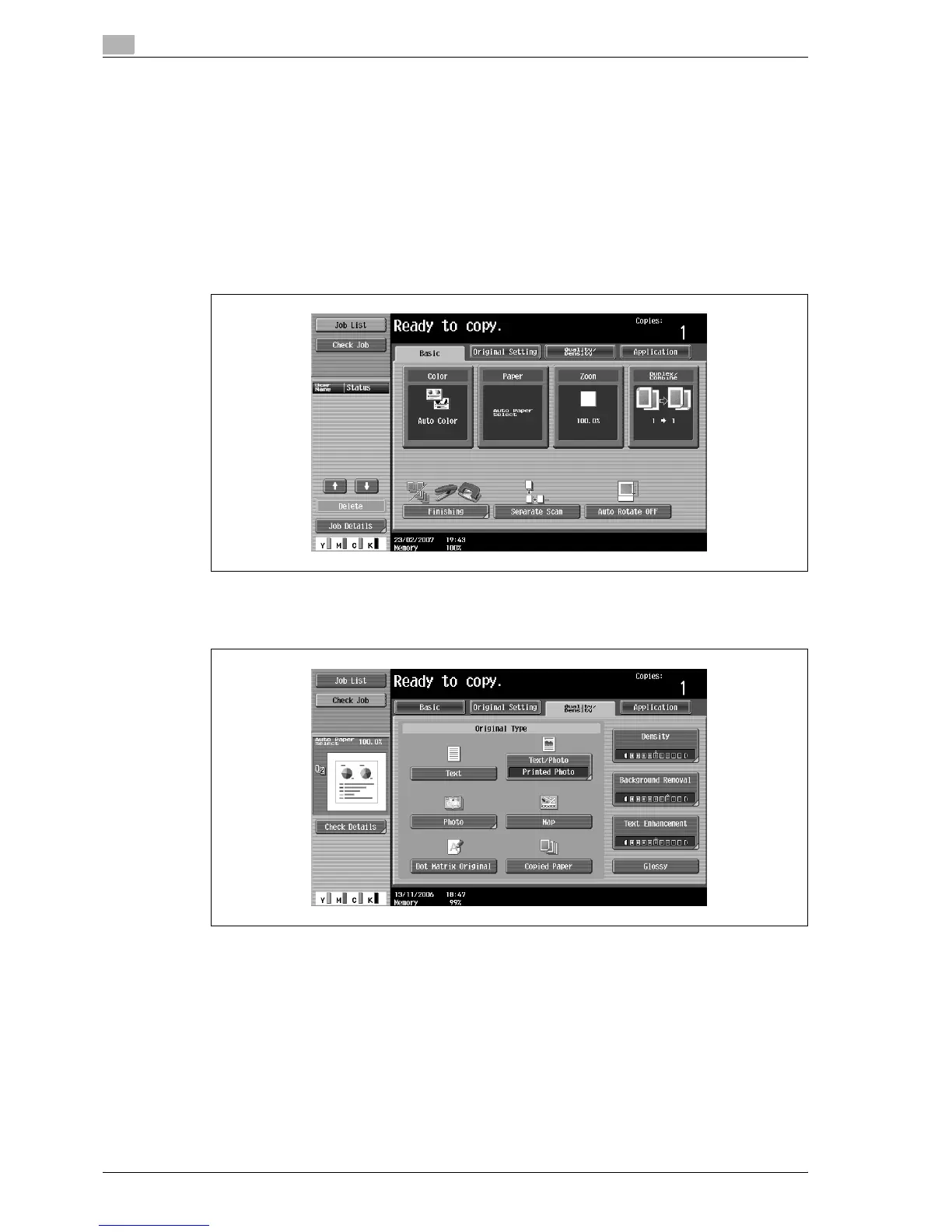
1 In the Basic screen, touch [Quality/Density].
The Quality/Density screen appears.
2 Touch [Text Enhancement].
The Text Enhancement screen appears.



 To Next Page