CS193/CS173/CS163 8-89
Application functions
8
8.20.4 Printing copy protection text ("Copy Protect" function)
!
Detail
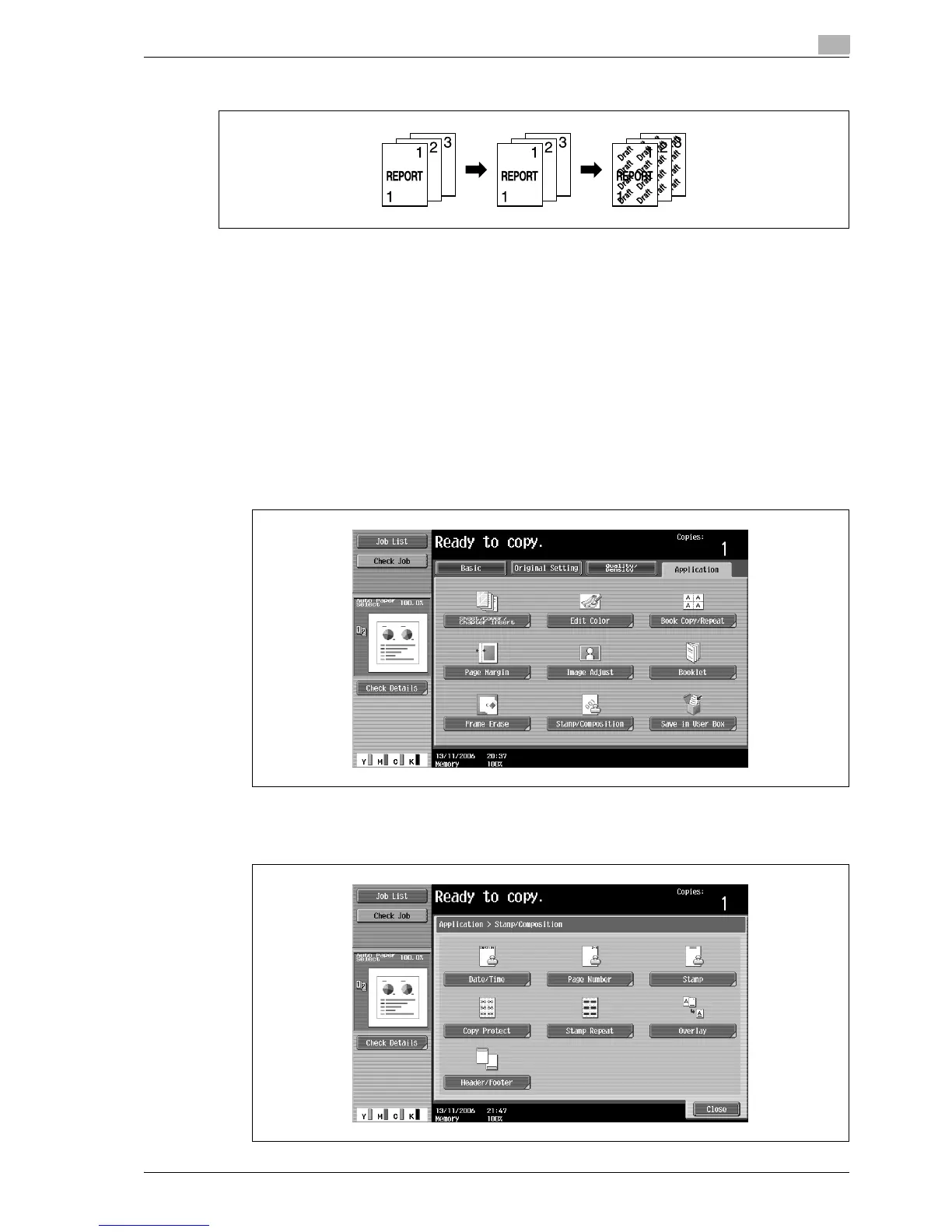
If the "Copy Protect" function is set, hidden text is printed in order to prevent unauthorized copying.
When an original printed with copy protection text is copied, the hidden text appears clearly repeated
in the copies so that the reader knows that it is a copy.
The copy protection text is printed on all pages. The pages cannot be specified.
1 Position the original to be copied.
– For details on positioning the original, refer to "Feeding the original" on page 3-8.
2 Touch [Application], and then touch [Stamp/Composition].
– To cancel changes to the settings for all Application functions, press the [Reset] key. All changes to
the settings are canceled.
The Stamp/Composition screen appears.
3 Touch [Copy Protect].



 To Next Page