8
Application functions
8-90 CS193/CS173/CS163
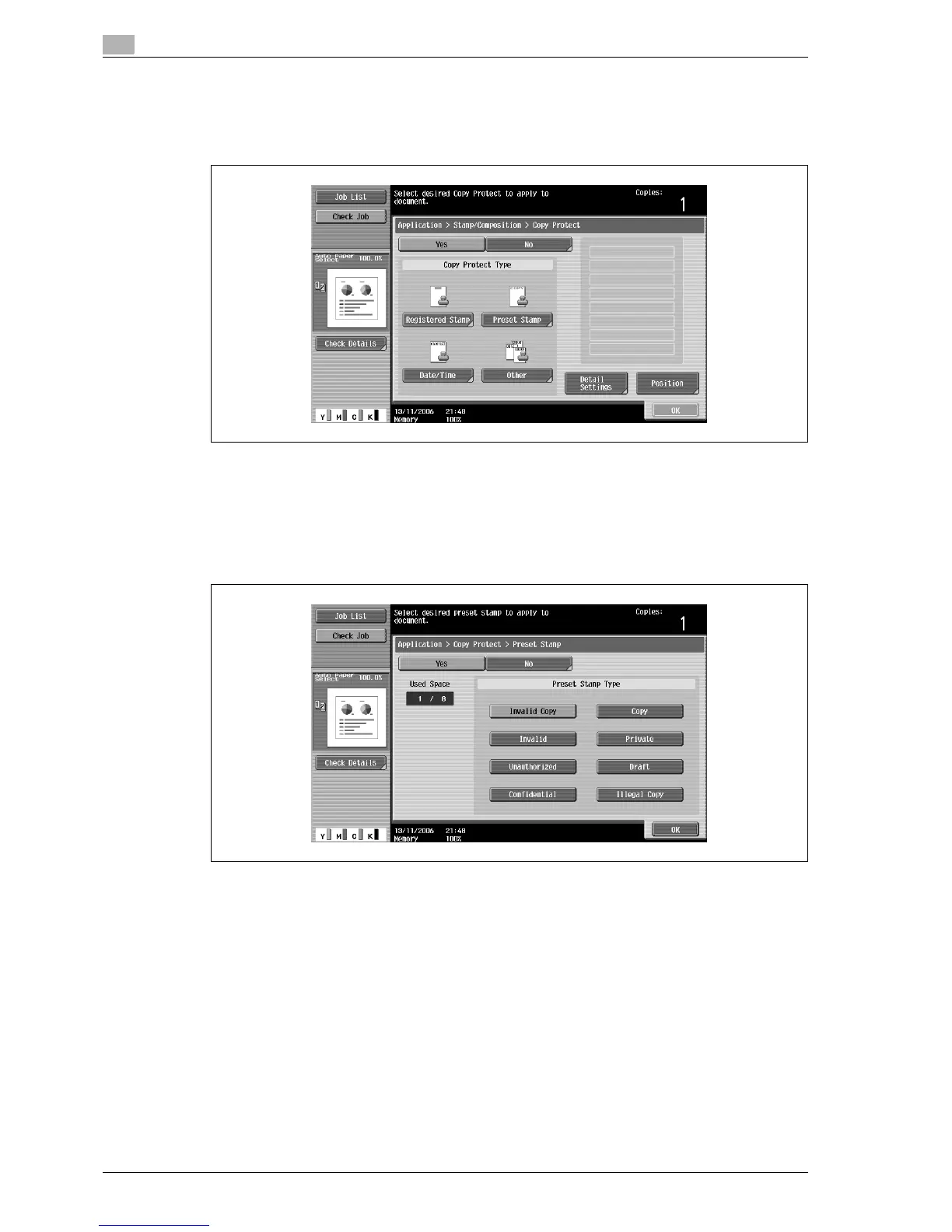
The Copy Protect screen appears.
4 Select the desired type of copy protection text.
– To cancel the "Copy Protect" function, touch [No].
– Touching [Registered Stamp] or [Preset Stamp] displays a screen containing buttons for the
available stamps. Touch the button for the desired stamp, and then touch [OK].
– Use the Copy Protection Utility to register a registered stamp. For details on registering stamps,
refer to the manual of the Copy Protection Utility.
– The selected copy protection text formats appear in a column at the center of the screen. Up to eight
text lines can be combined.
– Multiple registered stamps or preset stamps cannot be selected.



 To Next Page