CS193/CS173/CS163 3-31
Basic copy operations
3
3.4.9 Changing scan settings for each original
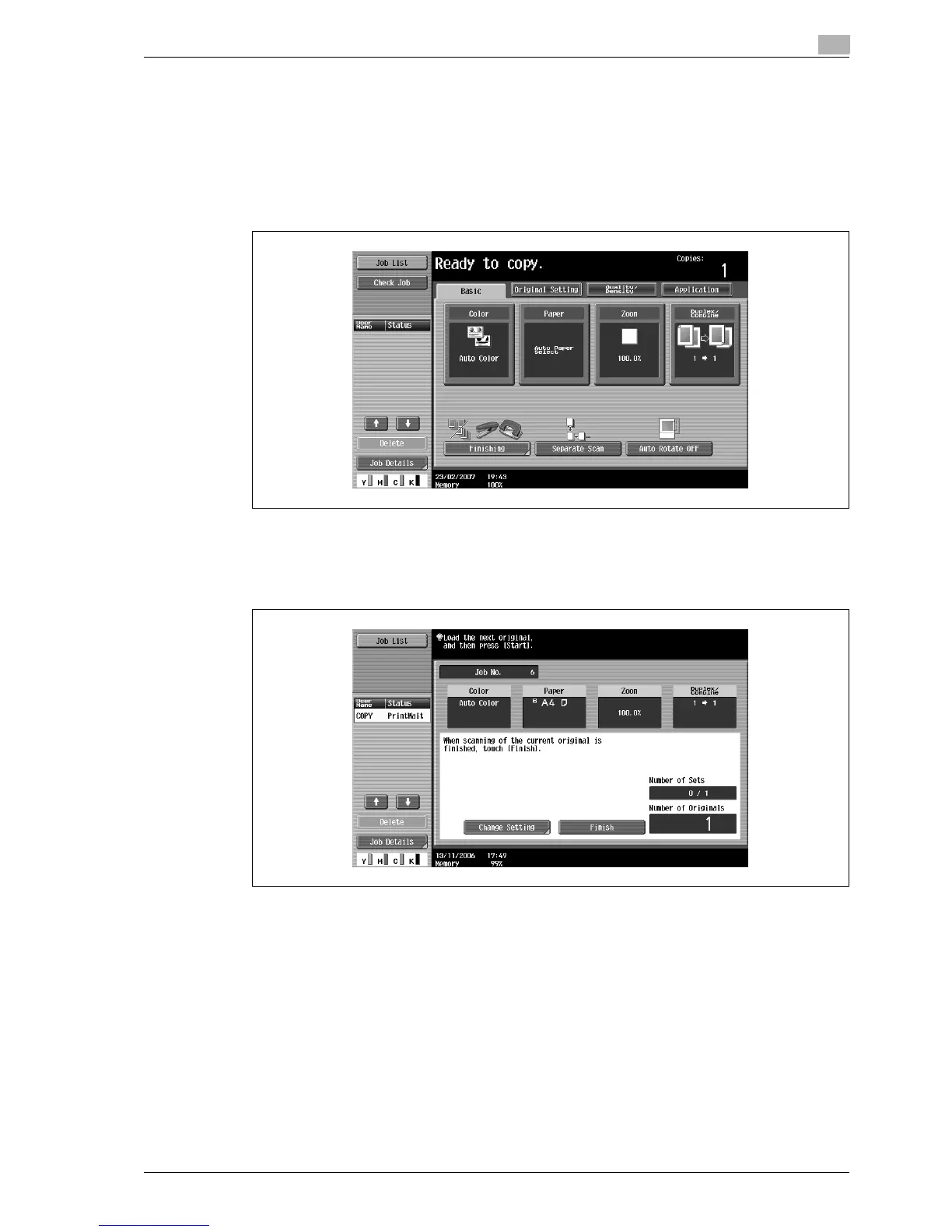
When scanning an original while using the "Separate Scan" setting or when multi-page originals are scanned
from the original glass, the scan settings can be changed for each original. The following procedure describes
how to change the settings when the "Separate Scan" setting is used.
1 Position the original to be copied.
2 In the Basic screen, touch [Separate Scan].
3 Press the [Start] key.
Scanning begins.
4 Touch [Change Setting].
A screen appears, allowing you to change the settings.



 To Next Page