CS193/CS173/CS163 2-35
Before making copies
2
2.3.11 Controlling each account’s use of this machine (Account Track)
If the account track settings have been specified by the administrator, only users of registered accounts can
use this machine. In addition, the number of prints produced with each account can be controlled.
This is account track.
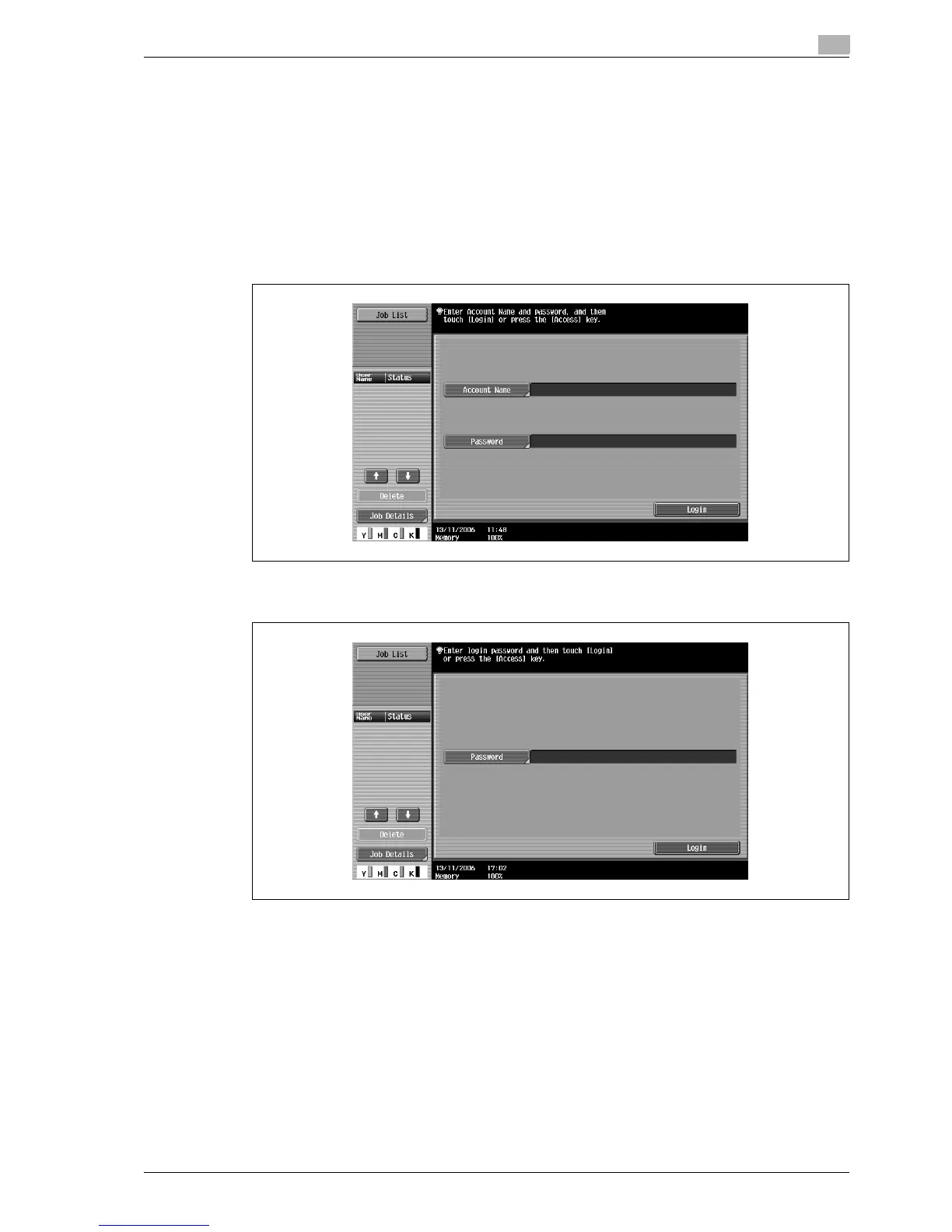
0 When account track settings have been specified, only users who enter passwords for specified
accounts can use this machine.
0 If you do not know the account name or password, contact your administrator.
0 A total of 1,000 users and accounts can be registered.
1 Touch [Account Name].
– If the Administrator Settings mode settings have been set to "Password Only", touch [Password],
and then continue with step 4.



 To Next Page