CS193/CS173/CS163 5-55
Troubleshooting
5
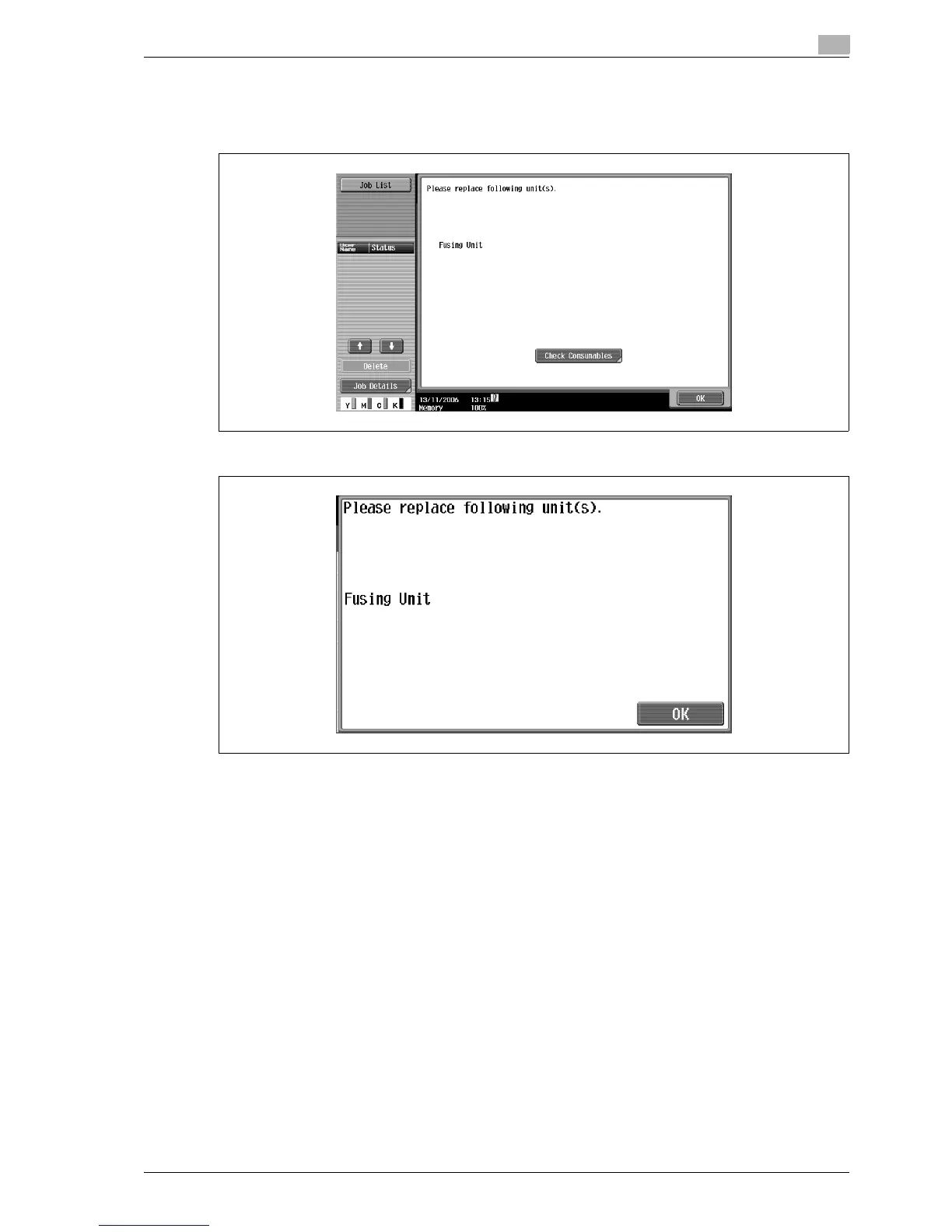
5.6 When the message "Please replace following unit(s)." appears
When it is almost time to replace consumables or a part within this machine, a message similar to the one
shown below appears, warning about the replacement period.
Display in Enlarge Display mode
!
Detail
When the message appears, replace the specified consumables or part according to your maintenance
agreement.
After the message "Please replace following unit(s)." appears, the message "XXXX needs to be
replaced." appears and the machine stops operating.
The number of pages that can be printed after the message "Please replace following unit(s)." appears
and before the message "XXXX needs to be replaced." appears differs depending on the printing
conditions, the consumables and the part to be replaced.



 To Next Page