5
Troubleshooting
5-36 CS193/CS173/CS163
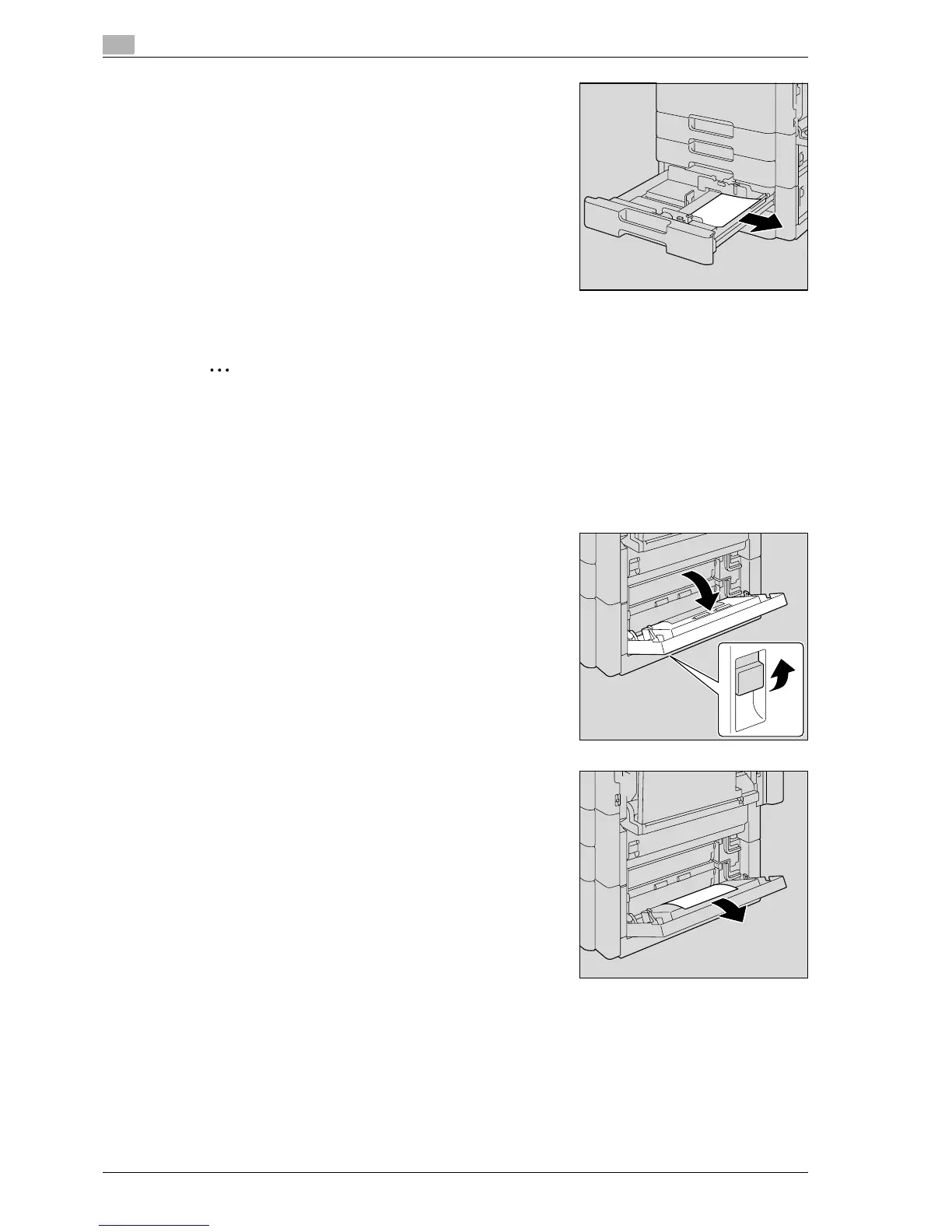
5 Remove any misfed paper.
6 Close the tray.
2
Reminder
Be careful not to touch the film with your hands.
5.2.16 Clearing a paper misfeed in the LCT
!
Detail
For details on the positions of paper misfeeds, refer to "Paper misfeed indications" on page 5-6.
1 Pull up the lower right-side door release lever, and then open
the lower right-side door.
2 Carefully pull out any misfed paper.



 To Next Page