7
Copy paper/originals
7-12 CS193/CS173/CS163
7.2.4 Storing a non-standard paper size (Custom Size settings)
Five non-standard paper sizes can be stored.
Storing paper sizes that are used often allows the paper size to be quickly selected, without having to re-
enter the setting.
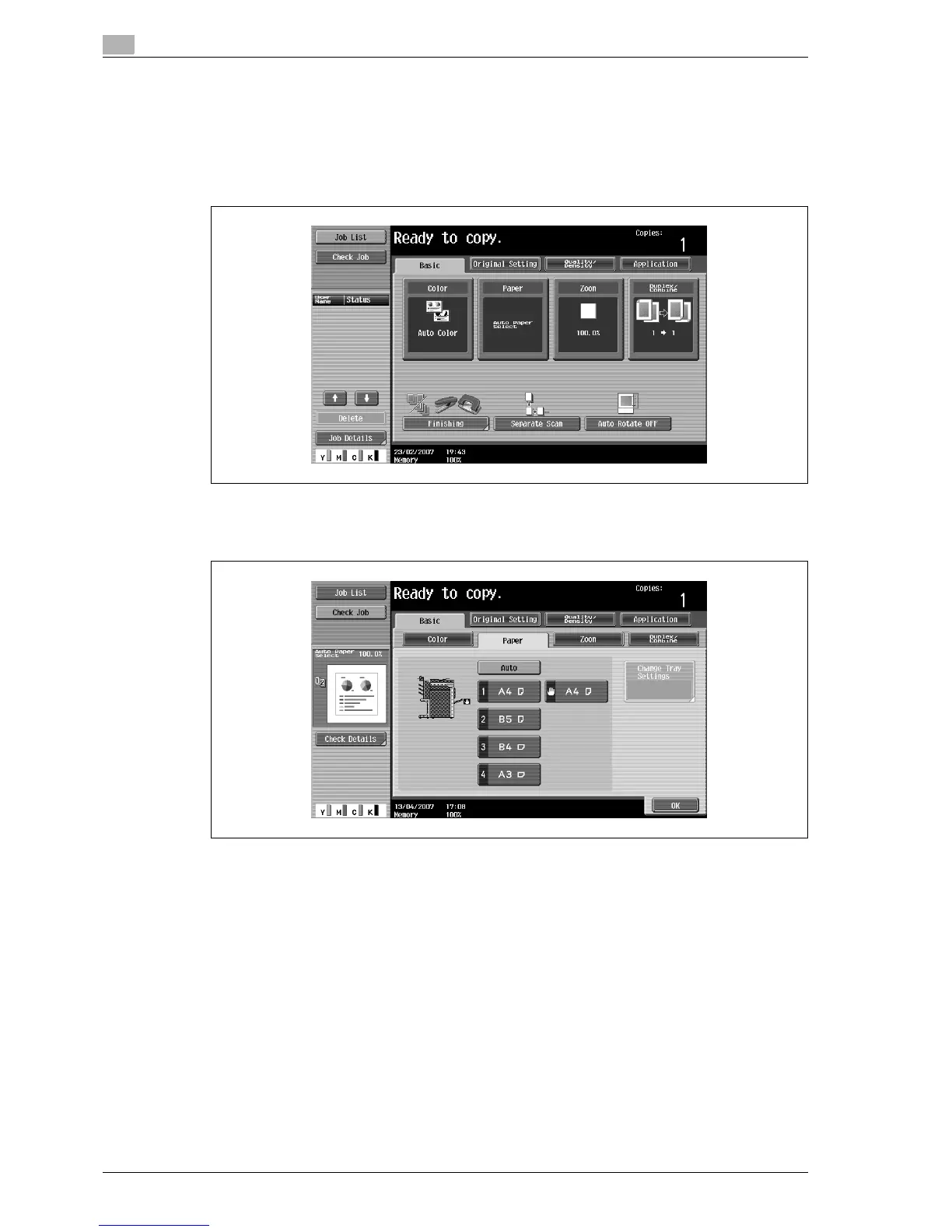
1 In the Basic screen, touch [Paper].
The Paper screen appears.
2 Select the button for the bypass tray.
3 Touch [Change Tray Settings].



 To Next Page