CS193/CS173/CS163 5-53
Troubleshooting
5
7 Insert the staple cartridge holder, and then push it up until it
locks into place.
8 Return the output tray to its original position.
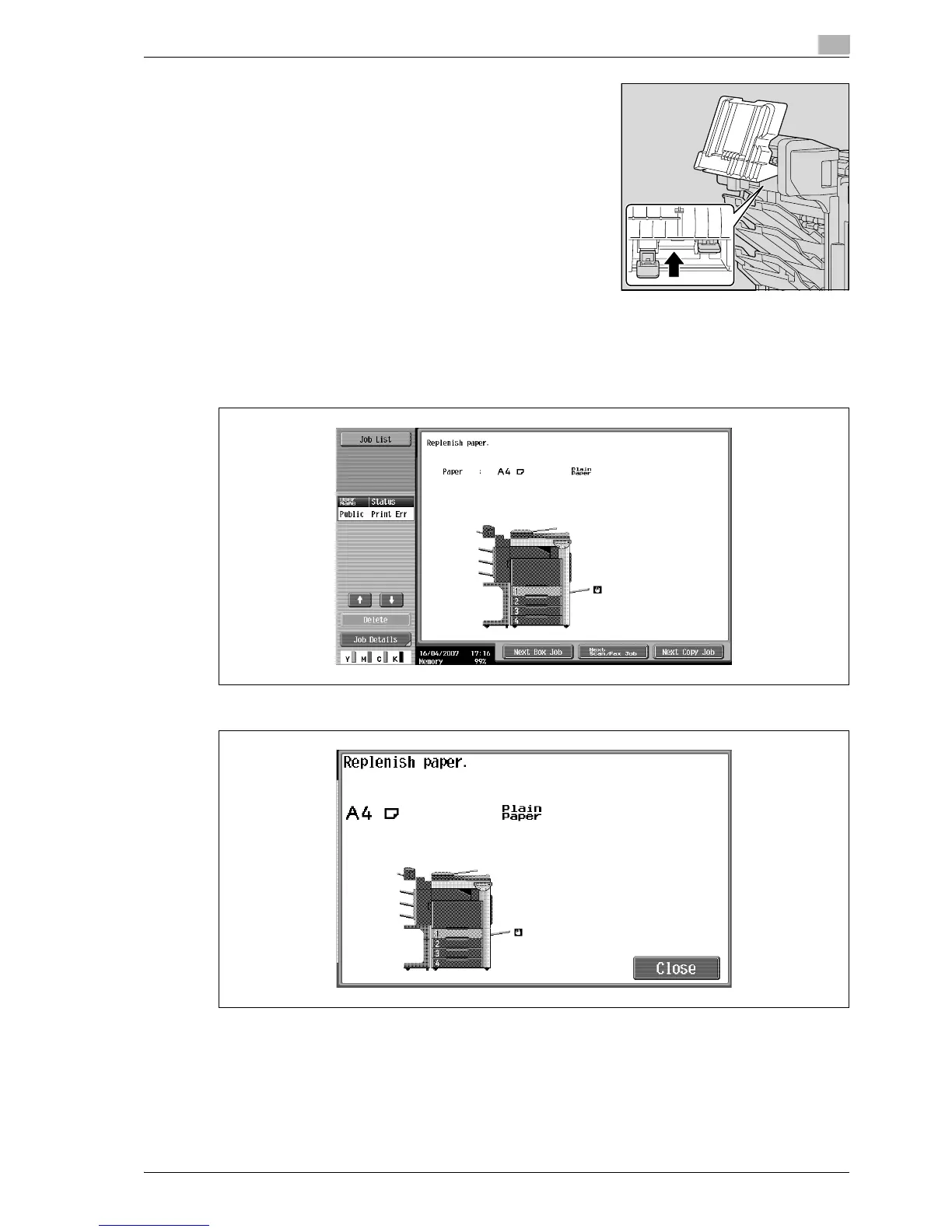
5.4 When the message "Replenish paper." appears
If a tray has run out of paper during printing, the message "Replenish paper." appears.
Displays in Enlarge Display mode
% Check which paper tray is indicated in color, and then load it with paper.
!
Detail
For details on loading paper, refer to "Loading paper into tray 1/2/3/4" on page 2-43, and "Loading
paper into the LCT" on page 2-45, and "Loading paper into the bypass tray" on page 2-47.



 To Next Page