12
Utility mode
12-64 CS193/CS173/CS163
12.13 User Authentication Setting
User authentication settings can be specified.
12.13.1 Administrative Settings—List
User authentication settings can be specified to display [List] in the user authentication screen and the User
Name screen. Touch [List] to display a list of registered user names from which the desired user name can
simply be selected. (The default setting is "OFF".)
1 Display the Administrator Settings screen.
– For details on displaying the Administrator Settings screen, refer to "Displaying the Administrator
Settings screen" on page 12-37.
2 Touch [4 User Authentication/Account Track].
The User Authentication/Account Track screen appears.
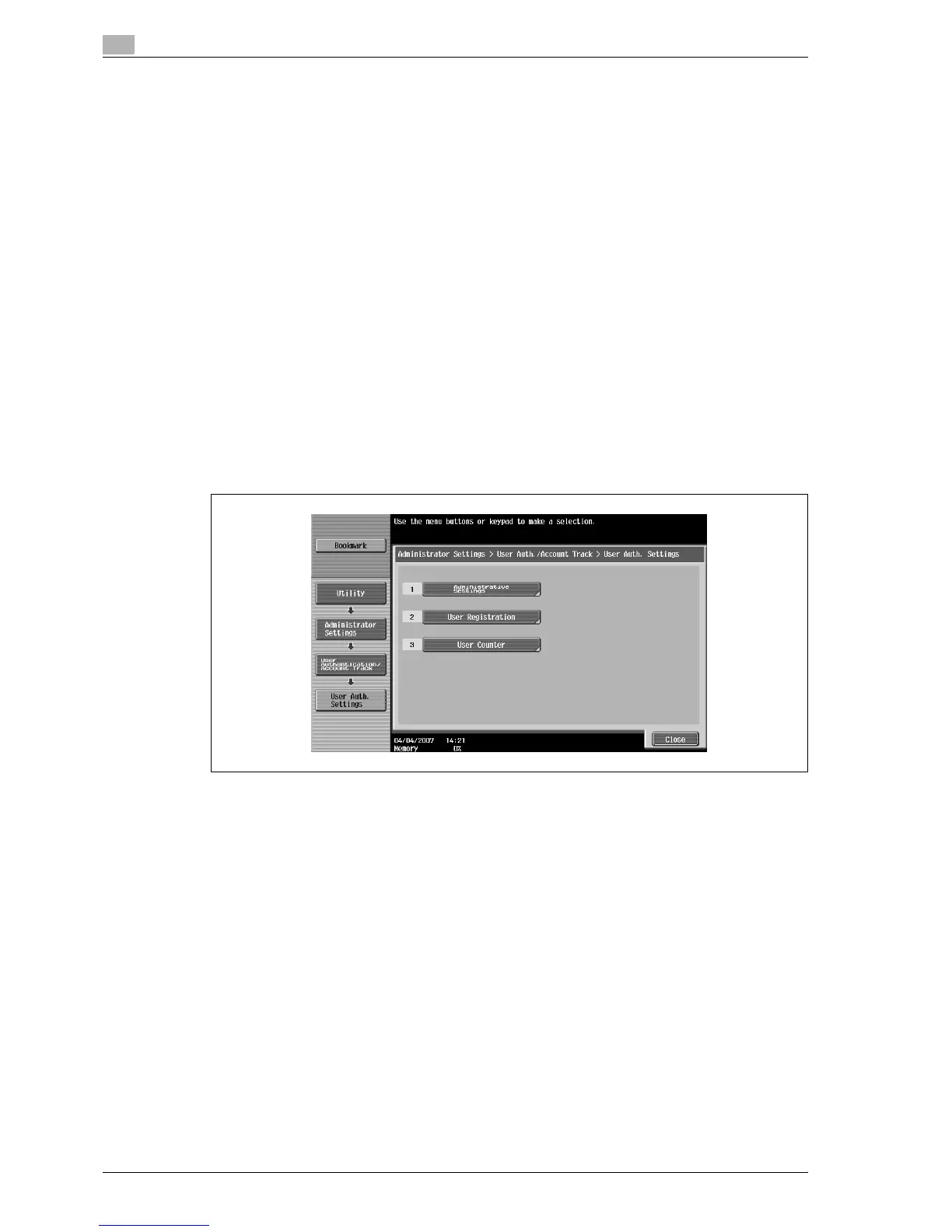
3 Touch [2 User Authentication Settings].
The User Authentication Setting screen appears.
?
Why is [2 User Authentication Settings] not available?
% [2 User Authentication Settings] is not available if "User Authentication" on the General Settings
screen is set to "OFF".
4 Touch [1 Administrative Settings].
5 Touch [User Name List].
Buttons for the available settings appear.
6 Touch the button for the desired setting.
Whether or not a user name list button appears is set.
12.13.2 Default Function Permission
If external server authentication was selected, limitations can be placed on the machine functions that can
be used by an authorized user. (The default setting is "Allow".)
The following operations can be limited.
- Copy operations
- Scan operations
- Fax operations
- Printing from a printer
- Saving documents on the hard disk
- Printing the transmitted document
- Saving the document to the external memory



 To Next Page