3
Basic copy operations
3-30 CS193/CS173/CS163
3.4.8 Reducing the effects of dust on the left partition glass
If the "Despeckle" setting is selected, the effect that dust on the left partition glass has on copies can be
reduced when scanning an original loaded into the ADF.
2
Note
For details on cleaning the left partition glass, refer to "Left partition glass" on page 10-4.
1 Load the original into the ADF.
– For details on loading the original, refer to "Loading the original into the ADF" on page 3-8.
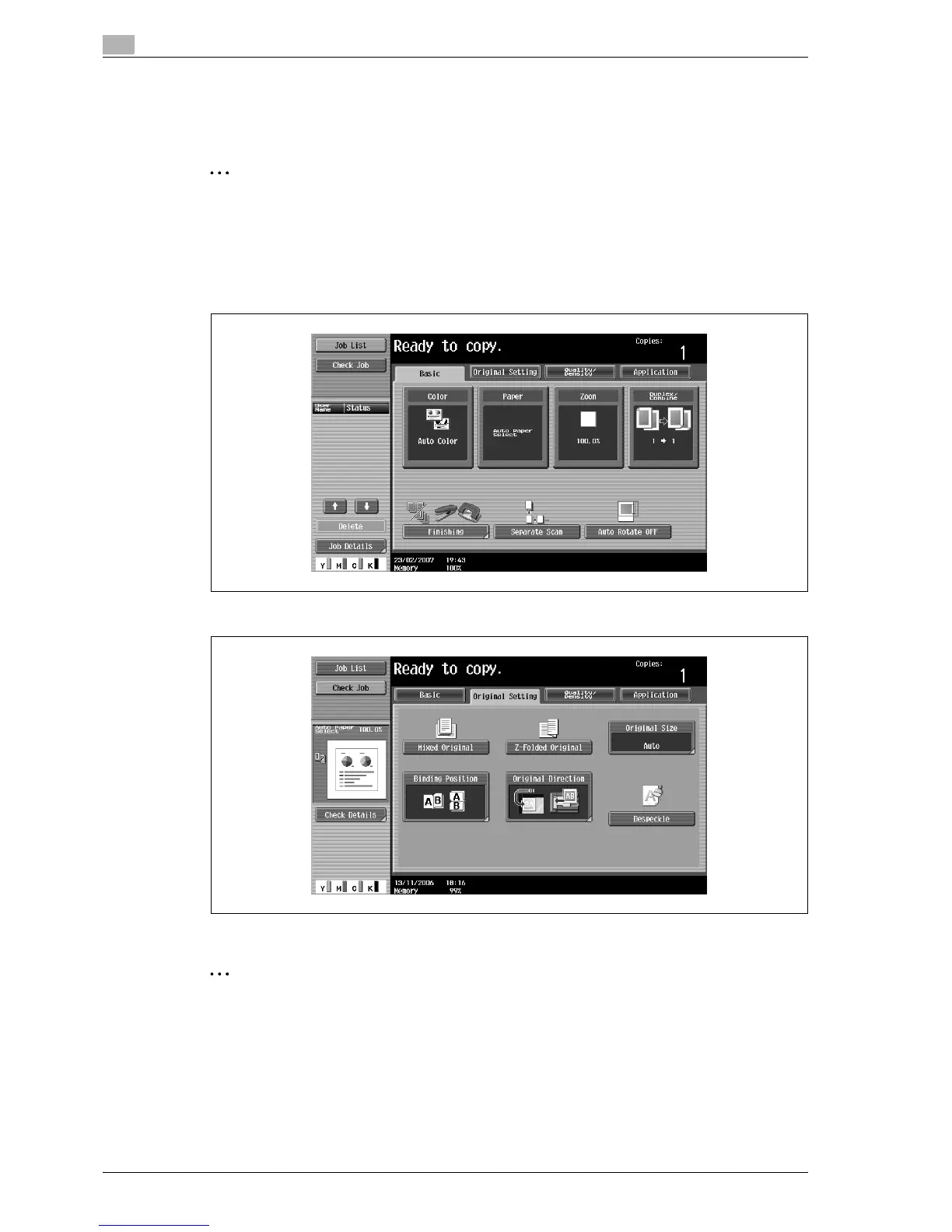
2 In the Basic screen, touch [Original Setting].
3 Touch [Despeckle].
– To cancel the "Despeckle" setting, touch [Despeckle] again to deselect it.
2
Note
The scanning speed will be reduced.



 To Next Page