7
Copy paper/originals
7-4 CS193/CS173/CS163
7.1.2 Paper types and paper capacities
7.1.3 Special paper
Paper other than plain paper, such as OHP transparencies and colored paper, is called special paper. Be sure
to select a special paper setting for paper trays loaded with media such as OHP transparencies and colored
paper. If the paper type is not correctly selected, paper misfeeds may occur.
Paper type Plain
paper
Thick
paper 1
Thick
paper 2
Thick
paper 3
Thick
paper 4
Weight
(g/m
2
)
Paper source
60 g/m
2
to
90 g/m
2
91 g/m
2
to
150 g/m
2
151 g/m
2
to
209 g/m
2
210 g/m
2
to
256 g/m
2
257 g/m
2
to
271 g/m
2
Bypass tray 150 sheets 20 sheets 20 sheets 20 sheets 20 sheets
Tray 1 and tray 2 500 sheets 150 sheets 150 sheets 150 sheets –
Single/Double paper feed cabi-
nets
500 sheets 150 sheets 150 sheets 150 sheets –
LCT 2,500 sheets 1,000 sheets 1,000 sheets 1,000 sheets –
Paper type Transparen-
cies
Postcards Envelopes Label
sheets
Banner pa-
per
Paper source 91 g/m
2
to
209 g/m
2
Bypass tray 20 sheets 20 sheets 10 sheets 20 sheets 10 sheets
Tray 1 and tray 2 – – – – –
Single/Double paper feed cabi-
nets
–––––
LCT –––––
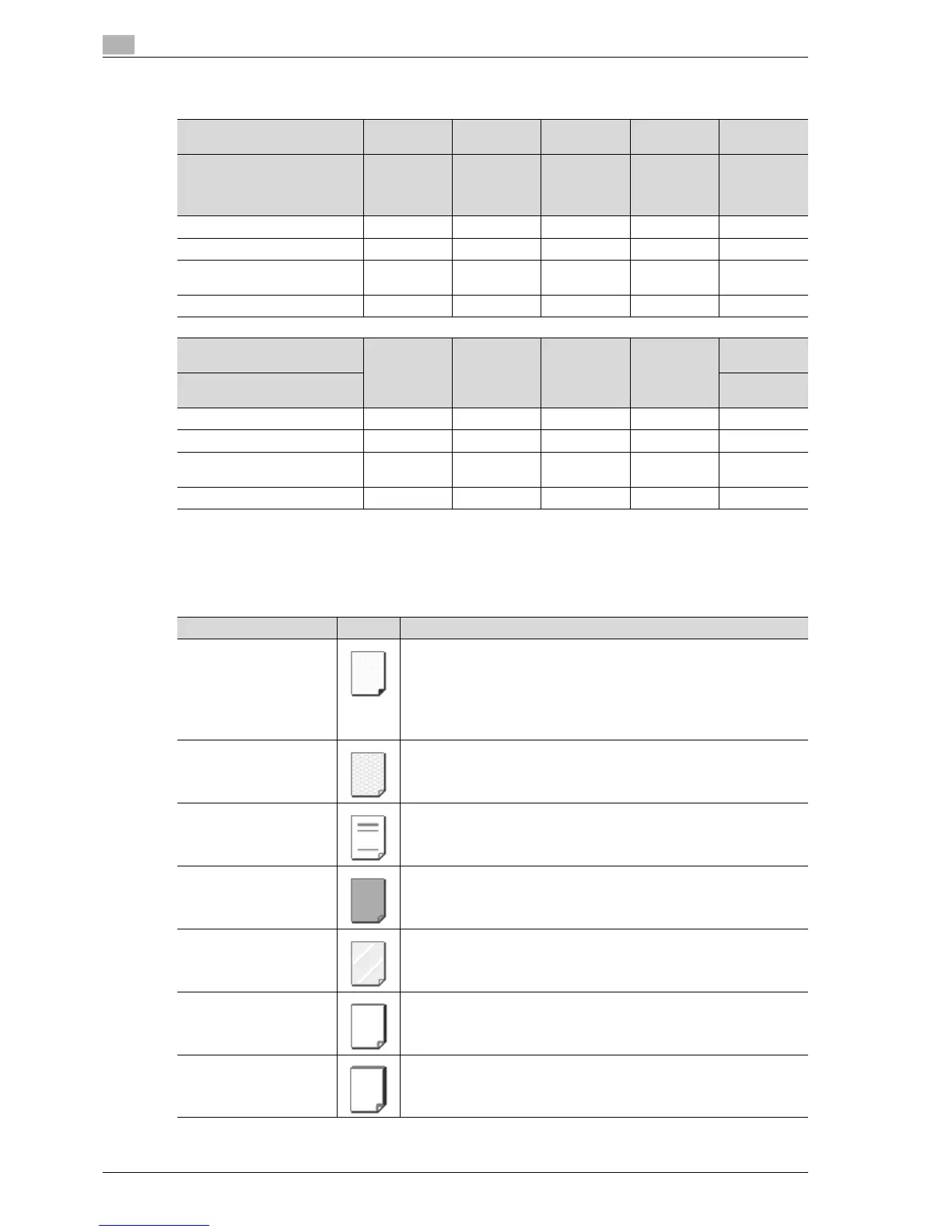
Paper type Icon Descriptions
Single Side Only Select this setting when paper that should not be used with double-sided
copying (for example, when one side has already been printed on) is loaded
as plain paper with a weight of 60 g/m
2
to 90 g/m
2
.
A paper tray with the "Single Side Only" setting selected is given priority
when the "Auto" Paper setting is specified.
A paper tray with this setting is not automatically selected during double-
sided printing.
Special Paper Select this setting when special paper, for example, high-quality paper, is
loaded as plain paper with a weight of 60 g/m
2
to 90 g/m
2
.
A paper tray with this setting is not automatically selected when the "Auto"
Paper setting is specified.
Letterhead Select this setting when paper already printed with a company name or pre-
set text is loaded as plain paper with a weight of 60 g/m
2
to 90 g/m
2
.
A paper tray with this setting is not automatically selected when the "Auto"
Paper setting is specified.
Colored Paper Select this setting when colored paper is loaded as plain paper with a
weight of 60 g/m
2
to 90 g/m
2
.
A paper tray with this setting is not automatically selected when the "Auto"
Paper setting is specified.
Transparency Select this setting when OHP transparencies are loaded.
A paper tray with this setting is not automatically selected when the "Auto"
Paper setting is specified. When selecting OHP transparencies, select the
"Black" Color setting, and then select the paper type.
Thick 1 Select this setting when the thick paper that is loaded has a weight of 91
g/m
2
to 150 g/m
2
.
A paper tray with this setting is not automatically selected when the "Auto"
Paper setting is specified.
Thick 2 Select this setting when the thick paper that is loaded has a weight of 151
g/m
2
to 209 g/m
2
.
A paper tray with this setting is not automatically selected when the "Auto"
Paper setting is specified.



 To Next Page