12
Utility mode
12-56 CS193/CS173/CS163
11 Press the [Start] key.
The printed test pattern is scanned.
When the test pattern is scanned, the gradation levels are automatically adjusted based on the scanned
image.
12 Repeat steps 6 through 11 three times.
13 Touch [Close].
12.11 Header/Footer Settings
Follow the procedures described below to specify headers/footers used with the Stamp/Composition
functions available from the Application tab.
12.11.1 Specifying headers/footers
1 Display the Administrator Settings screen.
– For details on displaying the Administrator Settings screen, refer to "Displaying the Administrator
Settings screen" on page 12-37.
2 Touch [1 System Settings].
The System Settings screen appears.
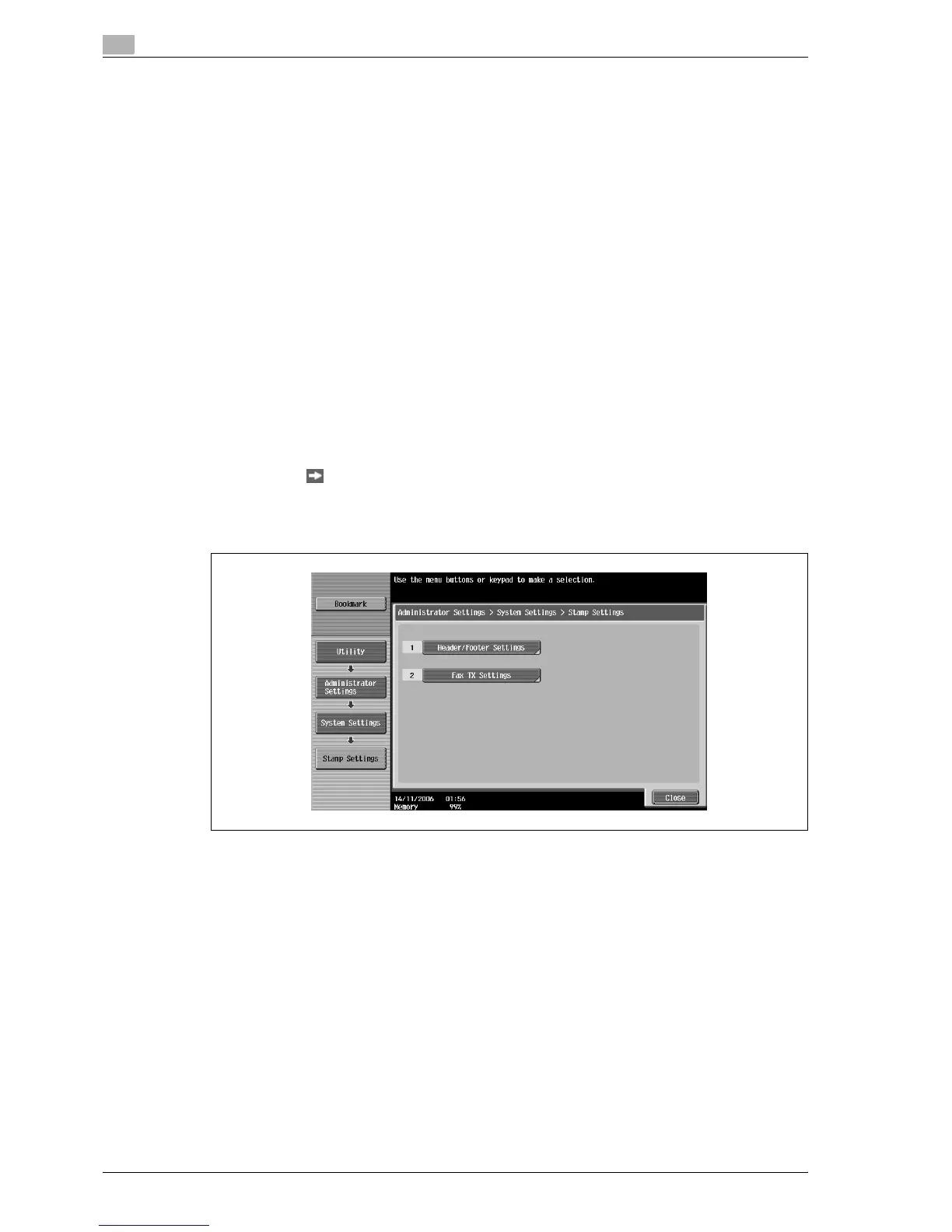
3 Touch [Forward ], and then touch [2 Stamp Settings].
The Stamp Settings screen appears.
4 Touch [1 Header/Footer Settings].
The Header/Footer Settings screen appears.



 To Next Page