CS193/CS173/CS163 12-55
Utility mode
12
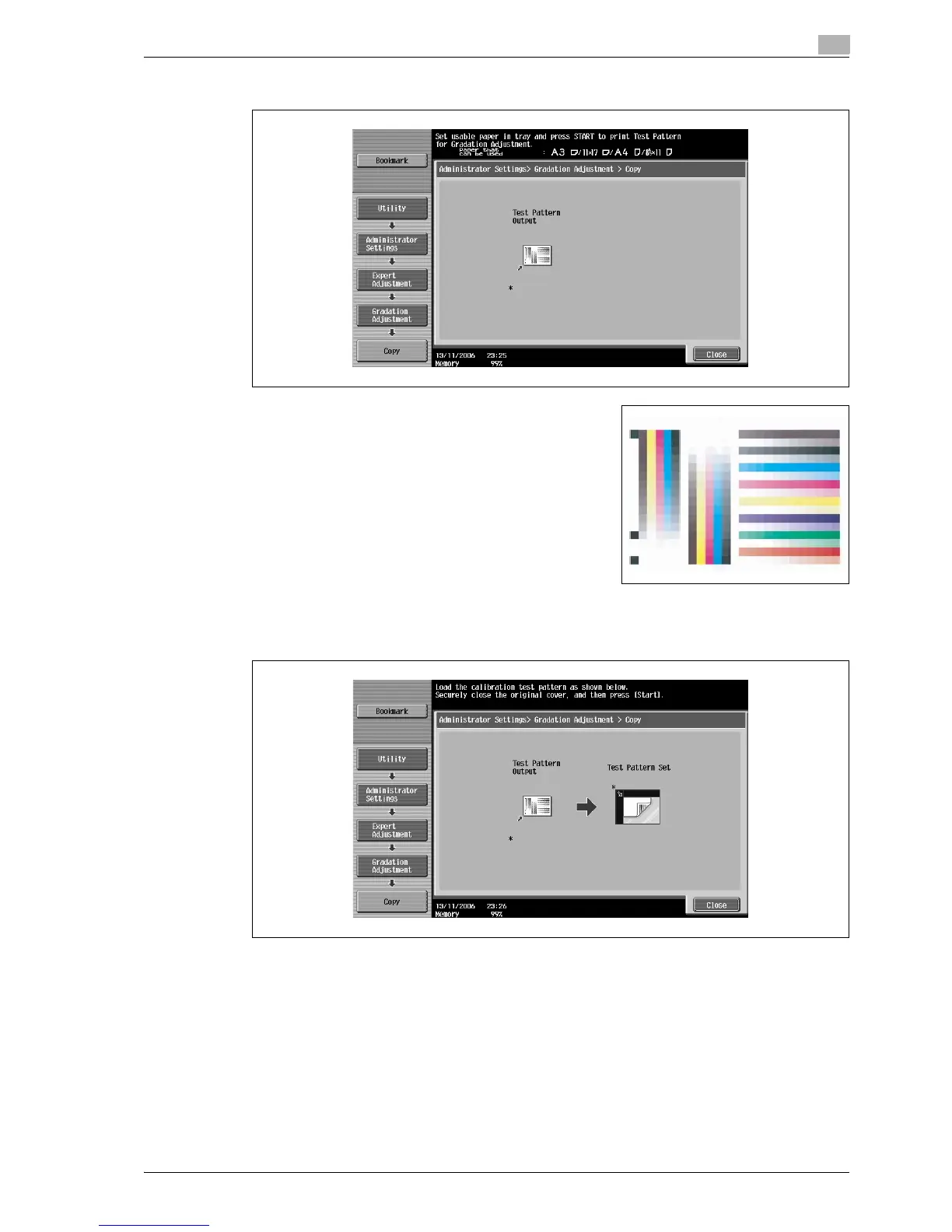
7 Press the [Start] key.
A test pattern is printed.
8 Place the printed test pattern on the original glass.
– Be sure to load the paper in the orientation shown on the screen.
9 Place on top of the test pattern 10 or more sheets of blank paper of the same size as the printed test
pattern page.
?
Why are blank pages placed on top of the test pattern?
% Place 10 sheets of blank paper on top of the test pattern to prevent it from becoming transparent.
Otherwise, the gradation levels may not be correctly adjusted.
10 Close the ADF or original cover.



 To Next Page