CS193/CS173/CS163 2-29
Before making copies
2
2.3.9 Automatically turning the machine on/off (Weekly Timer)
The machine can be set to automatically enter Sleep mode according to a usage schedule determined by the
administrator so the machine’s use can be limited.
This is the Weekly Timer.
Follow the procedure described below to use the machine while the Weekly Timer is being used.
!
Detail
As the factory default, the Weekly Timer is not set. For details on setting the Weekly Timer, refer to
"System Settings" on page 12-23.
1 Press the [Power Save] key.
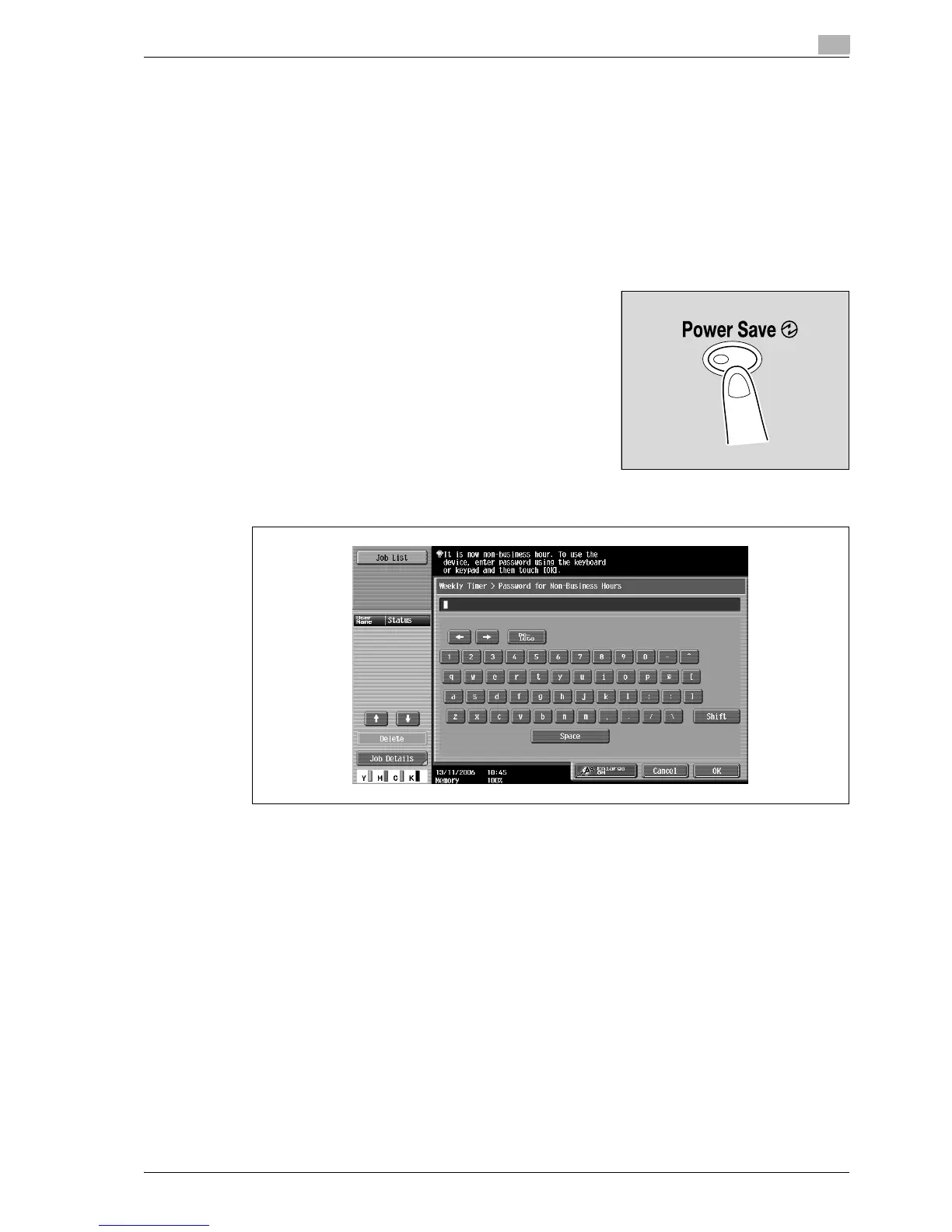
2 Type in the password (up to 8 digits) for non-business hours.
– For details on setting the password for non-business hours, refer to "System Settings" on
page 12-23.
3 Touch [OK].
The message "It is now non-business hour. Set the Sleep Mode time." appears.



 To Next Page