CS193/CS173/CS163 13-5
Appendix
13
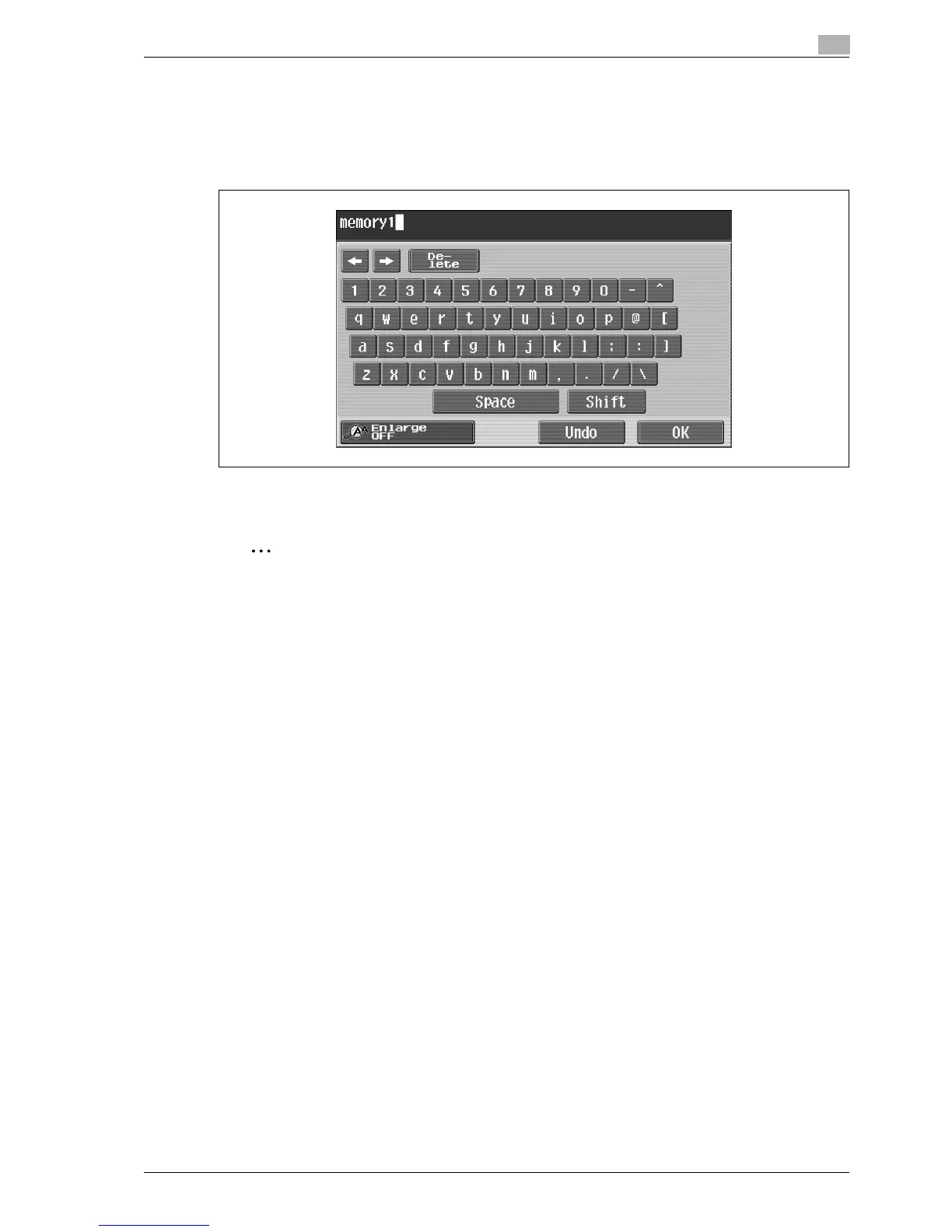
13.1.1 Enlarging the keyboard
The keyboard can be displayed larger so that it easier to read.
1 While the keyboard is displayed, touch [Enlarge ON].
The keyboard is displayed enlarged.
2 To cancel the enlarged display and return the keyboard to its normal size, touch [Enlarge OFF] while the
keyboard is displayed enlarged.
2
Note
The keyboard is used in the same way, even when it is displayed enlarged.



 To Next Page