CS193/CS173/CS163 3-77
Basic copy operations
3
3.13 Selecting a folding setting
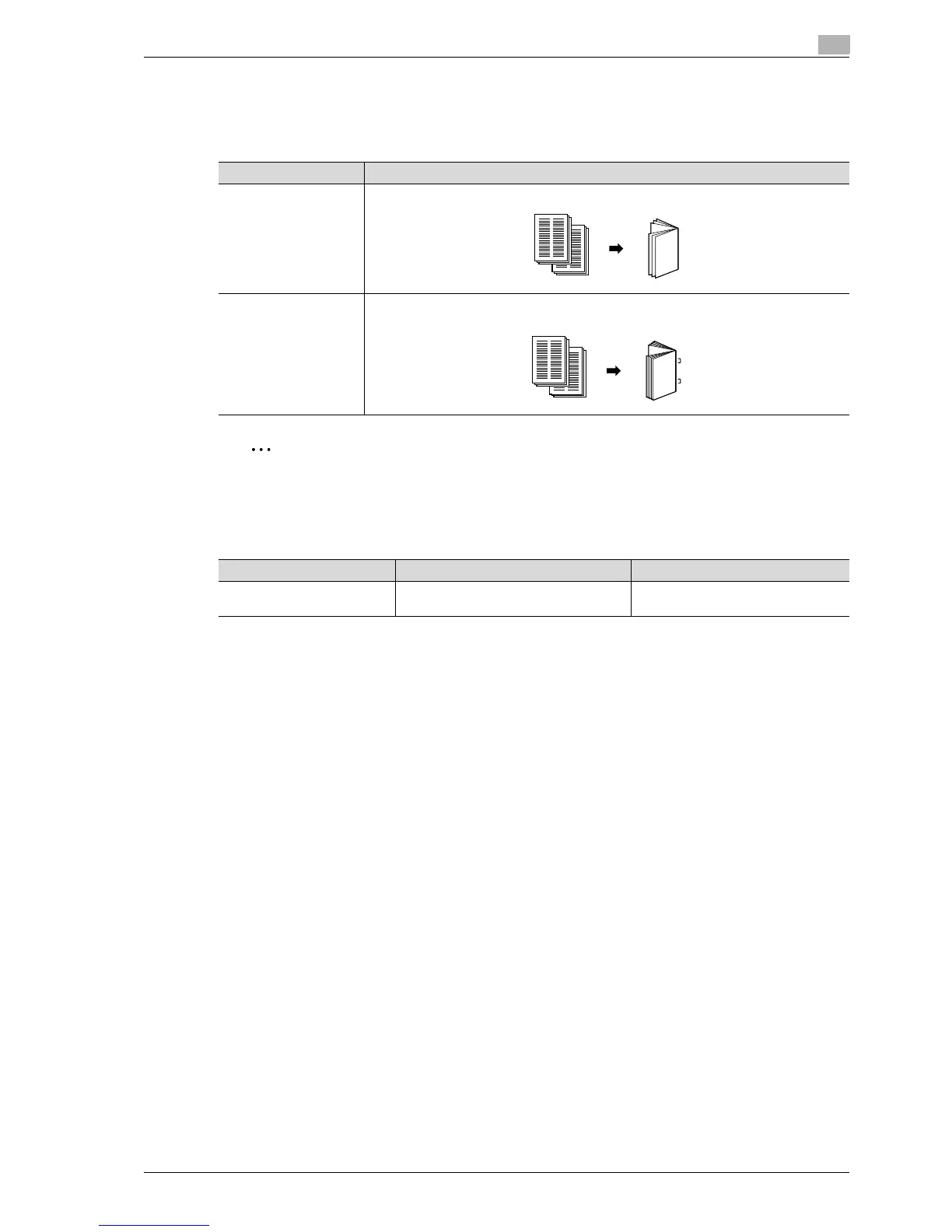
If the finisher is installed with the saddle stitcher, copies can be folded before being fed out. The following
folding settings are available.
2
Note
Copies can be folded in half or bound at the center only if finisher is installed with the saddle stitcher
attached.
3.13.1 Folding copies in half ("Half-Fold" setting)
Number of sheets folded in half
Examples of the possible number of sheets folded in half are listed below.
- 2 to 15 sheets of 90 g/m
2
paper (maximum of 60 pages)
- 1 sheet of 60 to 209 g/m
2
paper + 14 sheets of 60 to 90 g/m
2
paper (maximum of 60 pages)
- Maximum of 13 sheets of 91 to 120 g/m
2
paper
- Maximum of 10 sheets of 121 to 150 g/m
2
paper
- Maximum of 8 sheets of 151 to 209 g/m
2
paper
!
Detail
In order for copies to be bound at the center or folded in half, all of the following conditions must be met.
The paper width must be between 182 mm and 297 mm.
The paper length must be between 257 mm and 431.8 mm.
Setting Description
Half-Fold Select this setting to fold copies in half before feeding them out. (Refer to page 3-77.)
Center Staple & Fold Select this setting to staple copies at two places along the center, then fold the copies in
half before feeding them out. (Refer to page 3-79.)
Paper weight Paper size Maximum number of folded sheets
Plain paper
(60 g/m
2
to 90 g/m
2
)
B5 w, A4 w, B4 w, A3 w 200 sheets or 20 sets



 To Next Page