12
Utility mode
12-58 CS193/CS173/CS163
The header/foot name is specified.
8 Under "Header Settings" or "Footer Settings", touch [Print], and then select the type of header/footer
to be printed.
9 Select the desired setting under "Pages", and specify the desired settings for "Text Color" and "Text
Size".
10 Touch [OK].
!
Detail
To print the header/footer only on the first page, touch [1st Page Only].
12.11.2 Editing headers/footers
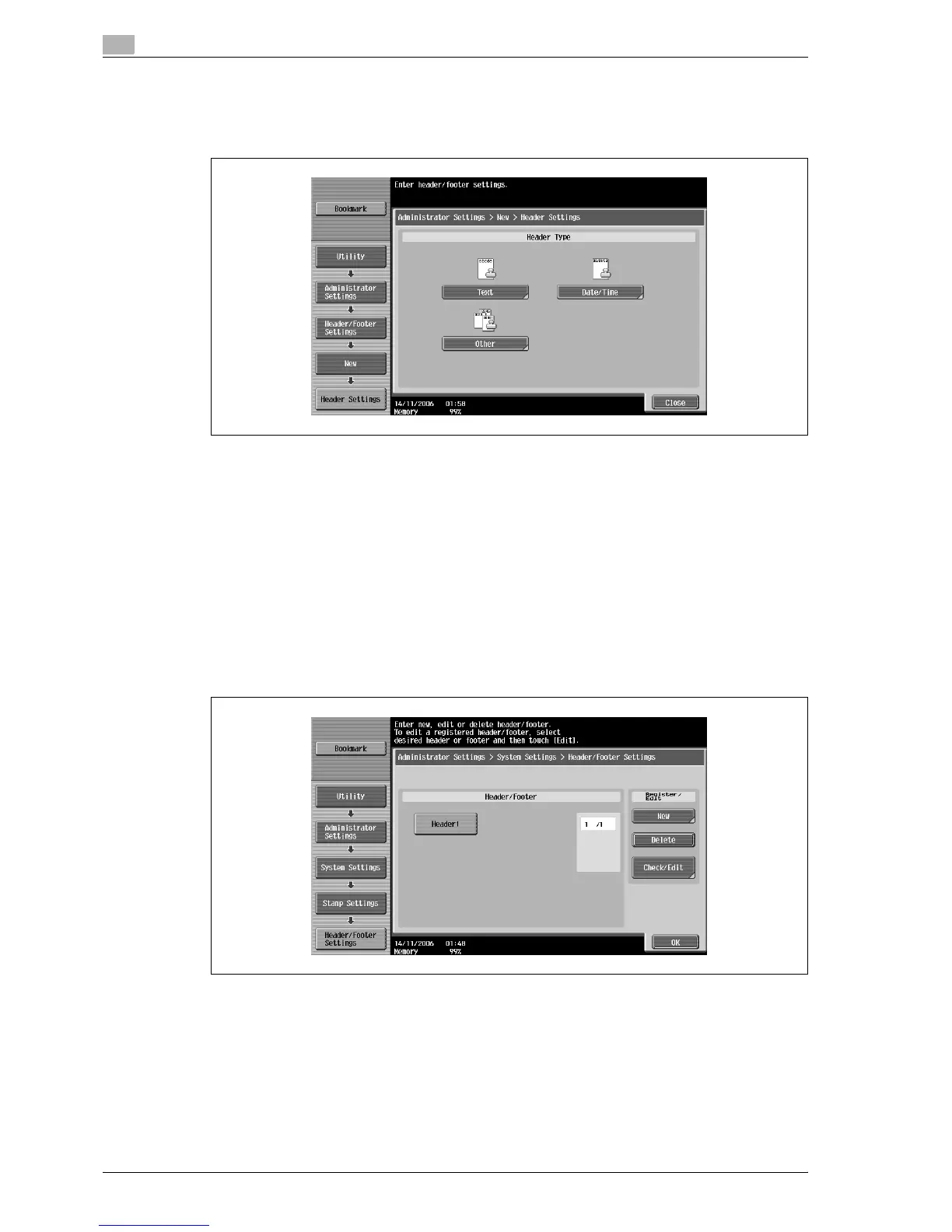
1 In the Header/Footer Settings screen, touch the button of the header/footer to be edited.
2 Touch [Check/Edit].
– To delete the header/footer, touch [Delete].
The Check/Edit screen appears.
3 Touch [OK].



 To Next Page