CS193/CS173/CS163 3-35
Basic copy operations
3
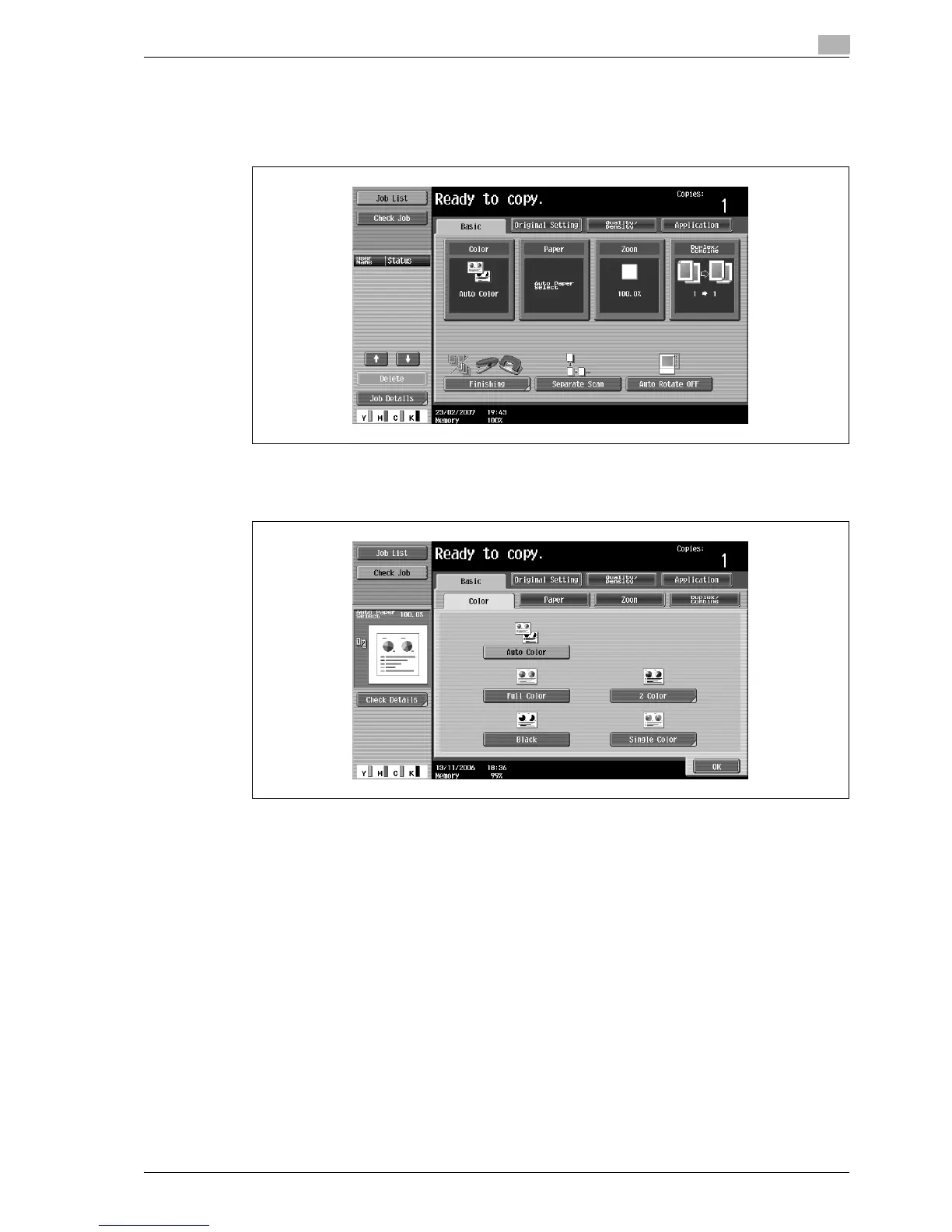
3.5.1 To select a Color setting
The following procedure describes how to select a Color setting.
1 In the Basic screen, touch [Color].
The Color screen appears.
2 Select the desired Color setting.
– If the "2 Color" setting was selected, touch the button for the desired colors, and then touch [OK].



 To Next Page