CS193/CS173/CS163 8-67
Application functions
8
8.16 Adding a binding margin to copies ("Page Margin" function)
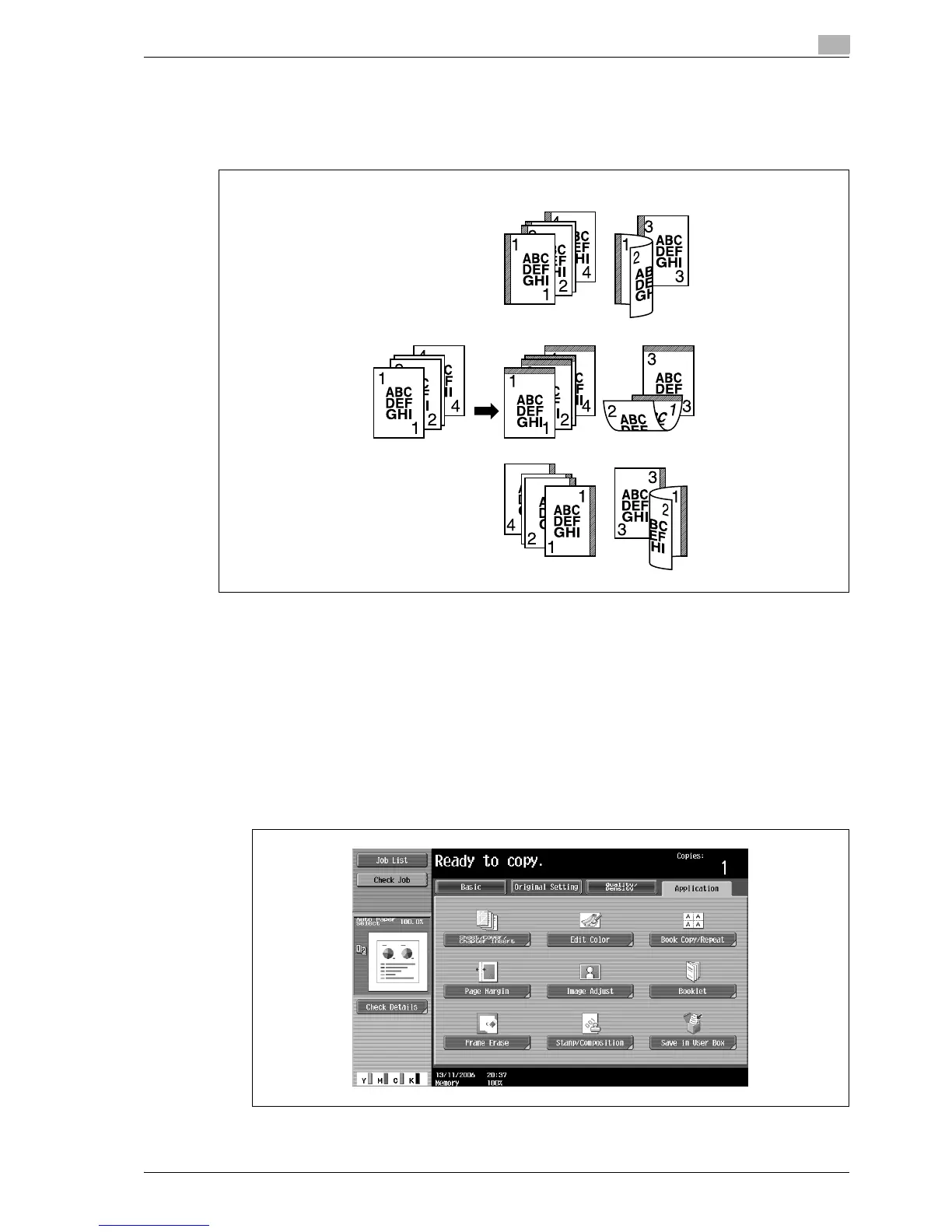
Copies can be printed with a binding margin so that the pages can easily be filed. When making double-sided
copies, the image orientation can be adjusted by specifying the position of the binding margin. In addition,
the image orientation can be adjusted without creating a binding margin.
!
Detail
If the positions of the staples or punched holes are different from the binding position, the positions of
the staples or punched holes are given priority.
1 Position the original to be copied.
– For details on positioning the original, refer to "Feeding the original" on page 3-8.
2 Touch [Application], and then touch [Page Margin].
– To cancel changes to the settings for all Application functions, press the [Reset] key. All changes to
the settings are canceled.
The Page Margin screen appears.
"Left" setting
"Top" setting
"Right" setting



 To Next Page